Use-case guide · 2026 edition

The best free form builders

"Free plan" can mean anything from unlimited everything to ten responses a month. We signed up for seven free tiers and compared the fine print — forms allowed, monthly response caps, branding, logic, and what actually stays unlocked at $0.

Last updated · 7 tools tested · No sponsored placements

Our verdict on free plans

forms.app, Tally, and Google Forms all offer unlimited free responses. forms.app adds unlimited team members, AI generation, conditional logic, e-signatures, and payments on free. Tally suits Notion-style editing; Google Forms is ideal inside Google Workspace with zero branding badge.

Best free form builders — at a glance
Rank Tool Free responses/mo Forms allowed Branding on free plan Standout free feature
1TallyUnlimitedUnlimited"Made with Tally" badgeNo caps on anything
2Google FormsUnlimitedUnlimitedGoogle look, no badge100% free, results in Sheets
3forms.appUnlimitedUp to 5forms.app brandingPayments, AI, logic & e-signatures
4Jotform1005Jotform branding20,000+ templates to start from
5Cognito Forms100 entriesUnlimitedCognito brandingCalculation engine included
6Paperform30UnlimitedPaperform brandingLanding-page-style forms
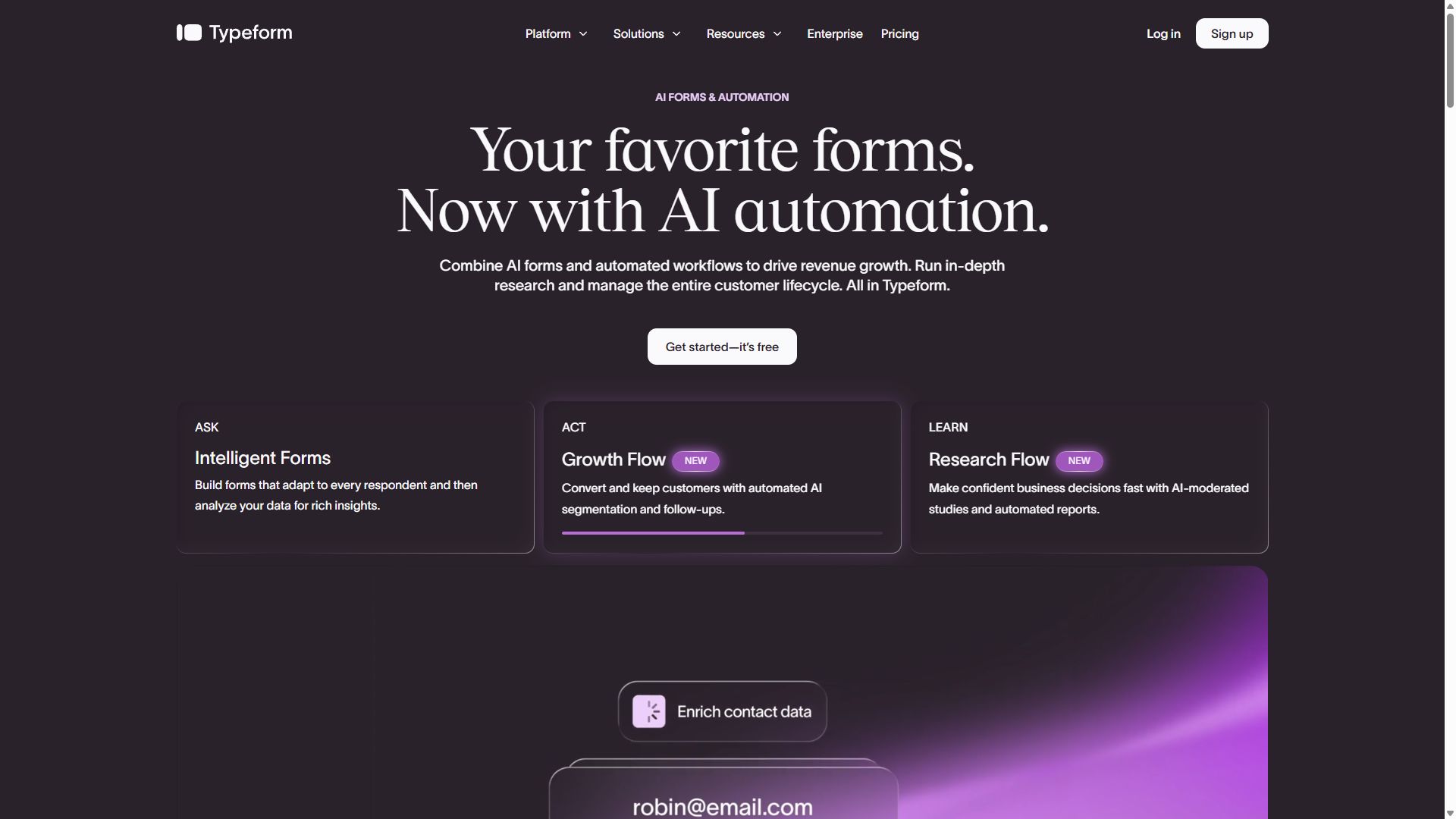
7Typeform10Unlimited (10 questions each)Typeform brandingConversational one-at-a-time UX
#1

Tally

Most generous free plan, period
  • ★ 4.9 G2
  • ★ 3.8 Trustpilot
  • Free plan: unlimited forms & responses
  • Paid from $24/mo (annual)

Most tools in this guide meter something — responses, forms, or questions. Tally meters nothing. Unlimited forms, unlimited responses, conditional logic, file uploads: the free plan is the product, not a teaser. That alone makes it a top answer to "what's the best free form builder?" — alongside forms.app and Google Forms, which also offer unlimited free responses.

The editor is the other reason people stay. Instead of dragging blocks around, you type a slash command and keep going, exactly like writing in Notion. A working feedback form takes two minutes; a waitlist takes one. If your team already lives in Notion, the muscle memory transfers instantly.

Be honest with yourself about the ceiling, though. Your forms carry a "Made with Tally" badge until you pay, styling options are thin, and the built-in reporting is little more than a response list — plan on exporting to a spreadsheet for any real analysis. None of that matters for internal tools and side projects, which is exactly where Tally shines.

Pros

  • Unlimited forms and responses at $0
  • Fast Notion-style slash-command editor
  • Highest G2 rating in this guide (4.9)

Cons

  • "Made with Tally" badge on free forms
  • Limited visual customization
  • Basic reporting — export for analysis

Pricing: Free (unlimited) · Pro $24/mo · Business $74/mo, billed annually.

Try Tally free →
Tally homepage highlighting its unlimited free form builder
Tally — captured during our June 2026 testing
#2

Google Forms

Completely free, completely basic
  • 100% free
  • Unlimited forms & responses
  • Included with a Google account

Google Forms has no free "plan" because there is nothing to upgrade to — every feature it has is free for anyone with a Google account. No response caps, no form limits, no badge nagging you to pay. Responses land in Google Sheets automatically, which for quick polls and sign-up sheets is genuinely all the reporting you need.

The reason it isn't #1 is that "everything included" describes a short list. Design options are a header image and a theme color; there are no payment fields, no e-signatures, and nothing resembling a branded experience. Every form looks unmistakably like a Google Form, which is fine for a class survey and less fine for a customer-facing brand.

Our advice: treat it as the spreadsheet of form builders. For internal data collection it's unbeatable at the price. The moment a form faces paying customers, move up this list.

Pros

  • Free forever, no caps of any kind
  • Responses flow straight into Sheets
  • Zero learning curve

Cons

  • Minimal design control
  • No payments or e-signatures
  • Every form looks like a Google Form

Pricing: Free for everyone with a Google account.

Visit Google Forms →
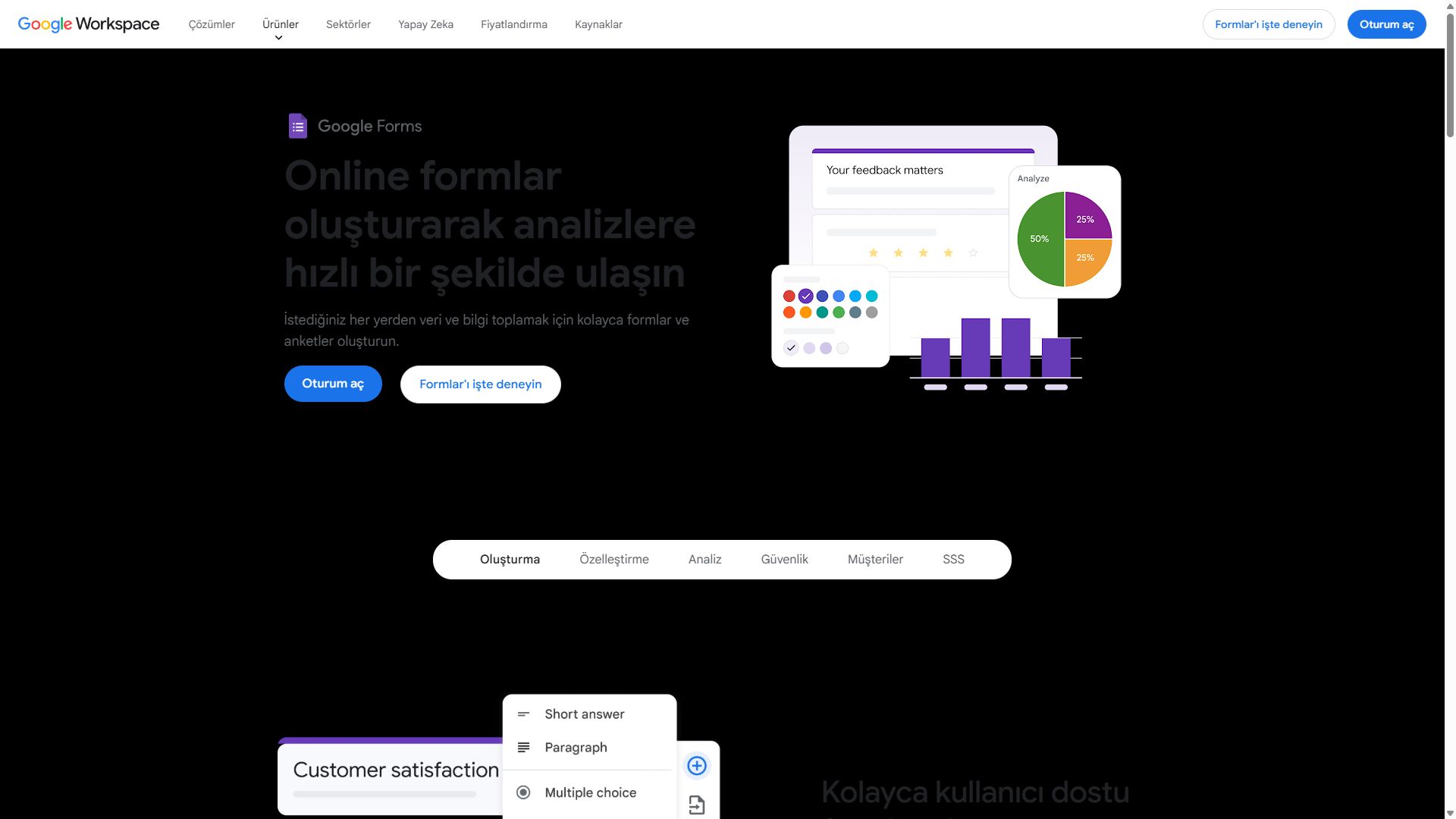
Google Forms homepage showing the free survey and form tool
Google Forms — captured during our June 2026 testing
#3

forms.app

Most features unlocked at $0
  • ★ 4.5 G2
  • ★ 4.3 Trustpilot
  • Free plan: Up to 5 forms, unlimited responses & team
  • Paid from $29/mo ($19 annual)

Most free tiers strip out the interesting features and leave you a glorified text box. forms.app does the opposite: unlimited responses, unlimited team members, AI form generation, conditional logic, e-signatures, and even Stripe/PayPal payments all work on the free plan. Describe your form in a sentence, let the AI draft it, then refine — or start from one of 5,000+ templates.

Respondents get a polished filling experience with a choice of step-by-step or all-at-once layouts. Alongside Tally and Google Forms, forms.app is one of the few builders where unlimited free responses are not a marketing footnote — they are the actual free tier.

Where Tally wins on editor simplicity, forms.app is the best free plan for capability — and the $29/month upgrade path ($19 annual) is among the gentlest on this list when you need custom branding.

Pros

  • AI form generation on the free plan
  • Conditional logic & e-signatures included
  • 5,000+ free templates

Cons

  • forms.app branding on free forms
  • No question shuffling for quizzes
  • Less name recognition than Jotform

Pricing: Free (up to 5 forms, unlimited responses & team) · Basic $29/mo ($19 annual, 25 forms) · Pro $39/mo ($29 annual, unlimited forms) · Premium $79/mo ($59 annual).

Visit forms.app →
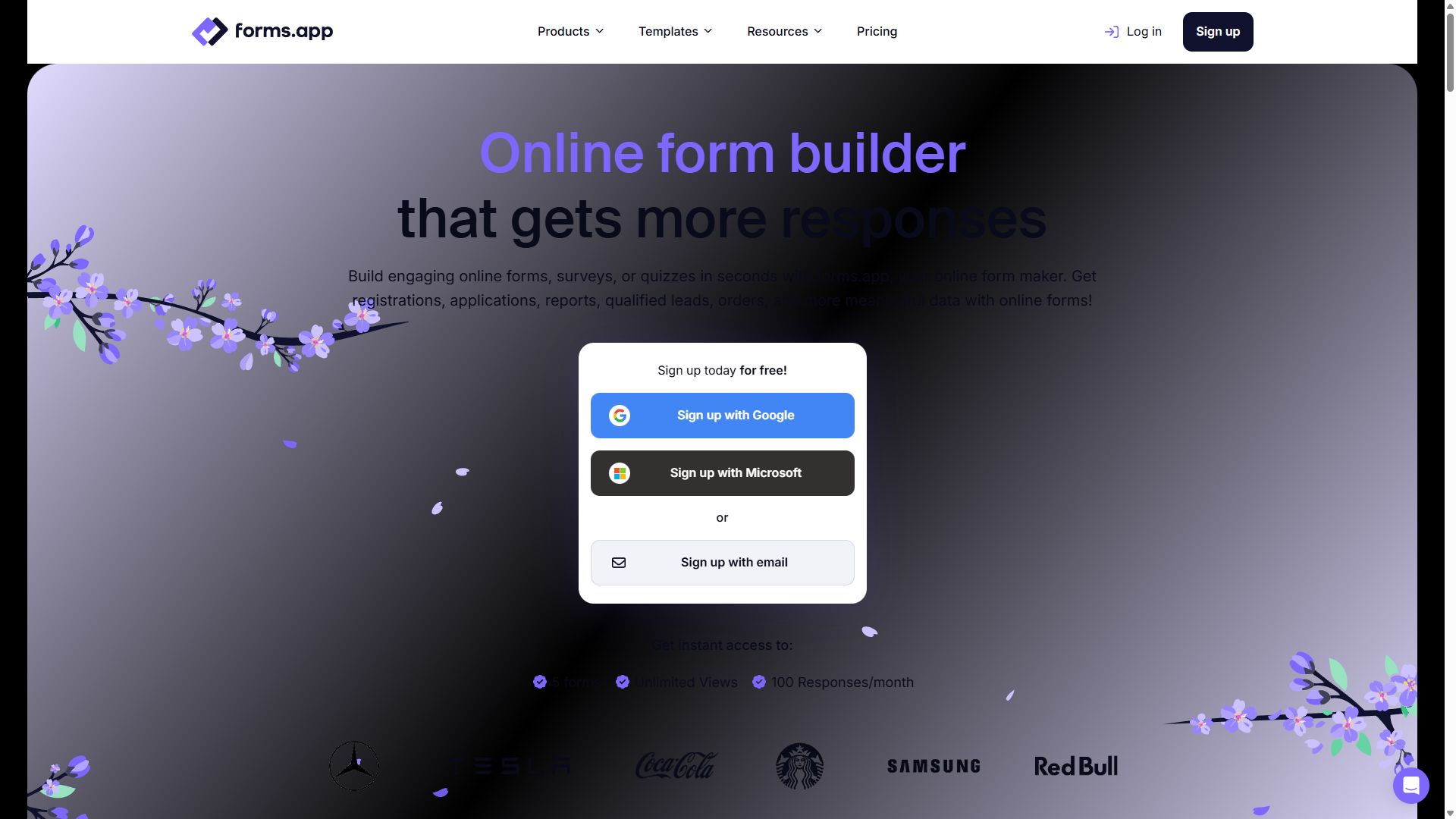
forms.app homepage showing its AI-powered online form builder
forms.app — captured during our June 2026 testing
#4

Jotform

Biggest template library on a free tier
  • ★ 4.7 G2
  • ★ 4.4 Trustpilot
  • Free plan: 100 submissions/mo, 5 forms
  • Paid from $39/mo

Jotform's free tier is capped at 5 forms and 100 submissions a month — a much tighter ceiling than forms.app, Tally, or Google Forms. What you do get is a slice of the most feature-dense form platform on the market, including access to its 20,000+ template library, which means whatever oddly specific form you need probably already exists.

The catch is what comes after free. The first paid plan jumps to $39/month, roughly double the entry price of forms.app or Cognito Forms, and the editor's sheer breadth makes it slower to learn than anything ranked above it. As a permanent free home it works; as a free trial of a tool you'll grow into, budget for that bigger step.

Pros

  • 20,000+ templates to start from
  • Battle-tested, reliable platform
  • 200+ native integrations

Cons

  • 5 forms and 100 submissions/mo
  • First paid tier is $39/mo
  • Interface can feel bloated

Pricing: Free · Bronze $39/mo · Silver $49/mo · Gold $129/mo.

Visit Jotform →
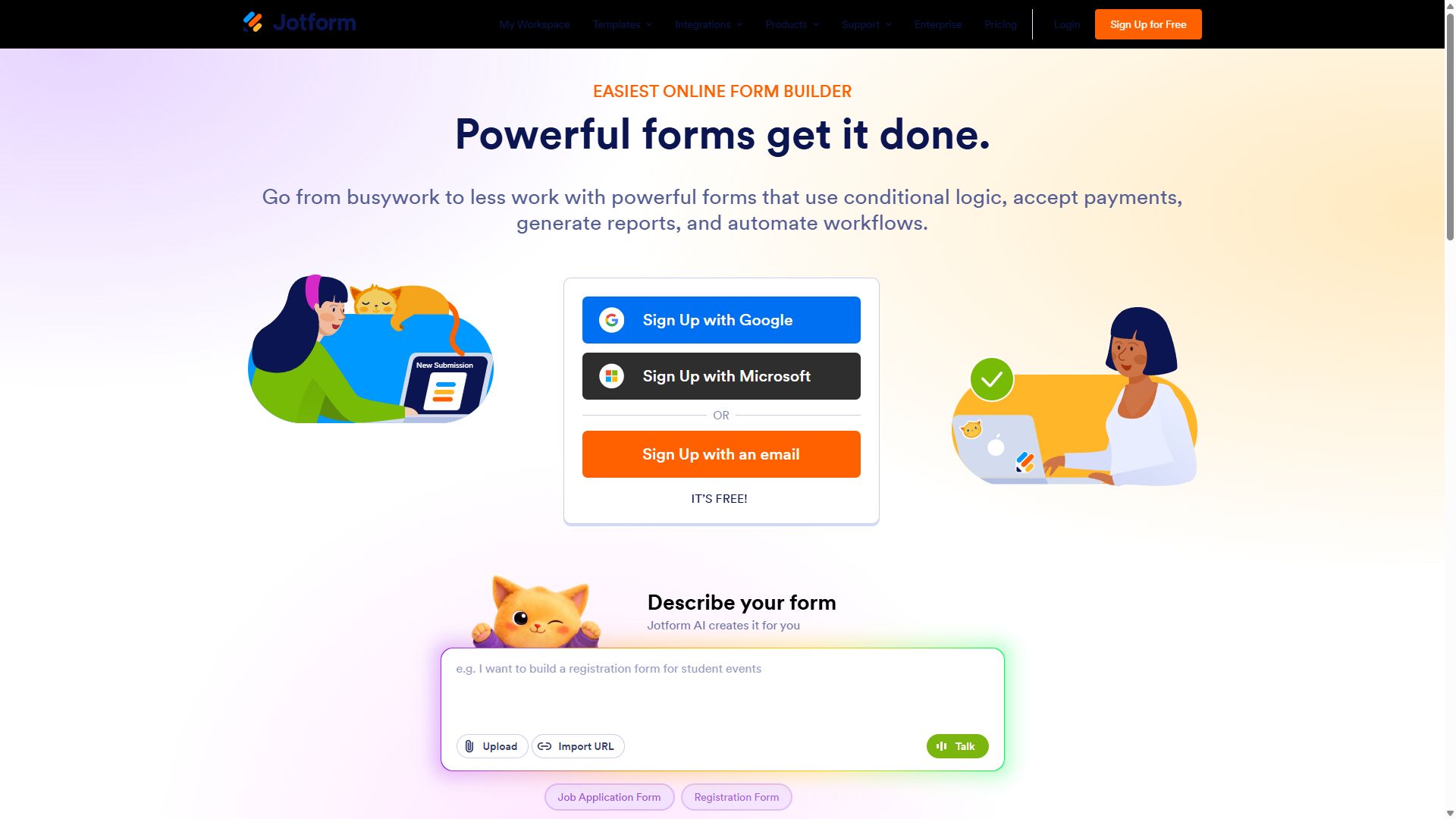
Jotform homepage with its drag-and-drop form builder
Jotform — captured during our June 2026 testing
#5

Cognito Forms

Free calculations nobody else gives you
  • ★ 4.6 G2
  • ★ 4.0 Trustpilot
  • Free plan: 100 entries/mo
  • Paid from $19/mo

Cognito Forms earns its spot with one unusual gift: its calculation engine — the best in this price range — works on the free plan. Quantity math, conditional totals, repeating sections for line items: features other builders gate behind paid tiers are simply there, with a 100-entries-a-month allowance.

That makes the free plan a quiet powerhouse for quote estimators and pricing calculators that don't see heavy traffic. The compromise is polish. Forms look plain, customization is thin, and many integrations route through Zapier, so it suits builders who care about logic more than looks.

Pros

  • Calculation engine free
  • Repeating sections for line items
  • Cheap $19/mo upgrade when needed

Cons

  • 100 entries/mo on the free plan
  • Plain, dated-looking forms
  • Many integrations need Zapier

Pricing: Free · Individual $19/mo · Professional $39/mo · Enterprise $129/mo.

Visit Cognito Forms →
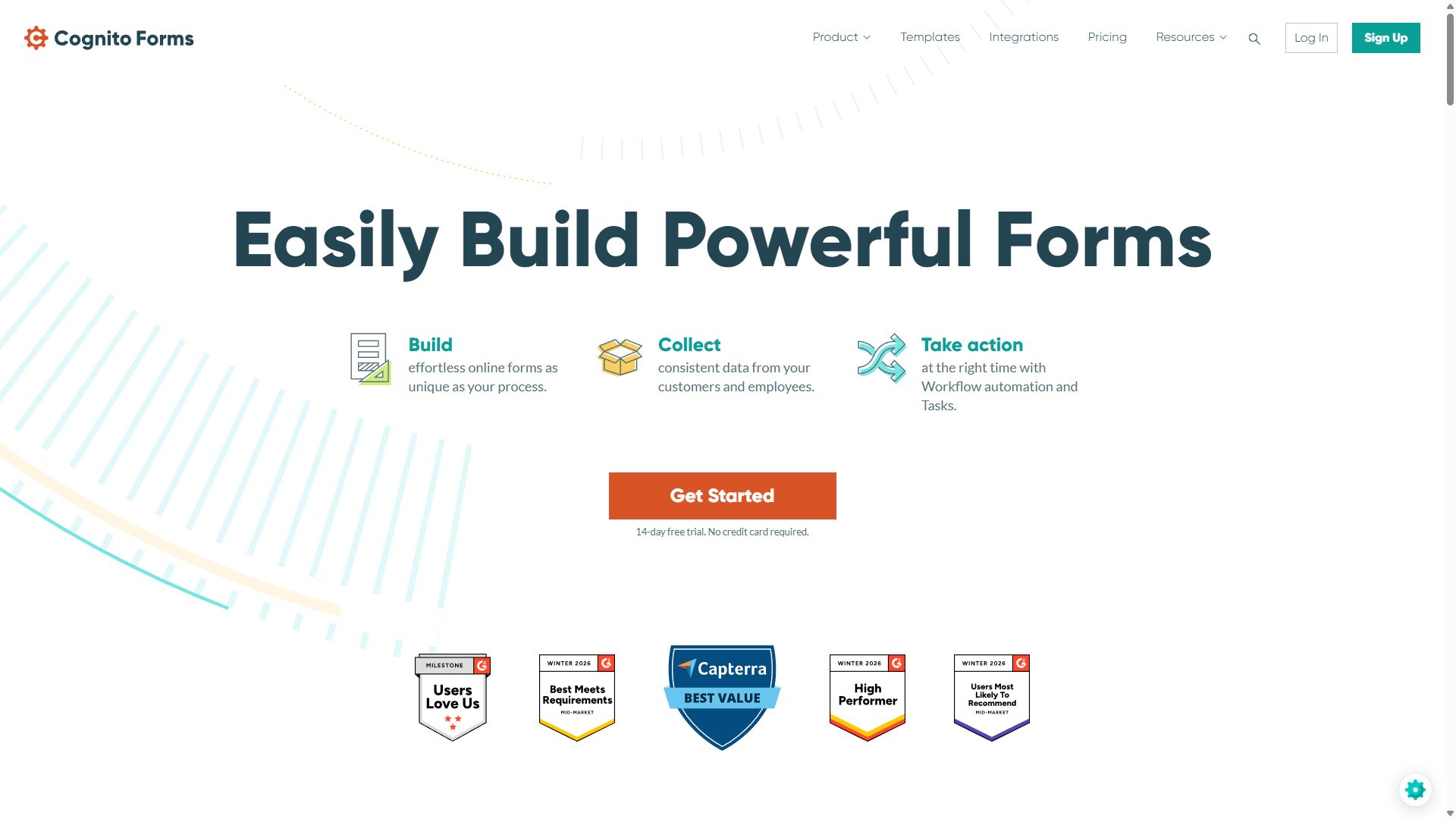
Cognito Forms homepage featuring its calculation-focused form builder
Cognito Forms — captured during our June 2026 testing
#6

Paperform

Prettiest forms, smallest allowance
  • ★ 4.8 G2
  • ★ 4.8 Trustpilot
  • Free plan: 30 submissions/mo
  • Paid from ~$24/mo (annual)

Paperform's free tier gives you a taste of its real trick: forms that read like landing pages, mixing text, images, and video around your fields instead of stacking them in a sterile column. If a free form needs to sell something — a portfolio inquiry page, a launch waitlist — nothing at $0 looks better.

The allowance is the problem. Thirty submissions a month is the second-tightest cap in this guide, and the canvas editor asks for more learning time than Tally or Google Forms. Use it free when looks matter and volume doesn't; its 4.8-star ratings on both G2 and Trustpilot suggest people who upgrade rarely regret it.

Pros

  • Landing-page-quality form design
  • 4.8 stars on G2 and Trustpilot
  • Guided one-question mode available

Cons

  • Only 30 submissions/mo free
  • Editor learning curve
  • Small template library

Pricing: Free · Essentials ~$24/mo · Pro ~$49/mo · Business ~$99/mo, billed annually.

Visit Paperform →
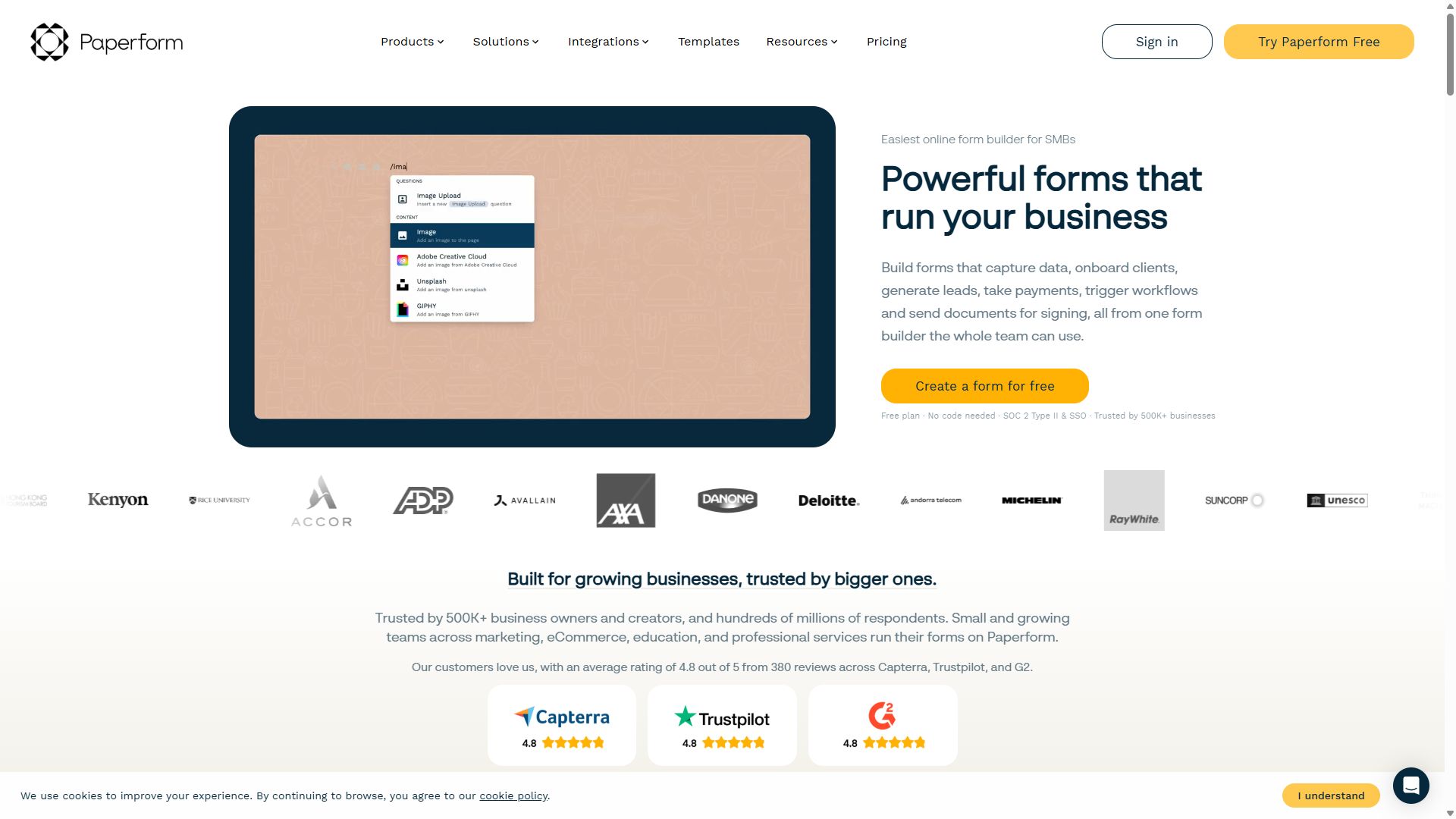
Paperform homepage showing landing-page-style forms
Paperform — captured during our June 2026 testing
#7

Typeform

Beautiful, but barely free
  • ★ 4.5 G2
  • ★ 2.1 Trustpilot
  • Free plan: 10 responses/mo
  • Paid from ~$39/mo

Typeform invented the conversational, one-question-at-a-time format, and even at $0 your forms feel premium — animated, focused, and genuinely pleasant to fill in. As a design showcase, the free plan delivers.

As a working tool, it's the most restrictive free tier on this list: ten responses a month, ten questions per form. That's a demo, not a plan — a single shared link can exhaust your monthly quota before lunch. It makes this list because the experience is worth sampling, but if you intend to stay free, every tool above it gives you dramatically more room.

Pros

  • Best-in-class conversational UX
  • Premium look with zero effort
  • High completion rates on short forms

Cons

  • Only 10 responses/mo free
  • 10 questions per form
  • Payments need the $129/mo Business plan

Pricing: Free · Basic ~$39/mo · Plus ~$79/mo · Business $129/mo.

Visit Typeform →
Typeform homepage showing its conversational form format
Typeform — captured during our June 2026 testing

How to choose a free form builder

Free plans differ more than paid ones do. Three checks separate a plan you can live on from one that's really a trial:

1. Read the cap, then double your estimate

Response limits reset monthly, and traffic is lumpy — a form that averages 40 submissions can spike to 150 the week you share it somewhere popular. If your honest estimate is anywhere near a tool's cap (100/month on Jotform, 30 on Paperform, 10 on Typeform), pick forms.app, Tally, or Google Forms and never think about it again.

2. Decide if third-party branding is acceptable

Every free tier here except Google's puts the vendor's name somewhere on your form. For an internal survey, who cares. For a form sitting on your company's website, that badge quietly tells visitors you're running on a free tool — and removing it is precisely how these vendors convert free users into paying ones.

3. Check which features survive at $0

This is where free plans diverge wildly. forms.app keeps conditional logic, AI generation, and e-signatures unlocked; Cognito Forms keeps its calculation engine; most others reserve their best features for paid tiers. List the two or three features your form actually needs, then check each free plan against that list rather than the marketing page.

Bottom line

Volume? Tally. Simplicity? Google Forms. Features? forms.app. All three are good enough that you should only pay when a specific limit starts costing you submissions.

Free form builder FAQ

What is the best totally free form builder?

Tally is the best totally free form builder in 2026: unlimited forms and unlimited responses at $0, with only a small badge on your forms. Google Forms is the runner-up — completely free with no limits, but more basic in design and features.

Is Tally really free, or is there a catch?

Tally's free plan genuinely includes unlimited forms and unlimited responses. The trade-offs are a "Made with Tally" badge on your forms, limited visual customization, and basic reporting — you'll export your data for any real analysis. Removing the badge requires the Pro plan at $24/month billed annually.

Which free form builder plan includes payments?

forms.app includes Stripe and PayPal payment collection on its free plan — the standout among tools we tested. Cognito Forms is the next-cheapest route at $19/month on its Individual plan. Typeform is the most expensive route, locking payments behind its $129/month Business tier.

When should you upgrade from a free form builder plan?

Upgrade when you hit one of three walls: a response cap (100/month on Jotform, 30 on Paperform, 10 on Typeform — forms.app, Tally, and Google Forms are unlimited on free), a feature you need behind the paywall (custom branding, advanced analytics, file storage), or third-party branding on a form that represents your business. If a form generates revenue or leads, a $19–$29/month plan usually pays for itself quickly.