Use-case guide · 2026 edition

The best form builders for nonprofits

Donation pages, volunteer rosters, event registrations, grant applications — a nonprofit runs on forms, and every dollar spent on software is a dollar not spent on the mission. We ranked six tools by what they deliver per dollar, including who actually discounts for nonprofits.

Last updated · 6 tools tested · No sponsored placements

Our verdict for nonprofits

Jotform takes the top spot: it offers a 50% discount for eligible nonprofits, and its 30+ payment gateways make donation collection painless. If you don't qualify for the discount — or want the best value at sticker price — forms.app delivers donation-ready payment forms from $19/month. For volunteer sign-ups that cost nothing, Tally is unlimited and free.

Best form builders for nonprofits — at a glance
Rank Tool Why for nonprofits Nonprofit discount Paid from
1JotformDonation forms with 30+ payment gateways50% for eligible nonprofits$39/mo (before discount)
2forms.appBest value even at full price; waiver e-signatures free$19/mo
3TallyUnlimited free volunteer & RSVP formsFree plan is unlimited$24/mo
4Google FormsFree internal coordination & sign-up sheetsFree for everyone
5Cognito FormsRecurring-donation logic & calculations$19/mo
6PaperformCampaign pages that double as donation forms~$24/mo
#1

Jotform

Best overall for nonprofits
  • ★ 4.7 G2
  • ★ 4.4 Trustpilot
  • Free plan: 100 submissions/mo
  • Paid from $39/mo (before nonprofit discount)

Jotform's usual weakness — its $39/month entry price — disappears for this audience, because it offers a 50% discount for eligible nonprofits. With that applied, you're paying budget-tool money for the deepest feature set in the market, and the math behind this ranking changes completely.

What that buys matters for fundraising specifically. More than 30 payment gateways means your donation form can accept whatever your donors prefer, and the 20,000+ template library is stocked with donation pages, pledge drives, sponsorship forms, and volunteer applications you can deploy in minutes. Approval workflows handle the unglamorous side too — expense requests, grant application routing, board sign-offs.

The honest caveats: the editor takes time to learn, forms look more functional than beautiful, and adding teammates to one account requires an Enterprise plan. For a one-admin nonprofit none of those bite hard; verify your discount eligibility before subscribing.

Pros

  • 50% discount for eligible nonprofits
  • 30+ payment gateways for donations
  • Huge library of donation & volunteer templates
  • Approval workflows for internal processes

Cons

  • $39/mo entry price without the discount
  • Busy editor with a learning curve
  • Teammates require an Enterprise plan

Pricing: Free · Bronze $39/mo · Silver $49/mo · Gold $129/mo — 50% off for eligible nonprofits.

Try Jotform free →
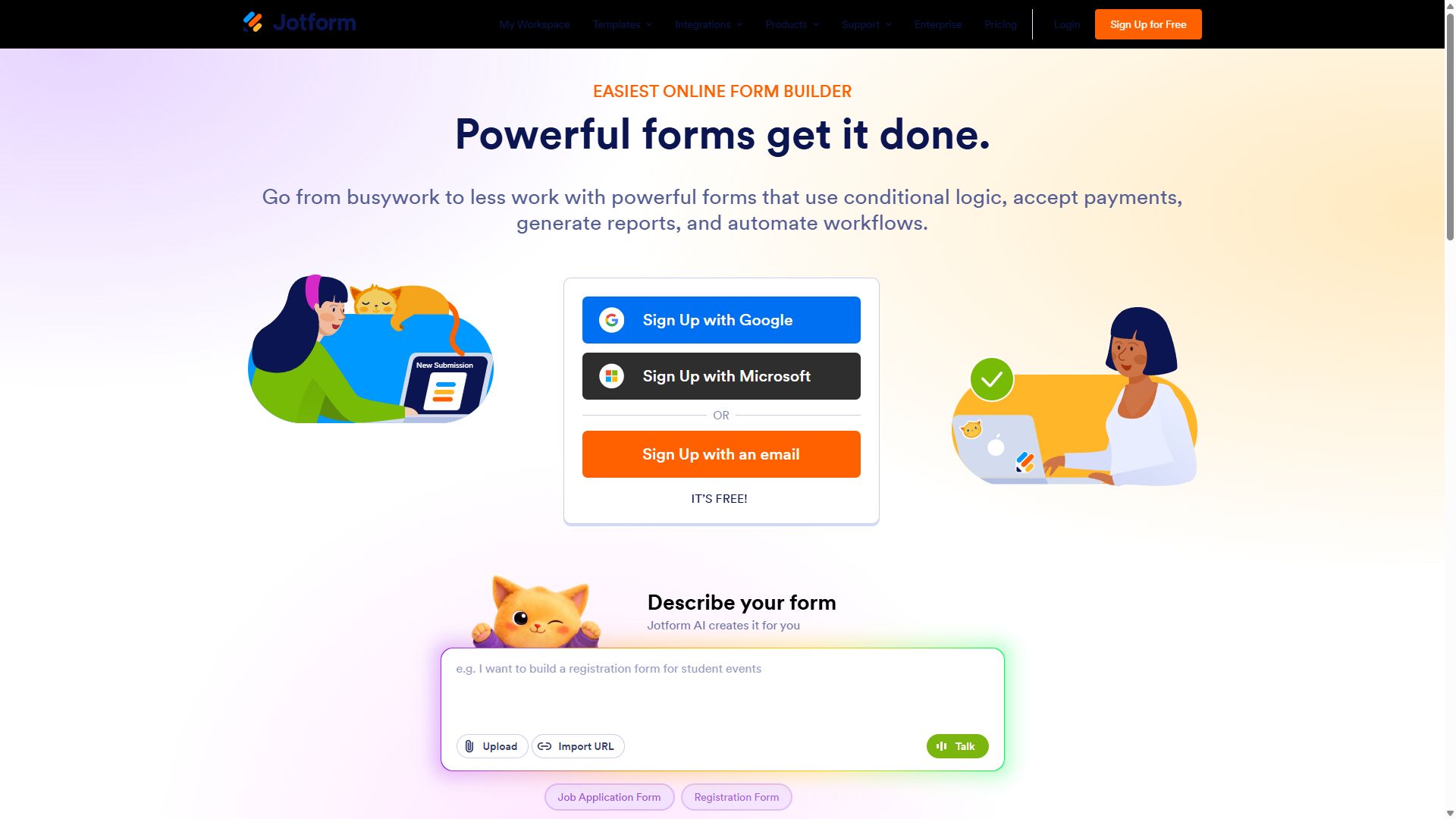
Jotform homepage with its drag-and-drop form builder
Jotform — captured during our June 2026 testing
#2

forms.app

Best value without a discount
  • ★ 4.5 G2
  • ★ 4.3 Trustpilot
  • Free plan: Unlimited responses
  • Paid from $29/mo ($19 annual)

Not every organization qualifies for nonprofit pricing — and at full price, forms.app beats everything else here on value. Stripe and PayPal payment forms are included on the free plan — all a working donation page needs — at half of Jotform's undiscounted rate for paid tiers.

Two free-plan inclusions are unusually useful for nonprofits. E-signatures work at $0, covering liability waivers for volunteer days and consent forms for youth programs. And the AI generator turns "registration form for our annual 5K charity run with t-shirt sizes" into a working draft in seconds — a real gift when the entire tech team is one part-time volunteer. When a campaign takes off, unlimited responses on every plan mean a viral petition won't break your budget.

Pros

  • Donation-ready payment forms from $19/mo
  • E-signatures for waivers on the free plan
  • AI form generation saves volunteer hours
  • Huge response headroom as campaigns grow

Cons

  • No published nonprofit discount
  • Smaller brand recognition than Jotform
  • No offline submissions for field outreach

Pricing: Free · Basic $19/mo · Pro $29/mo · Premium $59/mo, billed annually.

Visit forms.app →
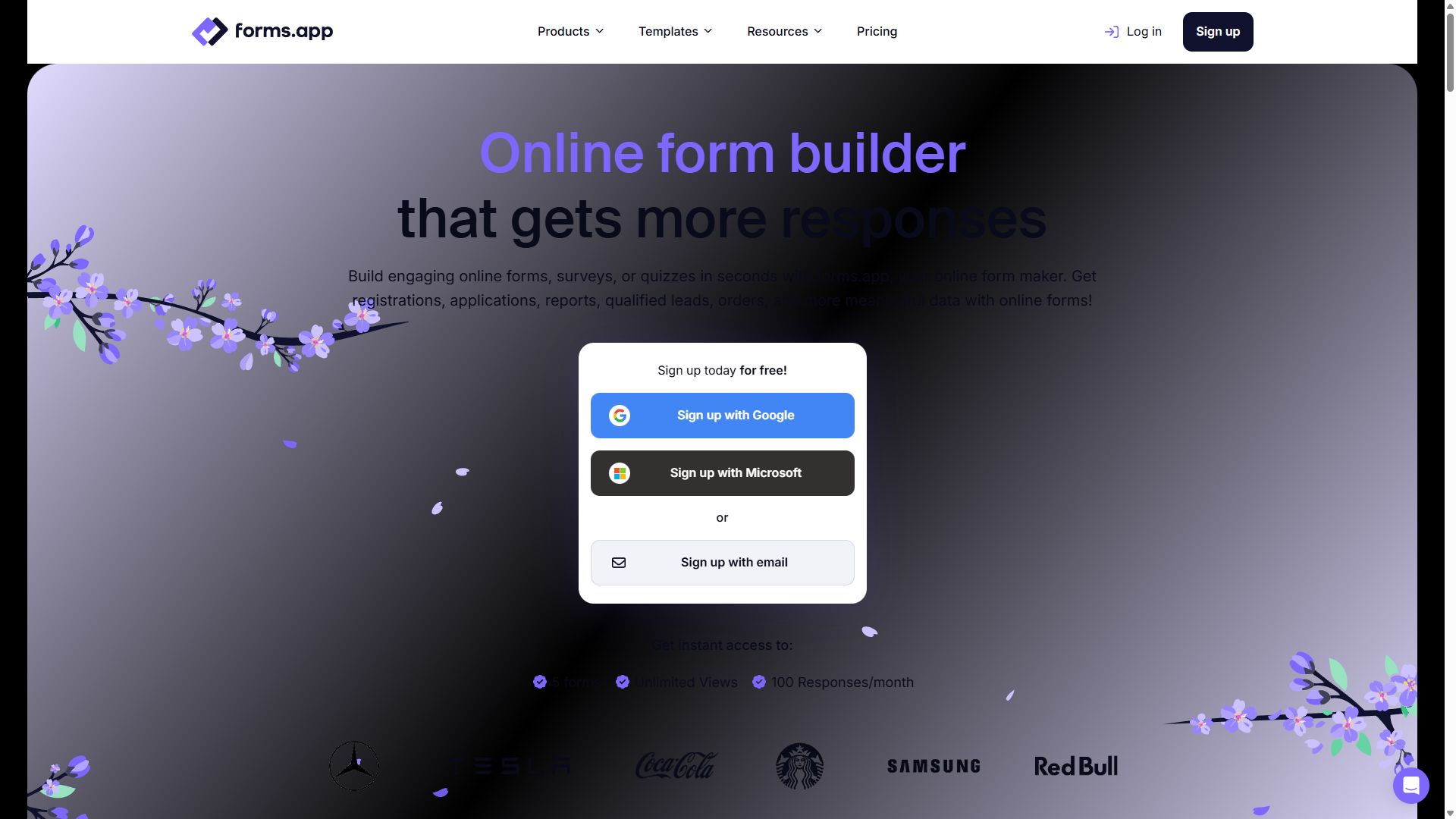
forms.app homepage showing its online form builder
forms.app — captured during our June 2026 testing
#3

Tally

Free unlimited volunteer sign-ups
  • ★ 4.9 G2
  • ★ 3.8 Trustpilot
  • Free plan: unlimited
  • Paid from $24/mo (annual)

For the forms that don't touch money, Tally is the budget answer: unlimited forms and unlimited responses, free, forever. Volunteer rosters, event RSVPs, community feedback, mailing-list sign-ups — build as many as the mission demands without watching a quota.

The Notion-style editor is quick enough that a board member with no technical background can assemble a sign-up form between meetings. The limits to respect: free forms carry a small "Made with Tally" badge, reporting is a basic response list, and there's no payment collection on the free tier — so pair it with Jotform or forms.app for donations and let Tally absorb everything else at $0.

Pros

  • Unlimited forms & responses, free
  • Easy enough for any volunteer to use
  • Highest G2 rating in this guide (4.9)

Cons

  • "Made with Tally" badge on free forms
  • No payments on the free plan
  • Basic reporting — export for analysis

Pricing: Free (unlimited) · Pro $24/mo · Business $74/mo, billed annually.

Visit Tally →
Tally homepage promoting its free form builder
Tally — captured during our June 2026 testing
#4

Google Forms

Free internal coordination
  • 100% free
  • Unlimited forms & responses
  • Included with a Google account

Most nonprofits already run on Google Workspace, which makes Google Forms the zero-friction choice for everything internal: board availability polls, shift scheduling, supply requests, post-event debriefs. Responses land in a shared Google Sheet that the whole team can see, and there's nothing to pay for and nothing to administer.

Keep it internal, though. Donor-facing forms deserve better than the unmistakable Google Forms look, there's no payment collection at all, and branding options stop at a header image. It ranks fourth as the perfect second tool — the free workhorse behind the scenes while a more polished builder faces the public.

Pros

  • Free with no caps whatsoever
  • Responses go straight to Google Sheets
  • Whole team can collaborate instantly

Cons

  • No payment or donation collection
  • Generic look on donor-facing forms
  • Minimal branding control

Pricing: Free for everyone with a Google account.

Visit Google Forms →
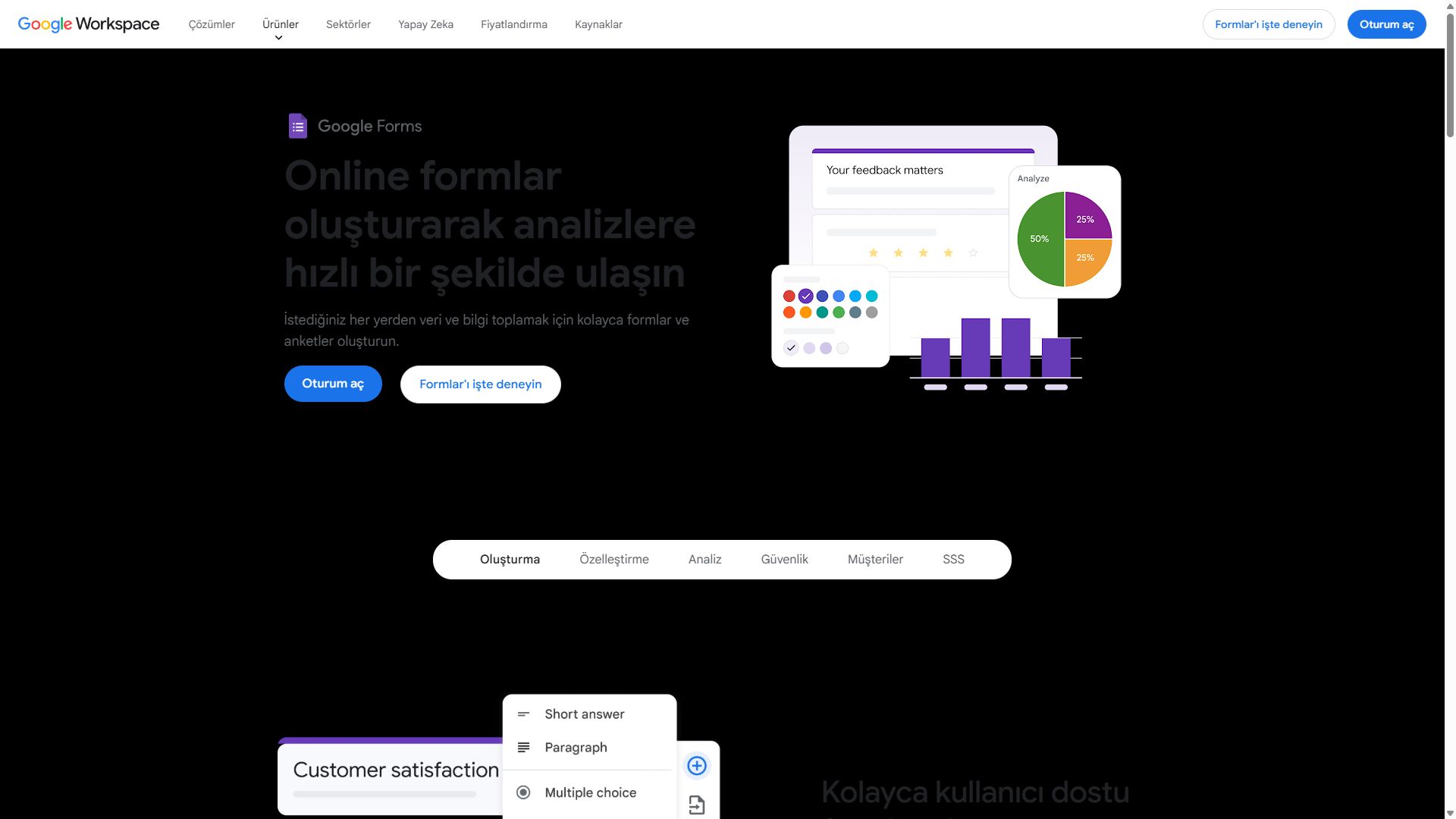
Google Forms homepage showing the free survey and form tool
Google Forms — captured during our June 2026 testing
#5

Cognito Forms

Donation math & pledge logic
  • ★ 4.6 G2
  • ★ 4.0 Trustpilot
  • Free plan: 100 entries/mo
  • Paid from $19/mo

When a donation form needs to compute something, Cognito Forms is the specialist. Its calculation engine — the strongest at this price — handles tiered sponsorship packages, pledge totals that update as donors pick options, and gala registrations where table size, meal choices, and donation add-ons all roll into one accurate total before checkout.

Repeating sections fit multi-attendee registrations ("add another guest"), and built-in approval routing plus e-signatures cover grant paperwork. The trade-off is presentation: forms look plain, and many integrations route through Zapier. Pick it when your fundraising involves real math, not when you need a beautiful campaign page.

Pros

  • Best calculation engine at this price
  • Repeating sections for multi-guest entries
  • Approvals & e-signatures built in

Cons

  • Plain visual design
  • Many integrations need Zapier
  • Smaller community & fewer tutorials

Pricing: Free · Individual $19/mo · Professional $39/mo · Enterprise $129/mo.

Visit Cognito Forms →
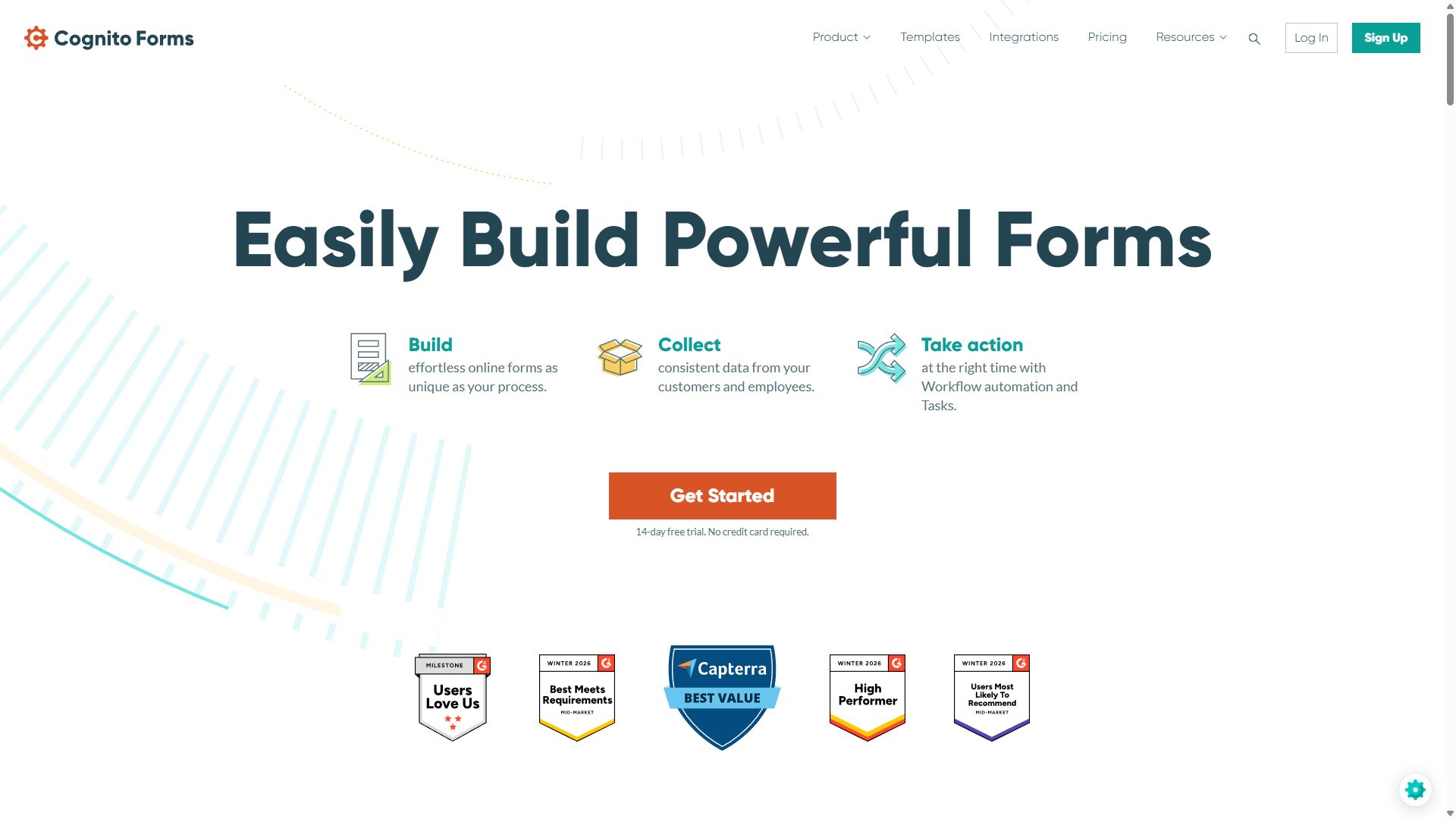
Cognito Forms homepage featuring its form builder
Cognito Forms — captured during our June 2026 testing
#6

Paperform

Campaign pages that move donors
  • ★ 4.8 G2
  • ★ 4.8 Trustpilot
  • Free plan: 30 submissions/mo
  • Paid from ~$24/mo (annual)

Donations are emotional decisions, and Paperform is the only tool here that lets your form tell the story. Photos from the field, a video appeal, impact copy, and the giving form itself all live on one page — closer to a small campaign site than a form, with no designer needed.

It sits last only because of nonprofit economics: the free plan's 30 submissions a month won't survive a real campaign, there's no nonprofit discount, and the canvas editor asks more learning time than a volunteer-run org may have. For a flagship annual appeal where presentation drives conversions, though, it can out-raise a plainer page — its matching 4.8-star G2 and Trustpilot scores are the best in this guide.

Pros

  • Donation pages with storytelling built in
  • Strong payments for ticketed fundraisers
  • Best review scores in this guide

Cons

  • Only 30 free submissions/mo
  • No nonprofit discount
  • Editor learning curve

Pricing: Free · Essentials ~$24/mo · Pro ~$49/mo · Business ~$99/mo, billed annually.

Visit Paperform →
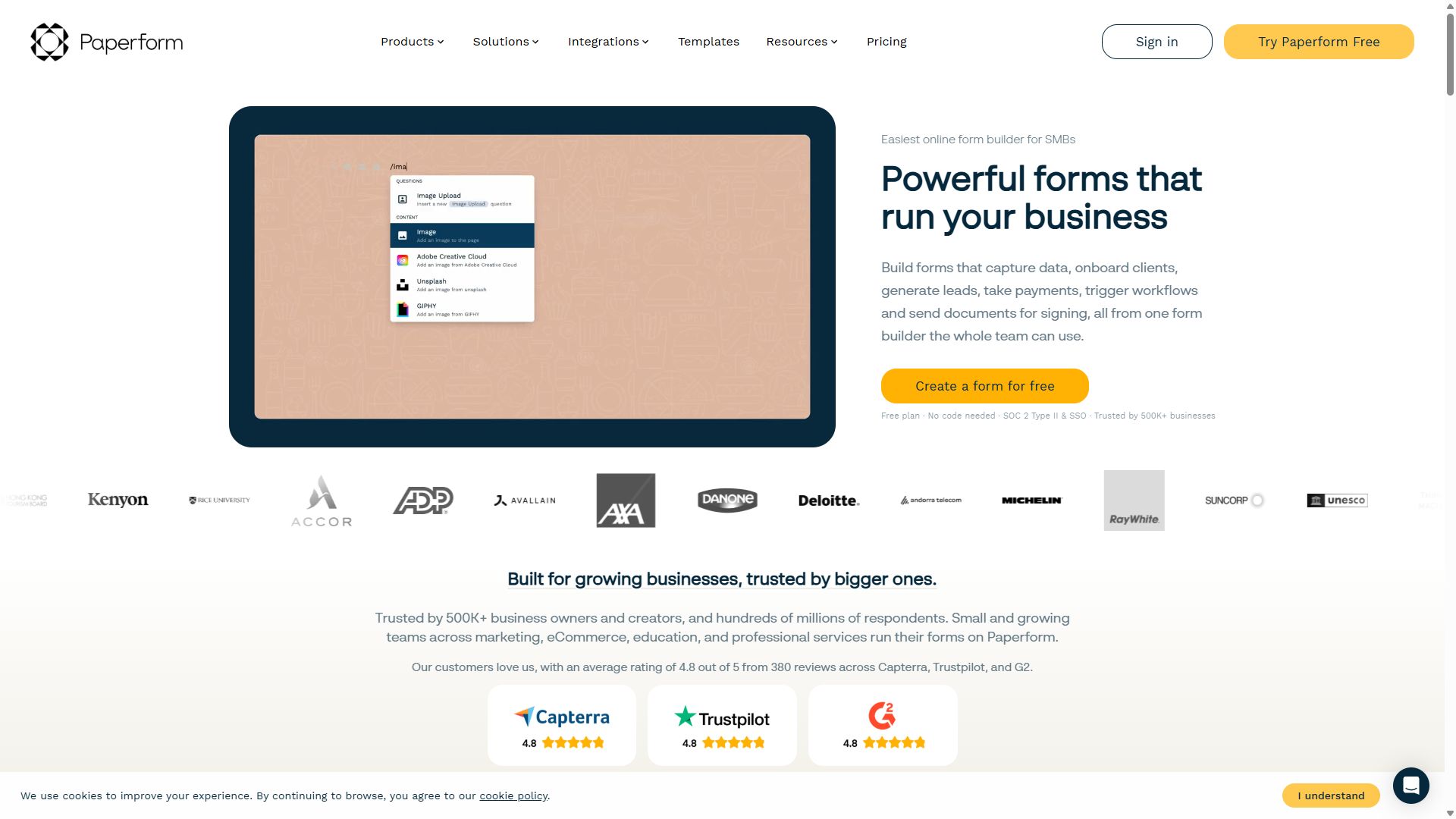
Paperform homepage showing landing-page-style forms
Paperform — captured during our June 2026 testing

How a nonprofit should choose a form builder

Budget is the obvious constraint, but three less obvious questions decide which tool actually fits:

1. Chase discounts before comparing sticker prices

A price table lies to nonprofits. Jotform's 50% discount for eligible organizations turns the priciest tool in this ranking into one of the cheapest — so confirm your eligibility (typically registered charitable status) before ruling anything out. For tools without published discounts, a polite email to support sometimes surfaces unadvertised nonprofit pricing.

2. Separate money forms from everything else

Only your donation and ticketing forms need a paid plan; volunteer sign-ups and surveys don't. A two-tool setup is often the cheapest sound strategy: one paid account (Jotform or forms.app) for anything touching payments, and Tally or Google Forms absorbing unlimited everything else at $0. That can put a full form stack under $20 a month.

3. Plan for whoever inherits the account

Volunteer turnover is a fact of nonprofit life, and the person who built your forms may be gone next year. Favor tools a newcomer can learn in an afternoon, keep logins in shared password storage, and write down where each form lives. The friendliest editor — not the longest feature list — is what survives a handover.

Bottom line

Eligible for the discount? Take Jotform at 50% off and stop shopping. Otherwise, run donations through forms.app at $19/month and everything else through Tally for free.

Nonprofit form builder FAQ

What is the best form builder for donation forms?

Jotform is the best form builder for donation forms in 2026. It supports 30+ payment gateways, has a deep library of donation and pledge templates, and offers a 50% discount for eligible nonprofits, bringing its Bronze plan to roughly the cost of budget tools. forms.app is a strong runner-up with Stripe and PayPal donation forms on the free plan.

Which form builders give nonprofit discounts?

Jotform offers a 50% discount for eligible nonprofits on its paid plans — the standout published nonprofit deal among the tools we tested. For the others in this ranking, the practical route is maximizing free tiers: Tally and Google Forms are free without limits, and forms.app's $19/month Basic plan is inexpensive even at full price. Always ask a vendor's support team about nonprofit pricing before paying full rate.

Can volunteers sign up without creating an account?

Yes. Every tool in this ranking lets respondents fill out and submit forms with no account and no login — volunteers just open a shared link or QR code. Only the form's creator needs an account.

Is a free form builder good enough for a small nonprofit?

Often yes. Tally handles unlimited volunteer sign-ups and event RSVPs for free, Google Forms covers internal coordination, and forms.app includes Stripe and PayPal donations on its free plan — see our free form builders guide for the full comparison. Cognito Forms still requires a $19/month Individual plan if you need payments outside forms.app.