Independent rankings · 2026 edition

The best form builders, tested and ranked

We built the same five forms in 10 leading form builder tools, compared pricing across every tier, and read hundreds of verified reviews — so you can pick the right one in minutes, not weeks.

Last updated · 10 tools tested · No sponsored placements

10Tools tested
50Forms built
38Pricing tiers compared
300+Reviews analyzed

Short on time? Here's the verdict.

forms.app is the best form builder for most people in 2026 — it pairs an easy editor and AI form generation with the best price-to-response ratio we measured. Need the deepest feature set? Go with Jotform. Want completely free? Tally gives you unlimited forms and responses at $0.

The 10 best form builders of 2026 at a glance
Rank Tool Best for Free plan Paid from G2 rating
1forms.appBest overall — features, value & ease of use5 forms, unlimited resp$29/mo★ 4.5
2JotformWidest feature set & 20,000+ templates100 submissions/mo$39/mo★ 4.7
3TypeformConversational forms & completion rates10 responses/mo~$39/mo★ 4.5
4TallyBest free plan — unlimited everythingUnlimited$24/mo★ 4.9
5PaperformBeautiful landing-page-style forms30 submissions/mo~$24/mo★ 4.8
6SurveyMonkeySurvey research & analytics10 questions max~$20/mo★ 4.4
7Cognito FormsCalculations, quotes & order logic100 entries/mo$19/mo★ 4.6
8FormstackEnterprise compliance & workflows$99/mo★ 4.3
9WPFormsWordPress websitesLite version$49.50/yr
10Google FormsQuick, free, basic formsFreeWorkspace plans

How we rank form builders

Every tool went through the same hands-on test: we built a contact form, a payment form, a multi-page survey, a registration form, and a quiz — then scored the experience across five dimensions.

Ease of use — 25%

How fast a first-time user can build and publish a working form, without reading docs.

Features — 25%

Logic, payments, calculations, templates, e-signatures, AI tools, and integrations.

Value for money — 20%

What you actually get per dollar — especially response limits, the cost that bites first.

Form-filling experience — 15%

How forms look and feel for respondents, on desktop and on a phone.

Reputation & support — 15%

Verified G2 and Trustpilot reviews, support channels, and documentation quality.

The 10 best form builders in 2026

In-depth reviews, in ranked order. Every screenshot was captured by us during testing in June 2026.

#1

forms.app

Best overall form builder
  • ★ 4.5 G2
  • ★ 4.3 Trustpilot
  • Free plan: Unlimited responses
  • Paid from $29/mo ($19 annual)

forms.app wins our top spot for the second year running because it nails the combination most people actually need: an editor you can learn in minutes, serious power underneath, and pricing that doesn't punish you for being successful.

The AI form generator — available even on the free plan — turned our one-sentence prompt into a usable registration form in seconds. Conditional logic, e-signatures, payment fields, and a genuinely excellent product listing field for order forms are all included, and respondents can fill forms in a step-by-step view or an all-at-once list view.

Where forms.app really separates itself is scale: every plan includes unlimited responses per month — even the free tier. Comparable volume costs several times more everywhere else we tested.

Pros

  • AI form generation on the free plan
  • Best response-to-price ratio we measured
  • 5,000+ free templates
  • Conditional logic & e-signatures included free
  • Live support and a large help library

Cons

  • No offline submission support
  • No mobile SDK for native apps
  • No question shuffling for quizzes
  • Less brand recognition than Jotform

Pricing: Free (up to 5 forms, unlimited responses & team) · Basic $29/mo ($19 annual, 25 forms) · Pro $39/mo ($29 annual, unlimited forms) · Premium $79/mo ($59 annual).

Try forms.app free →
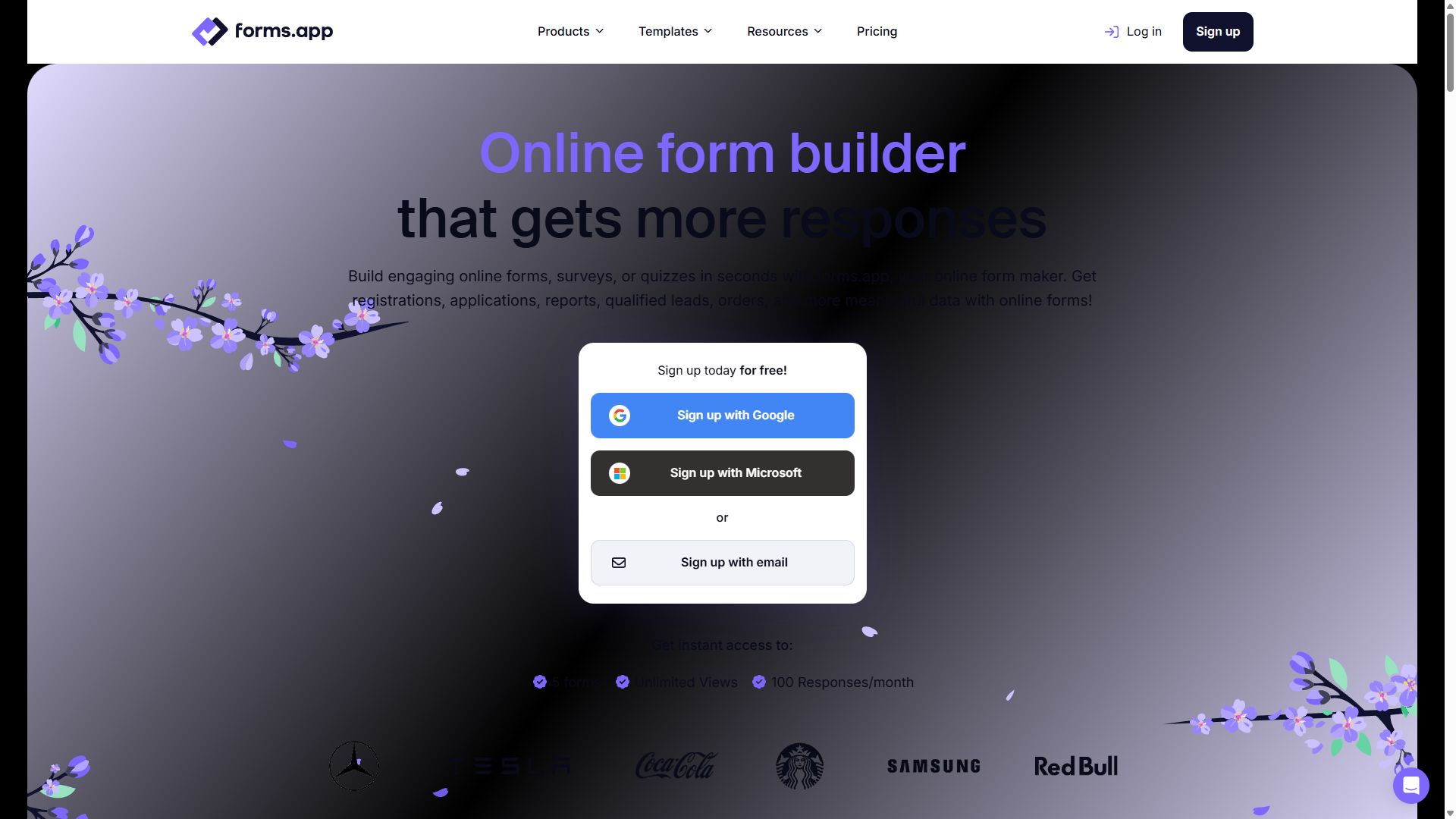
forms.app homepage showing its online form builder
forms.app — captured during our June 2026 testing
#2

Jotform

Widest feature set & biggest template library
  • ★ 4.7 G2
  • ★ 4.4 Trustpilot
  • Free plan: 100 submissions/mo
  • Paid from $39/mo

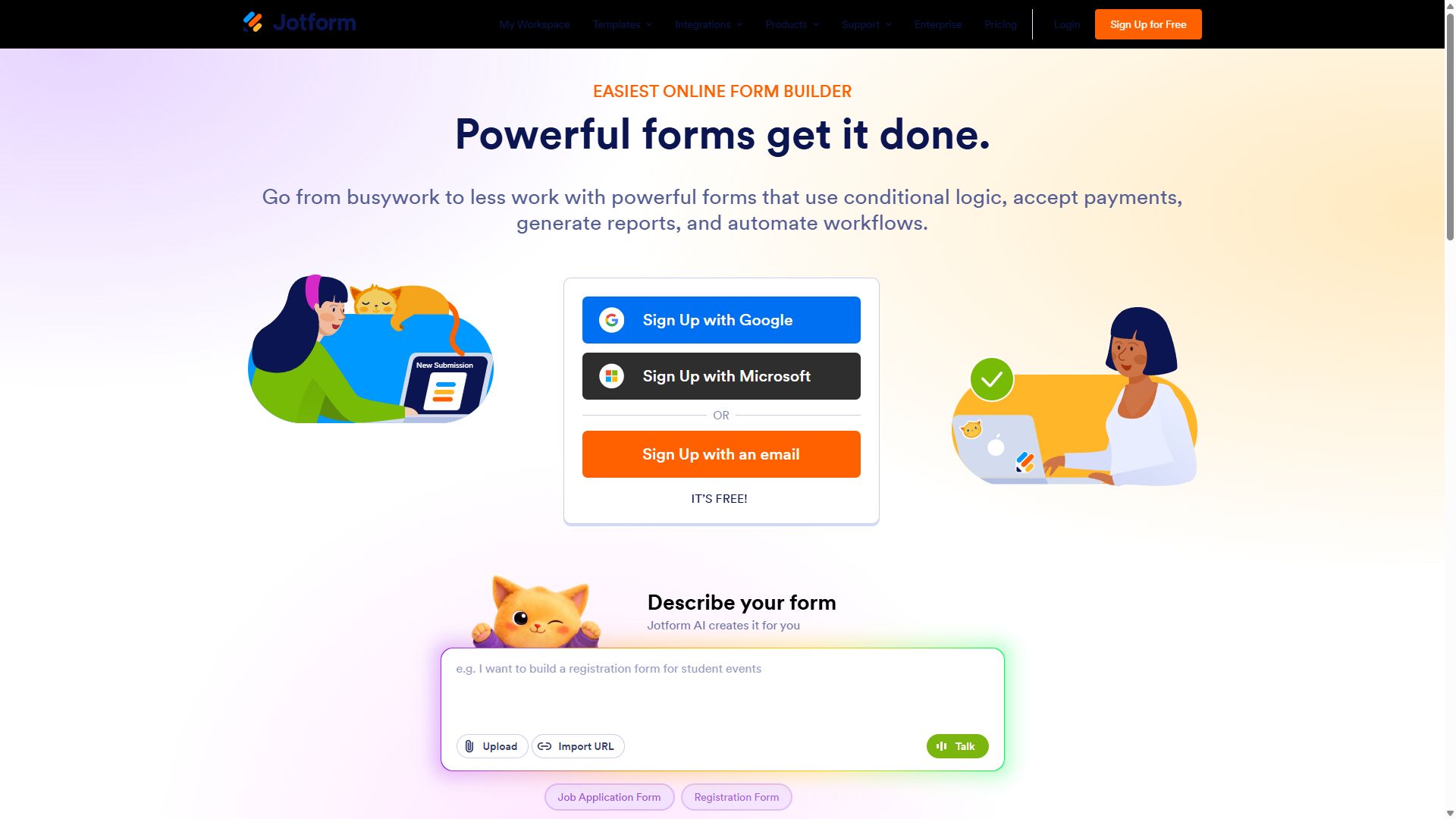
Jotform is the Swiss Army knife of this list. Forms, approval workflows, PDF generation, e-signatures, AI agents, HIPAA compliance, and a staggering 20,000+ template library — if a form-related feature exists, Jotform almost certainly has it.

It also leads on integrations, with 200+ native connections including Salesforce, HubSpot, and more than 30 payment gateways. In our testing it handled every scenario we threw at it, from a simple contact form to a multi-step approval workflow.

The trade-off is complexity and cost. The editor feels crowded next to forms.app or Tally, default form designs look dated, and inviting teammates requires an Enterprise plan.

Pros

  • 20,000+ templates — largest in the market
  • 200+ native integrations, 30+ payment gateways
  • HIPAA compliance on Gold plan and above
  • Battle-tested with enterprises and SMBs

Cons

  • Interface can feel bloated for new users
  • Default form designs look dated
  • Big price jumps between tiers
  • Team members require Enterprise

Pricing: Free (5 forms, 100 submissions/mo) · Bronze $39/mo · Silver $49/mo · Gold $129/mo · Enterprise custom.

Visit Jotform →
Jotform homepage with its drag-and-drop form builder
Jotform — captured during our June 2026 testing
#3

Typeform

Best conversational form experience
  • ★ 4.5 G2
  • ★ 2.1 Trustpilot
  • Free plan: 10 responses/mo
  • Paid from ~$39/mo

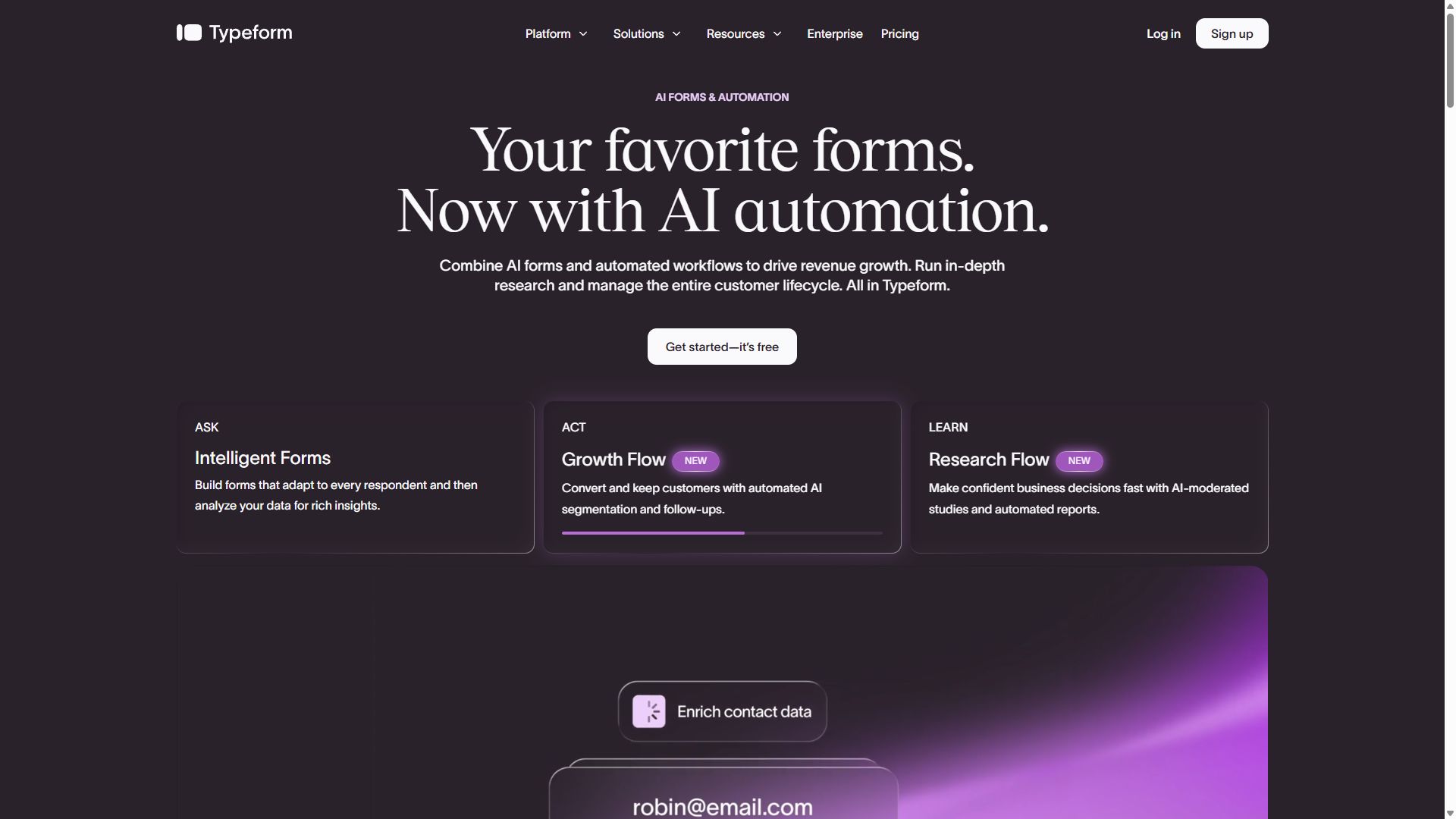
Typeform invented the one-question-at-a-time format, and it still does it better than anyone. Forms feel like a conversation rather than paperwork, which is why short Typeforms consistently produced the highest completion rates in our tests.

The design polish is unmatched out of the box, the Brand Kit keeps everything on-brand, and the AI follow-up feature can dynamically ask smart follow-up questions based on earlier answers.

But the limits are real: the free plan allows just 10 responses a month — the most restrictive on this list — payments require the $129/month Business plan, and the format works poorly for long forms where people want to skip around or review answers.

Pros

  • Best-in-class conversational UX
  • High completion rates on short forms
  • Premium, polished design by default
  • AI follow-up questions

Cons

  • Most restrictive free plan (10 responses/mo)
  • Payments locked behind $129/mo Business tier
  • Seat-based pricing gets expensive for teams
  • Poor fit for long forms

Pricing: Free (10 responses/mo) · Basic ~$39/mo · Plus ~$79/mo · Business $129/mo.

Visit Typeform →
Typeform homepage showcasing conversational forms
Typeform — captured during our June 2026 testing
#4

Tally

Best free form builder
  • ★ 4.9 G2
  • ★ 3.8 Trustpilot
  • Free plan: unlimited forms & responses
  • Paid from $24/mo (annual)

Tally's pitch is irresistible: unlimited forms and unlimited responses, free, forever. No other serious form builder comes close, which is why Tally holds the highest G2 rating on this list at 4.9 stars.

The editor is modeled on Notion — you type and use slash commands instead of dragging blocks — and Notion users will feel instantly at home. For simple lead capture, feedback, and registration forms, it's fast and pleasant.

The ceiling is lower than the tools above it, though. Visual customization is limited, reporting is basic, and many integrations route through Zapier. Free forms also carry "Made with Tally" branding.

Pros

  • Unlimited forms & responses free
  • Clean Notion-style editor
  • Highest G2 rating on this list (4.9)

Cons

  • "Made with Tally" badge on free plan
  • Limited visual customization
  • Basic reporting — export for real analysis
  • Smaller integration ecosystem

Pricing: Free (unlimited) · Pro $24/mo · Business $74/mo, billed annually.

Visit Tally →
Tally homepage promoting its free form builder
Tally — captured during our June 2026 testing
#5

Paperform

Best-looking forms — like mini landing pages
  • ★ 4.8 G2
  • ★ 4.8 Trustpilot
  • Free plan: 30 submissions/mo
  • Paid from ~$24/mo (annual)

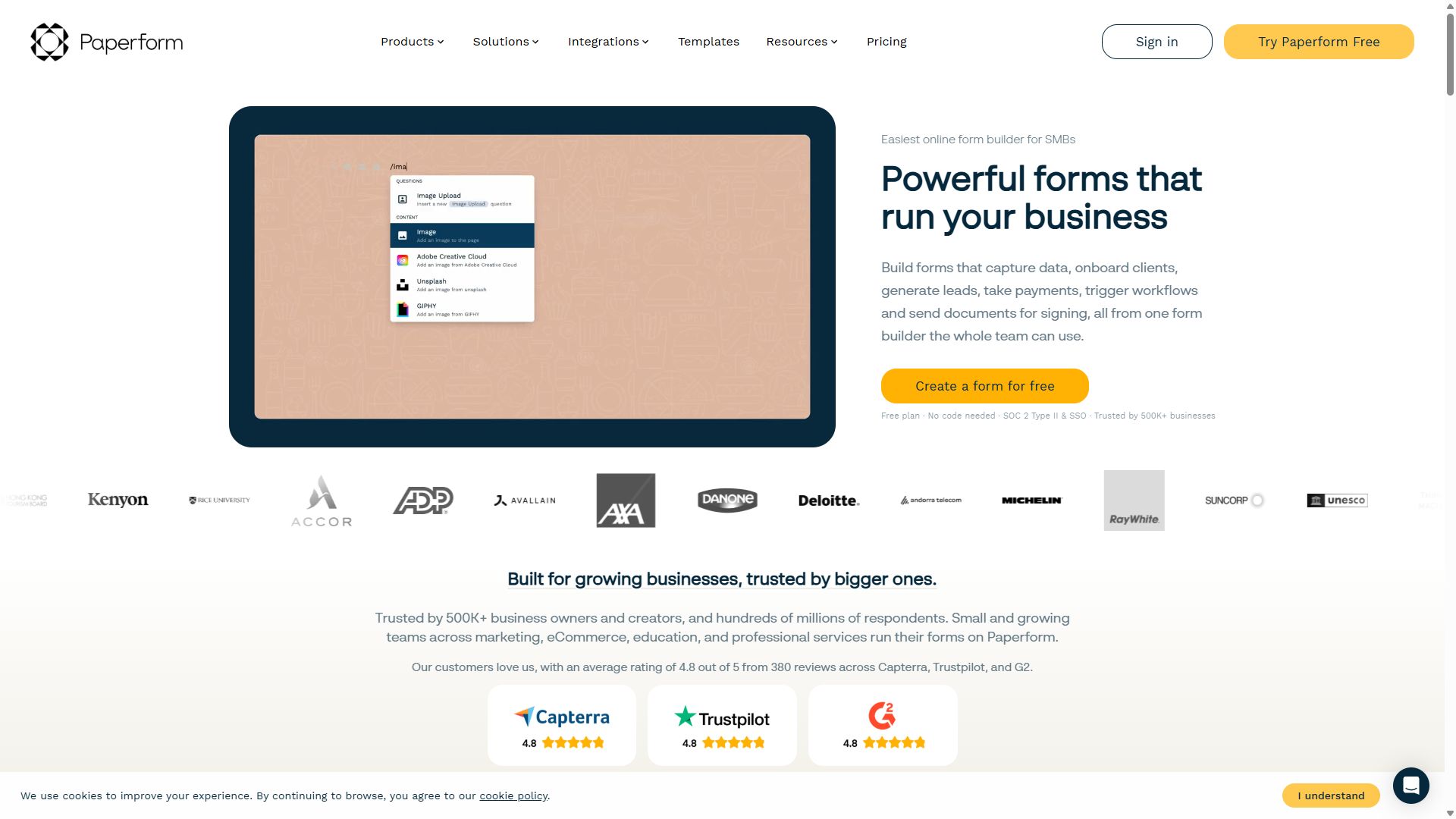
Paperform blurs the line between a form and a landing page. You write on a free-form canvas and drop form fields between text, images, and video — the result feels like a branded micro-site rather than a data-collection sheet.

That makes it our favorite for order forms, bookings, and selling products or services, where presentation directly affects conversion. Developers get full CSS control, and there's a one-question-at-a-time guided mode when you want a Typeform-style flow.

The page-based approach has trade-offs: complex multi-step branching feels clunky, the template library is small next to Jotform's, and it isn't built for high-volume collection at scale.

Pros

  • Forms that look like branded landing pages
  • Great for orders, bookings & product sales
  • Full CSS control for developers
  • 4.8 stars on both G2 and Trustpilot

Cons

  • Multi-step branching feels clunky
  • Small template library
  • Limited free plan (30 submissions/mo)
  • Editor has a learning curve

Pricing: Free (30 submissions/mo) · Essentials ~$24/mo · Pro ~$49/mo · Business ~$99/mo, billed annually.

Visit Paperform →
Paperform homepage showing landing-page-style forms
Paperform — captured during our June 2026 testing
#6

SurveyMonkey

Best for surveys & research analytics
  • ★ 4.4 G2
  • ★ 3.0 Trustpilot
  • Free plan: 10 questions max
  • Paid from ~$20/mo (regional pricing)

SurveyMonkey isn't really competing with the form builders above — it's a dedicated survey research platform. Where the others stop at data collection, SurveyMonkey delivers cross-tabulation, statistical significance testing, NPS benchmarking, and question banks validated by survey methodologists.

The AI-powered Genius feature reviews your survey, flags biased question wording, and suggests improvements. And if you need respondents, SurveyMonkey Audience can supply a paid research panel.

As a general-purpose form builder, though, it's a poor fit: no real payment support, limited visual customization, and an editor that feels dated. Use it for research; use the tools above for everything else.

Pros

  • Best survey analytics in this ranking
  • AI question analysis flags bias
  • Expert-validated question banks
  • Paid respondent panels available

Cons

  • Not a general-purpose form builder
  • Free plan capped at 10 questions
  • Per-seat pricing adds up for teams
  • Dated editor; limited customization

Pricing: regional pricing applies in most countries; individual plans start around $20/mo.

Visit SurveyMonkey →
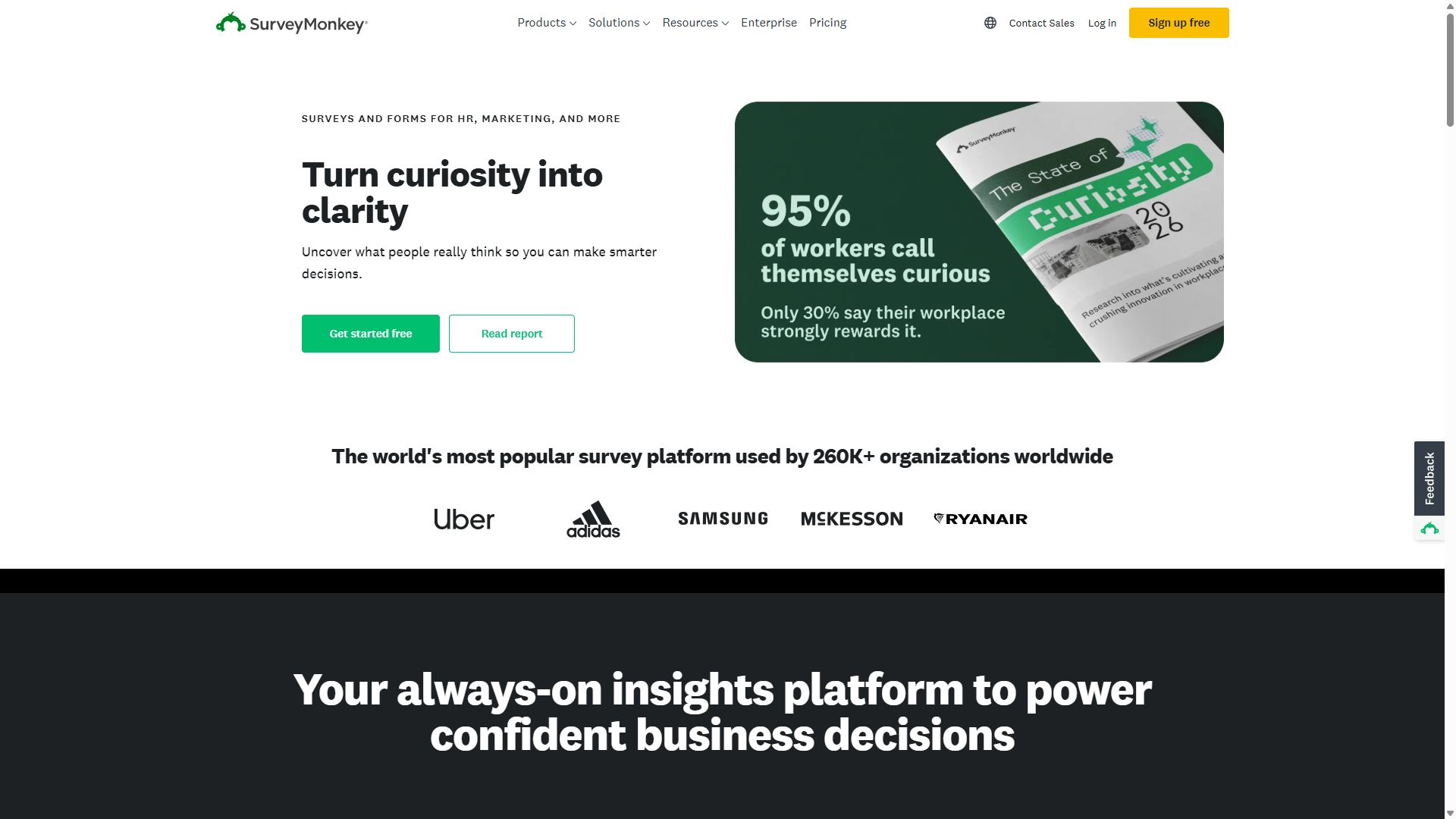
SurveyMonkey homepage highlighting survey tools
SurveyMonkey — captured during our June 2026 testing
#7

Cognito Forms

Best calculation engine for quotes & orders
  • ★ 4.6 G2
  • ★ 4.0 Trustpilot
  • Free plan: 100 entries/mo
  • Paid from $19/mo

Cognito Forms has the strongest calculation engine in its price range, full stop. Taxes, discounts, quantity-based pricing, conditional totals, repeating line items — the kind of math that breaks other form builders just works here, without code.

That makes it the quiet champion for quote builders, pricing calculators, and order forms with real business logic. Approval routing and e-signatures are built in, and the Individual plan at $19/month is one of the best bargains on this list.

The compromise is polish: visual design options are weak, the community is small, and many integrations route through Zapier.

Pros

  • Best-in-class calculations for the price
  • Repeating sections for line items
  • Approval routing & e-signatures built in
  • HIPAA compliance on Enterprise tier

Cons

  • Weak design & visual customization
  • Fewer tutorials and community resources
  • Limited native integrations
  • Not built for marketing funnels

Pricing: Free (100 entries/mo) · Individual $19/mo · Professional $39/mo · Enterprise $129/mo.

Visit Cognito Forms →
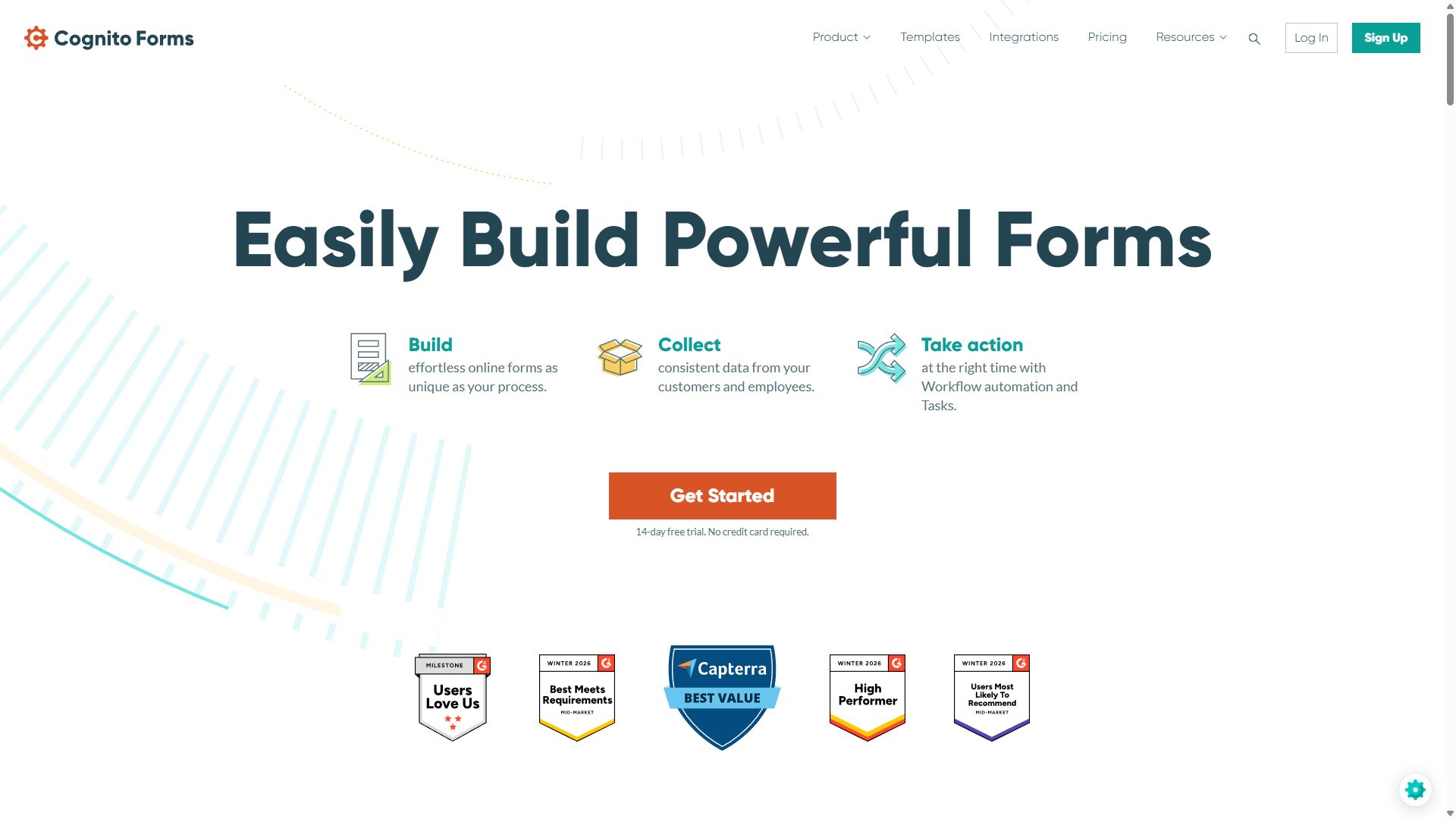
Cognito Forms homepage featuring its form builder
Cognito Forms — captured during our June 2026 testing
#8

Formstack

Best for enterprise compliance & workflows
  • ★ 4.3 G2
  • ★ 1.6 Trustpilot
  • No free plan
  • Paid from $99/mo

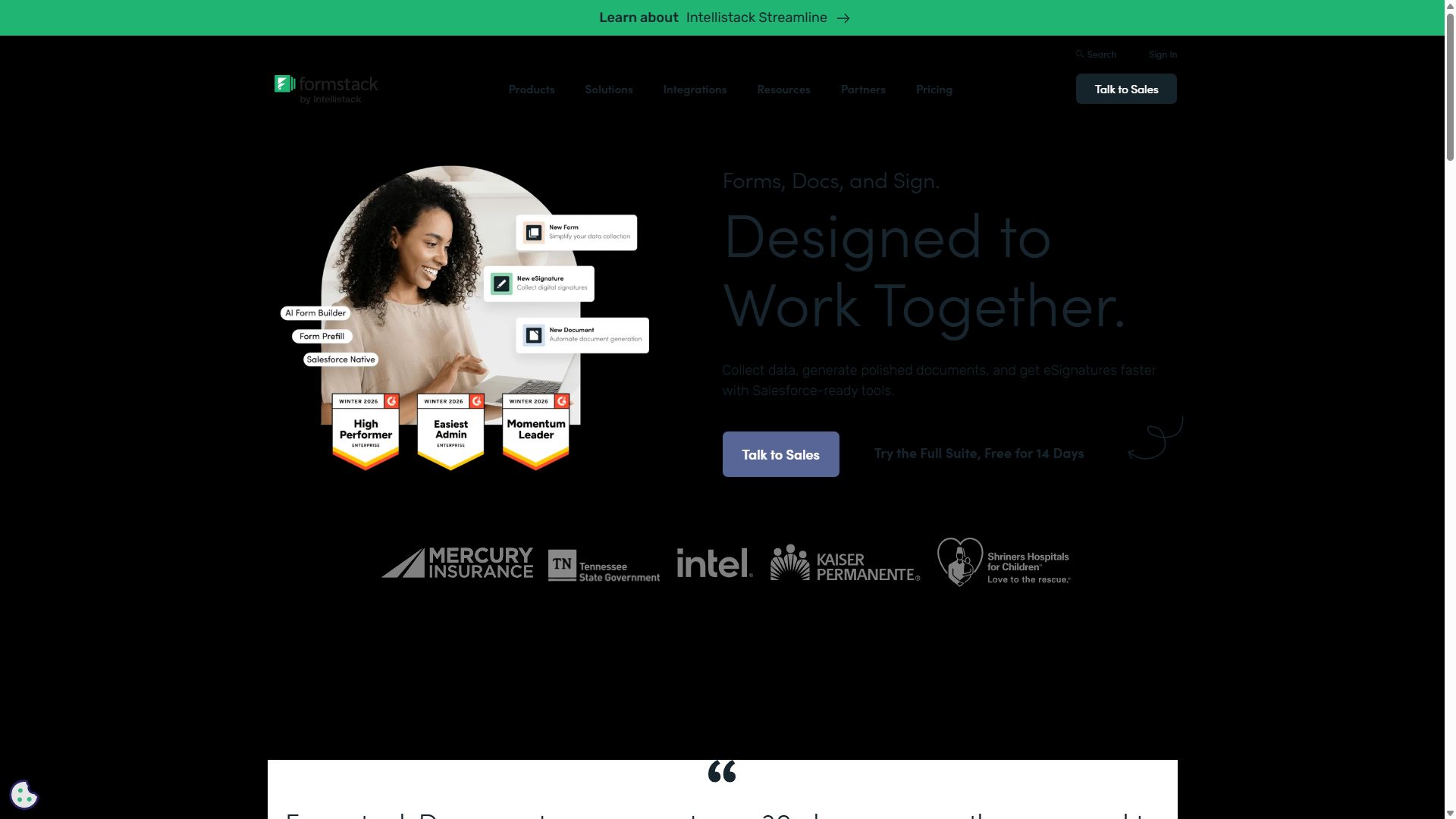
Formstack is built for regulated industries where compliance is non-negotiable. HIPAA, GDPR, and SOC 2 come standard, the Salesforce integration is the deepest we've seen — field-level mapping with bidirectional sync — and forms flow into auto-generated PDFs and e-signatures in one native workflow.

For healthcare providers, legal teams, finance, and government, that combination justifies the price. For everyone else, it's overkill: there's no free plan, pricing starts at $99/month, and the UI feels a generation behind the modern tools at the top of this list.

Pros

  • HIPAA, GDPR & SOC 2 compliance built in
  • Deepest native Salesforce integration
  • Forms → PDFs → e-signatures in one suite
  • Multi-step approval routing

Cons

  • Most expensive tool on this list
  • No free plan
  • Dated UI/UX
  • Complex conditional logic setup

Pricing: Forms from $99/mo · Suite (Forms + Docs + Sign) from $299/mo · Enterprise custom.

Visit Formstack →
Formstack homepage showing its workflow platform
Formstack — captured during our June 2026 testing
#9

WPForms

Best for WordPress websites
  • ★ 4.7 Trustpilot
  • Lite version free
  • Paid from $49.50/yr

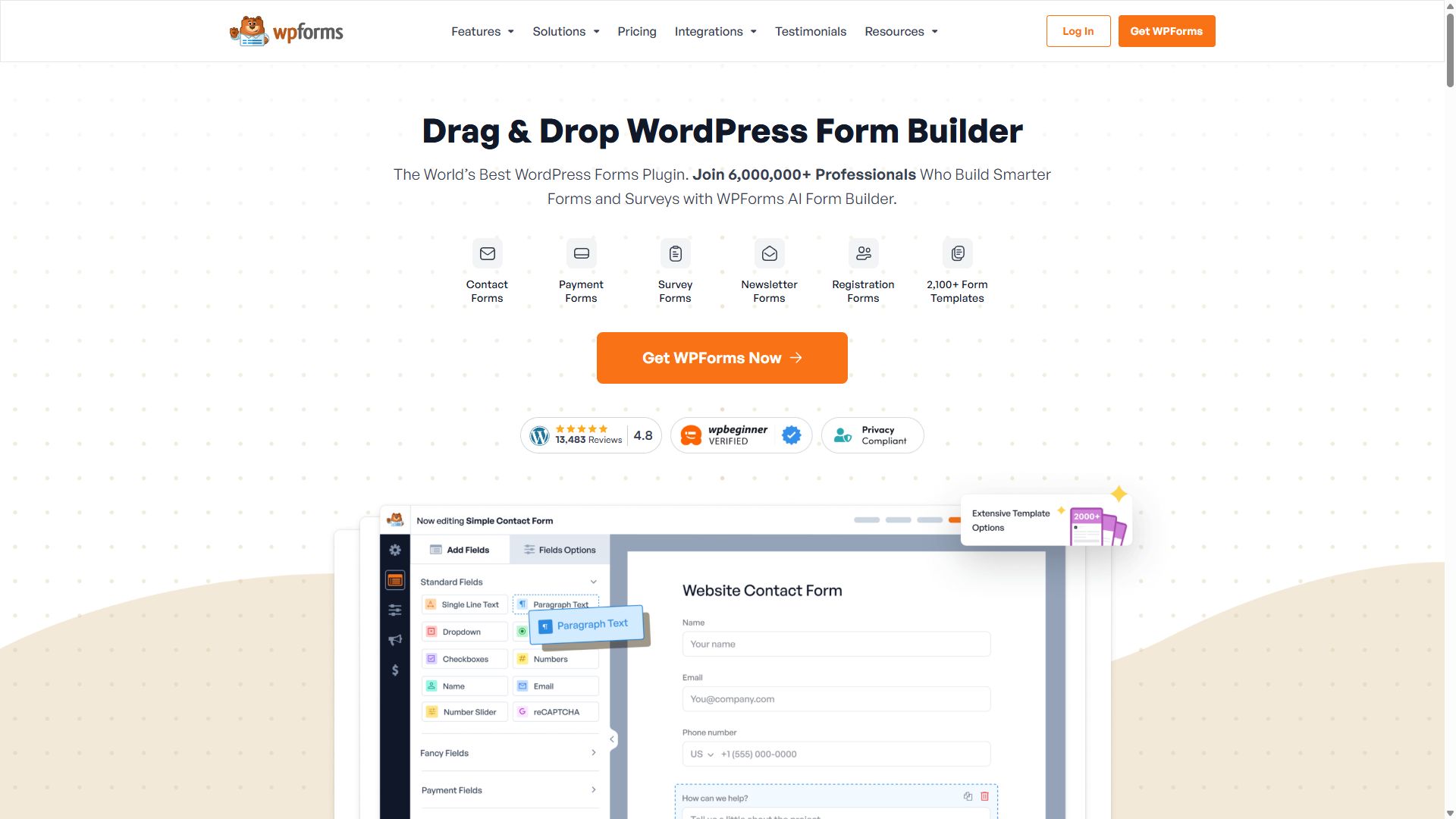
If your site runs on WordPress, WPForms deserves a serious look before any SaaS tool. It lives entirely inside your WordPress dashboard — build forms, manage entries, and connect Stripe or PayPal without ever leaving wp-admin, and without sending your data to a third-party platform.

The drag-and-drop builder is genuinely beginner-friendly, smart conditional logic covers dynamic forms, and the template library handles the common WordPress use cases well.

The catch is obvious: outside WordPress it's worth nothing, licenses are annual-only, and advanced features need the $299.50/year Elite plan.

Pros

  • Fully native to WordPress
  • Beginner-friendly drag-and-drop builder
  • Form data stays in your WordPress admin
  • Stripe & PayPal integration

Cons

  • Useless outside of WordPress
  • Annual-only licensing
  • Advanced features locked to Elite plan
  • Limited reporting vs. SaaS tools

Pricing: Basic $49.50/yr · Plus $99.50/yr · Pro $199.50/yr · Elite $299.50/yr.

Visit WPForms →
WPForms homepage for the WordPress form plugin
WPForms — captured during our June 2026 testing
#10

Google Forms

Best for quick, free, basic forms
  • Completely free
  • Included with Google Workspace

Google Forms makes this list for one reason: it's completely free, it's already in your Google account, and for a quick poll, RSVP, or internal questionnaire it gets the job done in two minutes with results landing straight in Google Sheets.

Just know what you're giving up. Branding options are minimal, there are no payments, no real logic beyond section jumps, no e-signatures, and forms unmistakably look like Google Forms. The moment a form faces customers or needs to convert, the tools above it earn their keep.

Pros

  • 100% free, no limits that matter
  • Instant Google Sheets sync
  • Zero learning curve

Cons

  • Minimal branding & customization
  • No payments or e-signatures
  • Very basic logic
  • Generic look hurts customer-facing forms

Pricing: Free with a Google account; business features via Google Workspace plans.

Visit Google Forms →
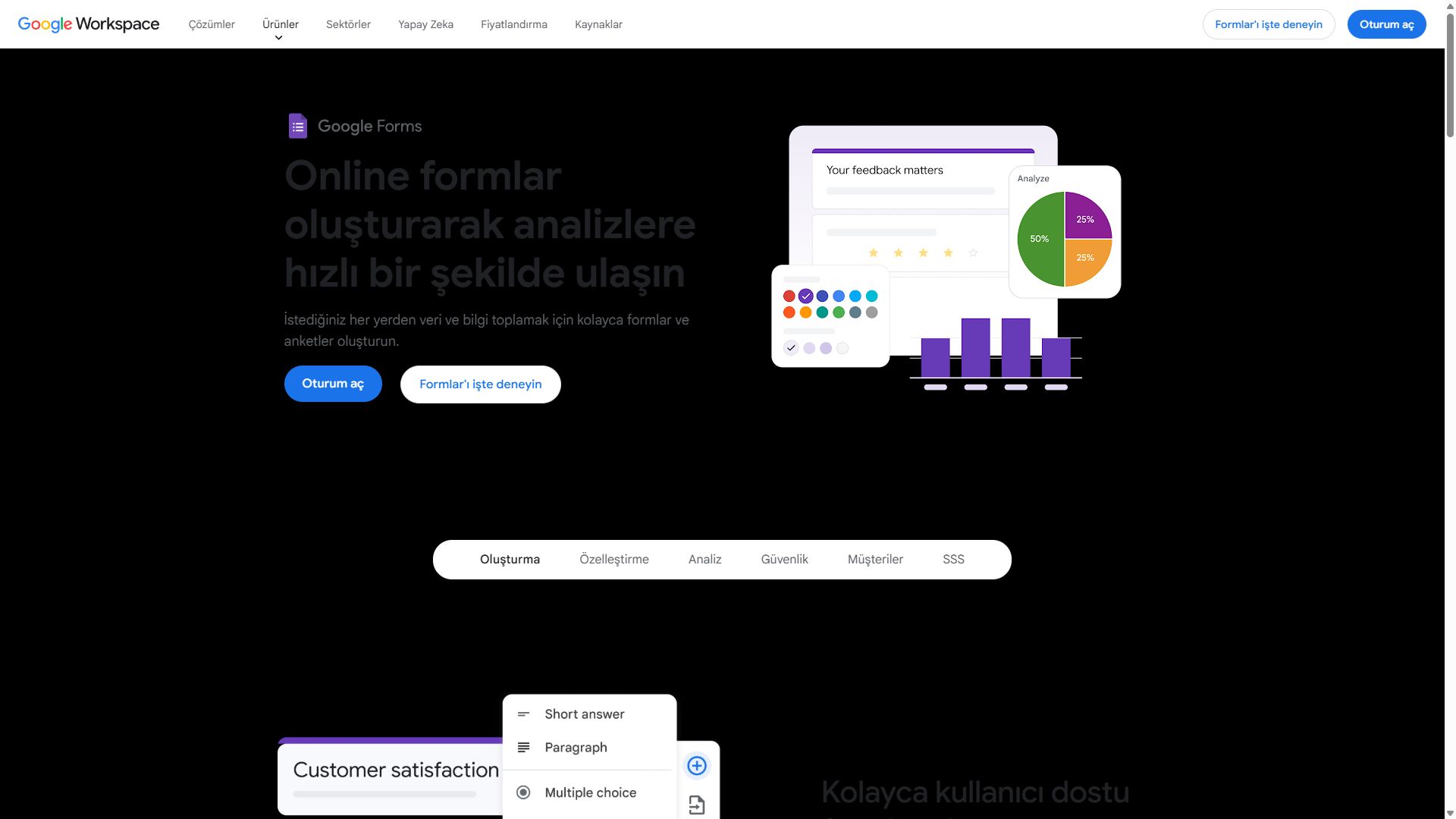
Google Forms product page
Google Forms — captured during our June 2026 testing

How to choose a form builder: a 5-minute buying guide

Most form builder regrets come from one of four mistakes. Walk through these checks before you commit, and you'll avoid all of them.

1. Check the response limits first, not the feature list

Almost every form builder is priced by responses per month, and this is the limit you'll hit first. A $19/month plan that caps you at 1,000 responses can quietly become a $99/month plan once a campaign takes off. forms.app is the rare exception: unlimited responses on every plan, including free — so volume never becomes a surprise bill.

2. Decide where the form will live

Sharing a link is universal, but embedding is where tools differ. On WordPress, a native plugin like WPForms keeps everything in one dashboard. On any other site, look for clean embed options that don't slow your page down — and test the embedded form on a phone before going live.

3. Match the format to the form's length

One-question-at-a-time formats (Typeform, or the step view in forms.app) convert brilliantly for short forms under ten questions. For long applications, classic all-on-one-page layouts respect your respondents' time and let them review answers before submitting.

4. Don't pay for compliance you don't need — or skip compliance you do

Collecting health information in the US? You need HIPAA compliance and a signed BAA — that means Formstack, Jotform Gold, or Cognito Forms Enterprise. Just collecting emails for a newsletter? Any GDPR-compliant tool on this list is fine, and paying Formstack prices would be a waste.

5. Build your real form during the trial

Every tool here has a free plan or trial. Don't build a toy — rebuild your actual most important form, embed it where it will live, and submit it from your own phone. An hour of honest testing beats any review, including this one.

Frequently asked questions

What is the best form builder in 2026?

forms.app is our top pick for most people in 2026. It combines a modern drag-and-drop editor, AI form generation, conditional logic, payments, and e-signatures with the best response-to-price ratio we measured — unlimited responses on every plan. Jotform is the strongest choice if you need the widest feature set, and Tally is the best free option.

What is the best free form builder?

forms.app, Tally, and Google Forms all offer unlimited free responses. forms.app adds payments, unlimited team members, AI form generation, conditional logic, and e-signatures on free (up to 5 forms). See our full free form builders ranking.

Which form builder is easiest to use?

forms.app and Tally were the fastest to learn in our testing — both let a first-time user publish a working form in under five minutes. Jotform is powerful but feels more crowded, and Formstack has the steepest learning curve of the tools we ranked.

Can I accept payments through an online form?

Yes. forms.app, Jotform, Paperform, and Cognito Forms all support Stripe and PayPal. Jotform supports more than 30 payment gateways. On Typeform, payments are locked behind the $129/month Business plan. For order forms specifically, see our e-commerce ranking.

Are form builders secure and GDPR compliant?

All ten tools we ranked encrypt data in transit and offer GDPR-compliant data processing. For HIPAA compliance in healthcare, look at Formstack, Jotform (Gold plan and above), or Cognito Forms (Enterprise plan) — our healthcare guide covers this in depth.

Do I need coding skills to use a form builder?

No. Every tool in this ranking is a no-code product. You build forms with a visual editor, then share them with a link or embed them on your website with a copy-paste snippet.

How often is this ranking updated?

We re-test pricing and major features periodically and update the ranking when something material changes — a significant price increase, a major feature launch, or a sustained shift in user review sentiment. This edition was last updated on June 10, 2026.