Use-case guide · 2026 edition

The best form builders for HR teams

HR runs on two kinds of forms that almost never come from the same tool: surveys that measure how people feel, and process forms that move requests through approvals. We tested six builders across engagement surveys, onboarding packets, leave requests, and exit interviews to find the right tool for each job.

Last updated · 6 tools tested · No sponsored placements

Our verdict for HR teams

If measuring employee sentiment is the priority, SurveyMonkey is the clear winner — benchmarking, statistical analysis, and validated questions that generic builders can't match. For the operational side of HR — onboarding, policy sign-offs, request routing — forms.app delivers the most capability per dollar, and Jotform is the pick when approval workflows and PDF paperwork matter most.

Best form builders for HR teams — at a glance
Rank Tool Best HR use Approvals built in Paid from
1SurveyMonkeyEngagement surveys & benchmarkingNo — survey analytics instead~$20/mo
2forms.appOnboarding, e-signatures, HR opsVia conditional logic routing$19/mo
3JotformLeave/expense approvals & PDFsYes$39/mo
4Cognito FormsExpense forms with calculationsYes$19/mo
5TypeformCandidate-facing application formsNo~$39/mo
6TallyFree pulse checks & suggestion boxesNo$24/mo
#1

SurveyMonkey

Best for employee engagement surveys
  • ★ 4.4 G2
  • ★ 3.0 Trustpilot
  • Free plan: 10 questions max
  • Local pricing applies in most countries

When an engagement survey informs decisions about retention, compensation, or reorganization, the methodology has to hold up — and that's where SurveyMonkey separates itself from every general-purpose builder on this list. Its question banks are written by survey methodologists, its Genius feature flags biased or leading questions before you send, and its analytics go far past response counts: cross-tabulation, statistical significance testing, and benchmarking against other organizations.

That last one matters more than HR teams expect. A 72% satisfaction score is meaningless in isolation; knowing how it compares to similar companies turns it into something you can put in front of leadership. Anonymity options also help employees answer honestly on sensitive topics, which is half the battle in engagement work.

Know what you're buying, though: SurveyMonkey is a survey platform, not a forms platform. It's the wrong tool for onboarding packets or expense requests, per-seat pricing adds up across a larger HR team, and the editor looks dated next to newer rivals. Pair it with one of the tools below for the operational side.

Pros

  • Benchmarking against other organizations
  • Validated, methodologist-built question banks
  • Statistical analysis & cross-tabulation
  • Anonymity options for honest feedback

Cons

  • Poor fit for process forms & approvals
  • Free plan capped at 10 questions
  • Per-seat pricing grows with the team

Pricing: Free (10 questions) · Paid plans use local pricing in most countries.

Try SurveyMonkey →
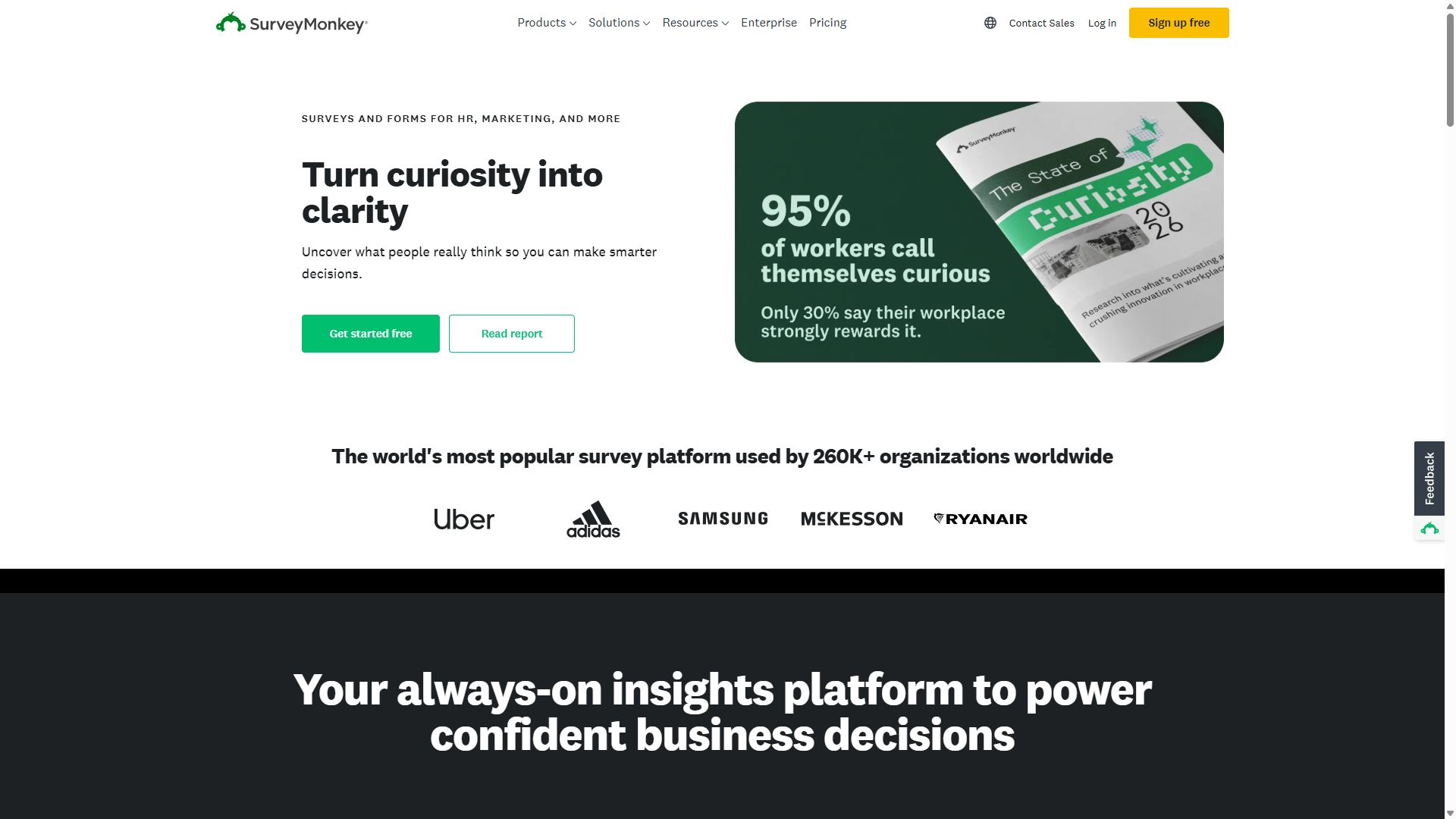
SurveyMonkey homepage highlighting its survey platform
SurveyMonkey — captured during our June 2026 testing
#2

forms.app

Best all-rounder for HR operations
  • ★ 4.5 G2
  • ★ 4.3 Trustpilot
  • Free plan: Unlimited responses
  • Paid from $29/mo ($19 annual)

For the day-to-day paper trail of HR — onboarding checklists, equipment requests, policy acknowledgments, training feedback — forms.app covers the widest ground at the lowest price here. E-signatures are included even on the free plan, which turns a policy update into a signed acknowledgment without printing a page, and conditional logic routes a request form differently depending on department or request type.

The AI generator is a genuine time-saver for a one-person HR function: describe the form in a sentence and edit the draft, rather than assembling thirty fields by hand. Add 5,000+ templates and live support, and the $19/month Basic plan stretches remarkably far. The gaps are at the edges — there's no formal multi-step approval engine like Jotform's, and its survey reporting can't approach SurveyMonkey's analysis. As the operational workhorse beside a dedicated survey tool, though, it's the best value in this guide.

Pros

  • E-signatures free for policy sign-offs
  • Conditional logic for request routing
  • AI form generation on every plan
  • Best price-to-capability ratio here

Cons

  • No formal multi-step approval engine
  • Survey analytics trail SurveyMonkey

Pricing: Free · Basic $19/mo · Pro $29/mo · Premium $59/mo, billed annually.

Visit forms.app →
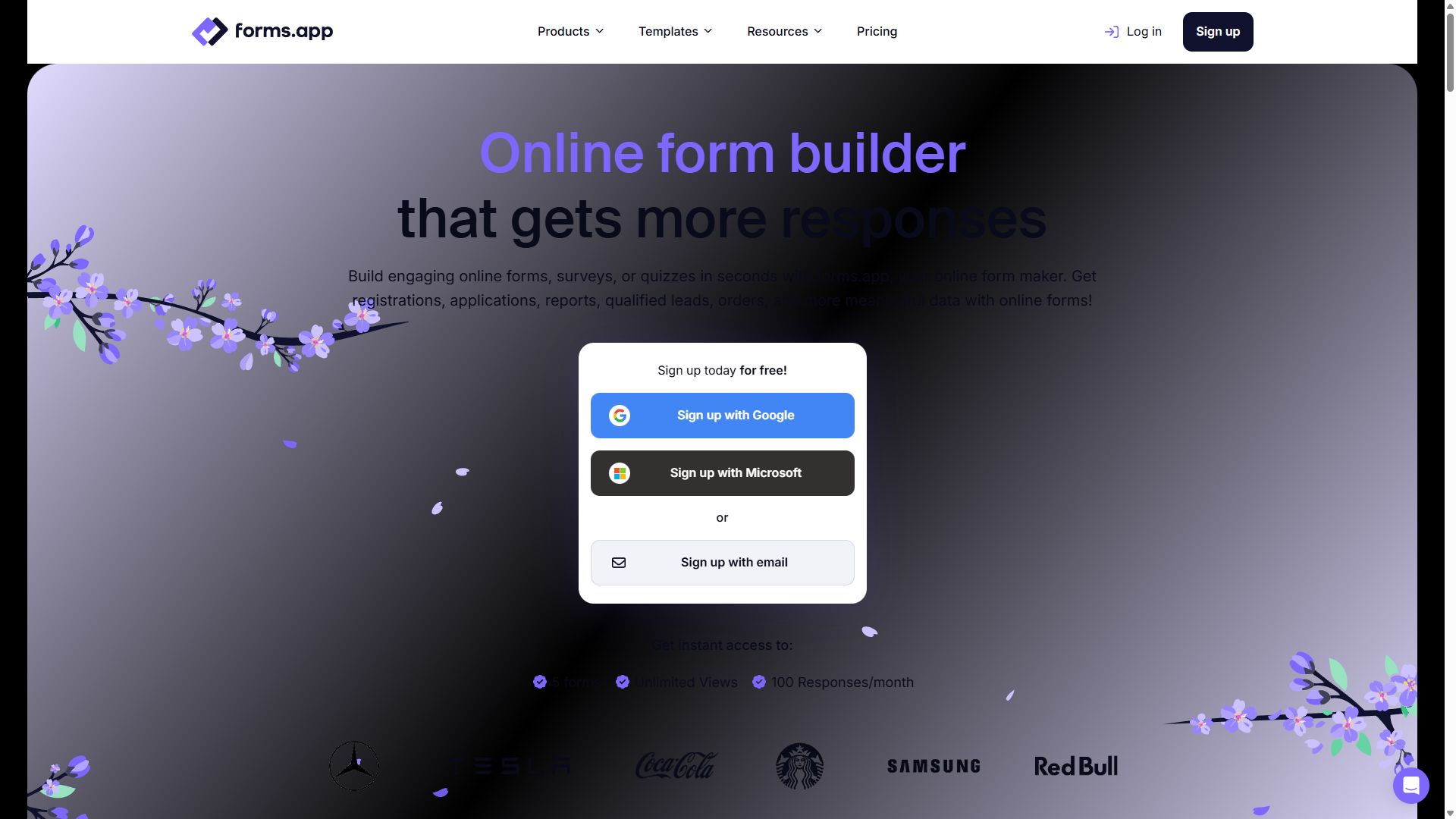
forms.app homepage showing its online form builder
forms.app — captured during our June 2026 testing
#3

Jotform

Best for approval workflows & HR paperwork
  • ★ 4.7 G2
  • ★ 4.4 Trustpilot
  • Free plan: 100 submissions/mo
  • Paid from $39/mo

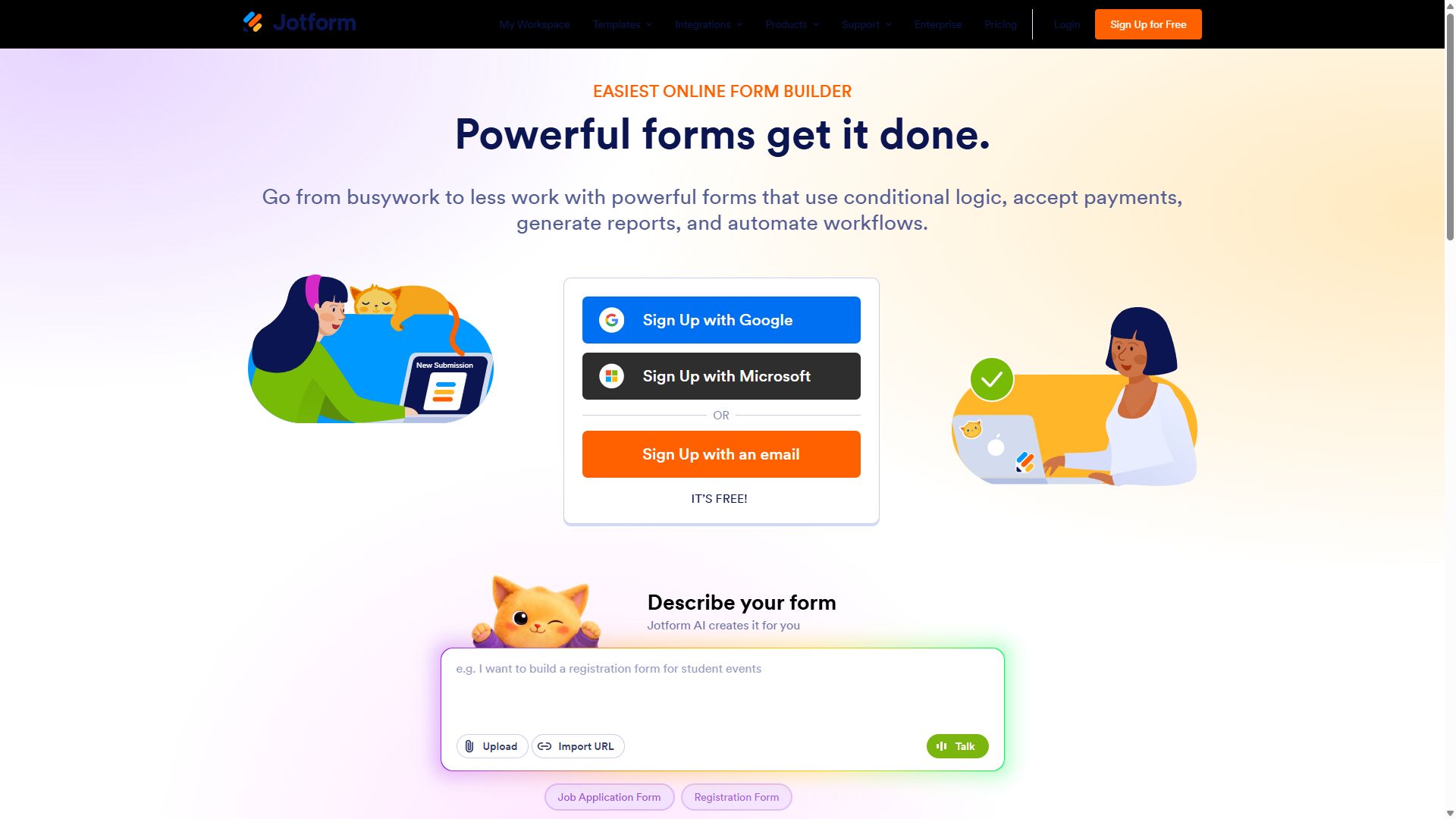
Leave requests, expense claims, equipment sign-outs — the forms that need a manager's yes before anything happens — are where Jotform earns its place. Approval workflows are built in: a submission routes to the right approver, they accept or reject from their inbox, and the employee gets notified, all without HR chasing anyone. PDF generation then turns approved submissions into clean documents for the personnel file, which is quietly one of the most useful features in HR work.

Two caveats keep it at #3. Paid plans start at $39/month and jump steeply, and if your forms touch employee health data — benefits enrollment, accommodation requests — HIPAA compliance is only available on the Gold tier at $129/month. The bloated editor also takes patience. But for process-heavy HR departments, nothing here matches its workflow depth.

Pros

  • Built-in approval workflows
  • PDF generation for personnel records
  • HIPAA option for benefits data (Gold)

Cons

  • Starts at $39/mo with steep tier jumps
  • HIPAA requires the $129/mo Gold plan
  • Editor feels bloated for new users

Pricing: Free · Bronze $39/mo · Silver $49/mo · Gold $129/mo.

Visit Jotform →
Jotform homepage with its drag-and-drop form builder
Jotform — captured during our June 2026 testing
#4

Cognito Forms

Best budget pick for expense & request forms
  • ★ 4.6 G2
  • ★ 4.0 Trustpilot
  • Free plan: 100 entries/mo
  • Paid from $19/mo

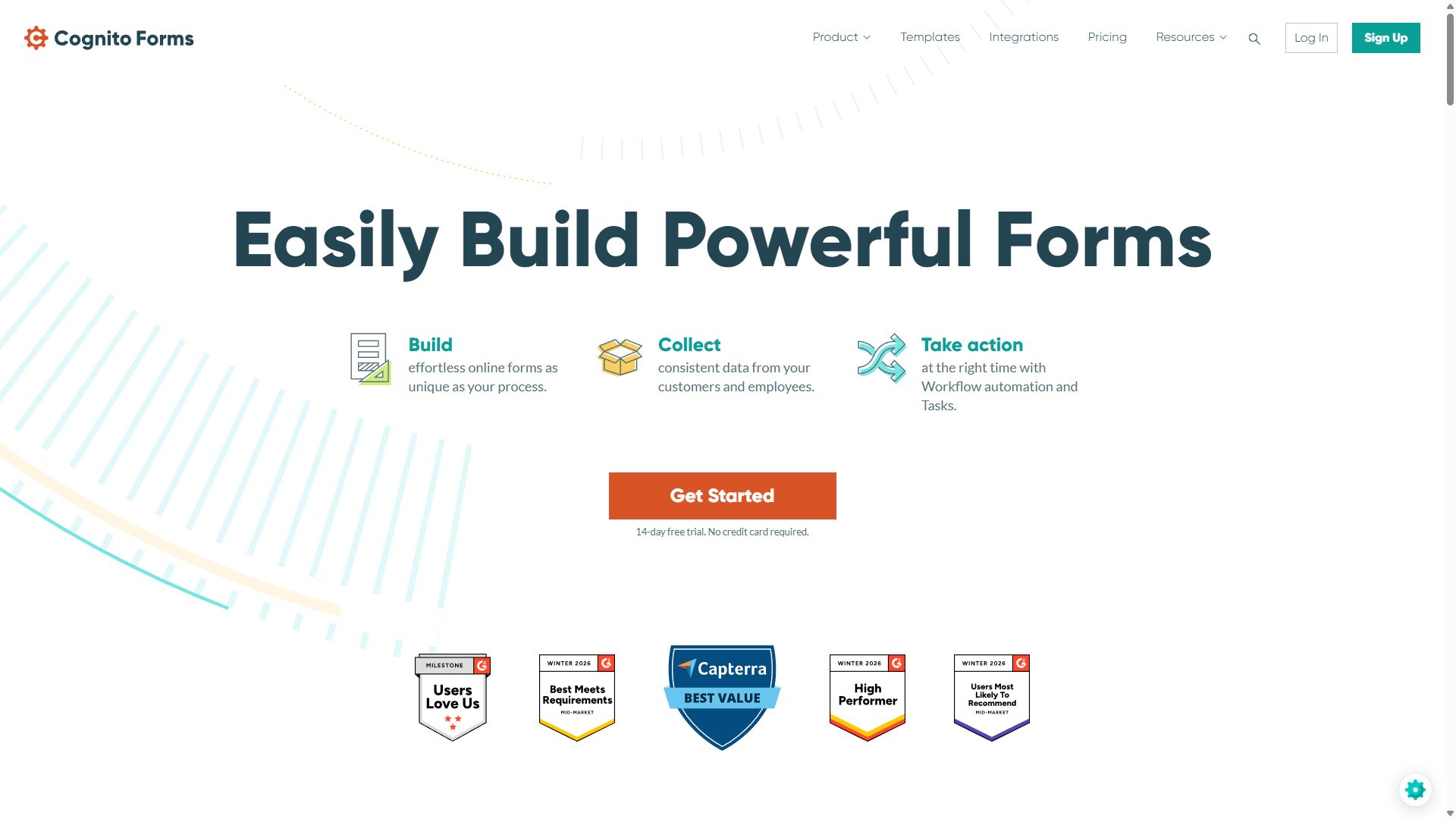
An expense claim is a calculation wearing a form's clothes: line items, mileage rates, per-diem caps, running totals. Cognito Forms handles all of it natively — repeating sections let an employee add expense after expense, and the calculation engine totals everything live, applying whatever rules your policy demands. Approval routing and e-signatures are built in too, which is remarkable at $19/month.

It's the budget answer to Jotform for process forms, with the same honest trade-offs it carries everywhere: the forms look plain, the community is small when you get stuck, and many integrations route through Zapier rather than connecting natively. If your HR stack lives in spreadsheets and email, none of that will bother you.

Pros

  • Approval routing at $19/mo
  • Repeating sections for expense line items
  • Best calculations in its price range

Cons

  • Plain, dated form design
  • Many integrations need Zapier
  • Fewer tutorials & smaller community

Pricing: Free · Individual $19/mo · Professional $39/mo · Enterprise $129/mo.

Visit Cognito Forms →
Cognito Forms homepage featuring its form builder
Cognito Forms — captured during our June 2026 testing
#5

Typeform

Best for candidate-facing forms
  • ★ 4.5 G2
  • ★ 2.1 Trustpilot
  • Free plan: 10 responses/mo
  • Paid from ~$39/mo

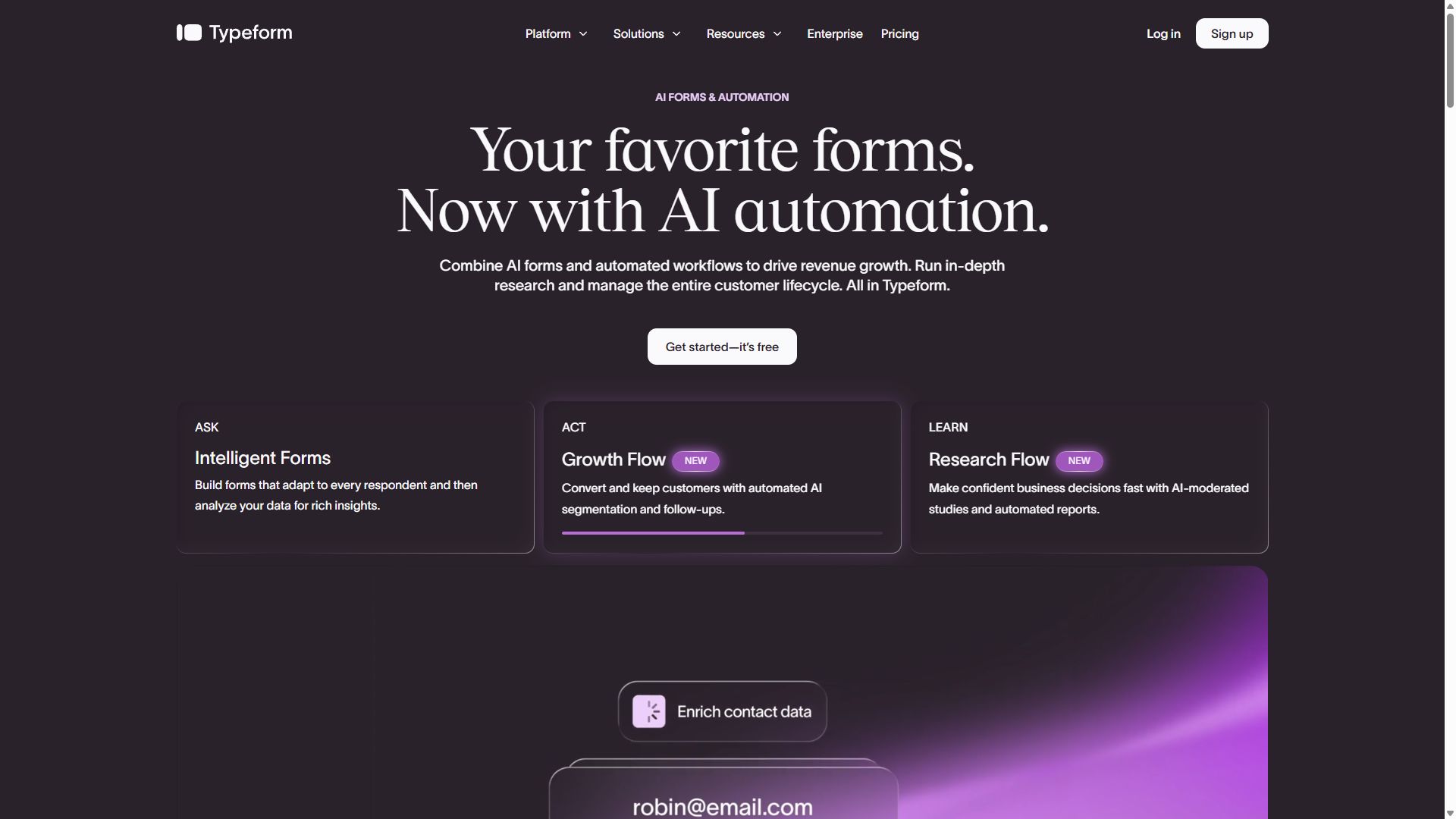
An application form is often a candidate's first interaction with your company, and a clunky one costs you applicants — especially the in-demand ones who won't push through friction. Typeform's one-question-at-a-time format is the best first impression in the business: applications feel like a conversation, completion rates run high, and the Brand Kit keeps everything matching your careers page. Its AI follow-up feature can even probe deeper based on a candidate's earlier answers.

Inside the HR department, the case weakens fast. Per-seat pricing is hard to justify for internal paperwork, ten free responses a month is nearly nothing, and there are no approvals or document workflows. Use it where candidates and employees see the form; run your processes elsewhere.

Pros

  • Best candidate experience here
  • High completion on application forms
  • AI follow-up questions adapt to answers

Cons

  • Seat-based pricing adds up for teams
  • Only 10 free responses/mo
  • No approval workflows

Pricing: Free · Basic ~$39/mo · Plus ~$79/mo · Business $129/mo.

Visit Typeform →
Typeform homepage showcasing conversational forms
Typeform — captured during our June 2026 testing
#6

Tally

Best free option for pulse checks
  • ★ 4.9 G2
  • ★ 3.8 Trustpilot
  • Free plan: unlimited
  • Paid from $24/mo (annual)

Not every HR form deserves a budget line. A Friday pulse check, an anonymous suggestion box, a "which date works for the offsite?" poll — Tally handles all of these for free, with unlimited forms and unlimited responses. The Notion-style editor means a quick survey takes two minutes to build, and a 4.9 G2 rating says users genuinely enjoy it.

Its limits define its lane. Reporting is basic, so anything beyond eyeballing responses means exporting to a spreadsheet; there are no approvals, no e-signatures, no engagement benchmarking; and free forms carry a "Made with Tally" badge. As the free sidekick to a serious survey or workflow tool, though, it costs nothing and earns its keep weekly.

Pros

  • Free with unlimited responses
  • Two-minute form creation
  • Highest G2 rating in this guide

Cons

  • Basic reporting — export for analysis
  • No approvals or e-signatures
  • Tally badge on free forms

Pricing: Free (unlimited) · Pro $24/mo · Business $74/mo, billed annually.

Visit Tally →
Tally homepage promoting its free form builder
Tally — captured during our June 2026 testing

How an HR team should choose a form builder

Start by being honest about which of three jobs you're hiring the tool for:

1. Measuring sentiment or moving paperwork?

These are different products wearing the same name. Engagement surveys live or die on analysis — benchmarking, significance testing, anonymity — which is SurveyMonkey territory. Onboarding packets and request forms live or die on signatures, logic, and routing, which is forms.app and Jotform territory. Many HR teams genuinely need one of each, and that's cheaper than forcing one tool to do both badly.

2. Does anything need a manager's approval?

If leave requests or expense claims are in scope, built-in approval routing saves you from playing human router over email. Jotform and Cognito Forms have it natively; Cognito gets you there at $19/month versus Jotform's $39. If approvals aren't in scope, don't pay for them — conditional notification routing in forms.app covers simple "send this to the right person" cases.

3. How sensitive is the data?

HR forms collect some of the most sensitive data in the company. Anonymous surveys need real anonymity, not just an omitted name field — check what metadata the tool stores. And if forms touch health information, like benefits or accommodation requests, you may need HIPAA compliance, which Jotform offers on its Gold tier. Decide the data question before the price question.

Bottom line

Run engagement surveys on SurveyMonkey and everything operational on forms.app at $19/month. If approval chains are the heart of your workload, make that second slot Jotform instead.

HR form builder FAQ

What is the best tool for employee engagement surveys?

SurveyMonkey is the best tool for employee engagement surveys in 2026. It offers validated question banks written by survey methodologists, statistical analysis with cross-tabulation, and benchmarking so you can compare your scores against other organizations — capabilities general-purpose form builders don't have.

Can employees submit forms anonymously?

Yes. SurveyMonkey offers anonymity options designed for sensitive employee feedback, and most form builders let you simply omit name and email fields and disable identifying metadata. For honest engagement and exit feedback, state clearly on the form that responses are anonymous and avoid demographic questions that could identify individuals on small teams.

Which form builders support approval workflows?

Jotform and Cognito Forms both include approval routing, so a leave or expense request can flow to a manager for sign-off automatically. Jotform's approval workflows are the more polished of the two, while Cognito Forms offers approval routing from its $19/month Individual plan, making it the budget pick for HR process forms.

Should HR use a form builder or dedicated HR software?

Use both for what they do best. An HRIS is the system of record for payroll, benefits, and employee files. Form builders excel at everything around it: engagement and pulse surveys, onboarding packets, policy acknowledgments, and ad-hoc request forms. At $19–$39 a month, a form builder fills those gaps for a fraction of the cost of adding HRIS modules.