Use-case guide · 2026 edition

The best form builders for education

Teachers build more forms than almost any other profession — quizzes, permission slips, enrollment forms, parent surveys, club sign-ups — and usually on a budget of exactly zero dollars. We ranked six tools by what they actually deliver in a classroom, starting with the free ones.

Last updated · 6 tools tested · No sponsored placements

Our verdict for education

Google Forms wins for most teachers: it grades quizzes automatically, costs nothing, and lives inside the Google Workspace your school probably already uses. Want better-looking forms with scoring and AI generation? forms.app is the step up. Collecting trip fees with siblings on one form? Cognito Forms does the math.

Best form builders for education — at a glance
Rank Tool Best education use Free plan Paid from
1Google FormsAuto-graded quizzes & everyday classroom formsFree, no response limitsIncluded with Google Workspace
2forms.appPolished quizzes with scoring & AI generation5 forms, unlimited responses$29/mo
3JotformPermission slips, enrollment & PDF records100 submissions/mo$39/mo (50% edu discount)
4SurveyMonkeyCourse evaluations & research-grade surveys10 questions maxVaries by region
5TallyClub sign-ups & unlimited free listsUnlimited$24/mo (annual)
6Cognito FormsTrip fees & multi-child registration math100 entries/mo$19/mo
#1

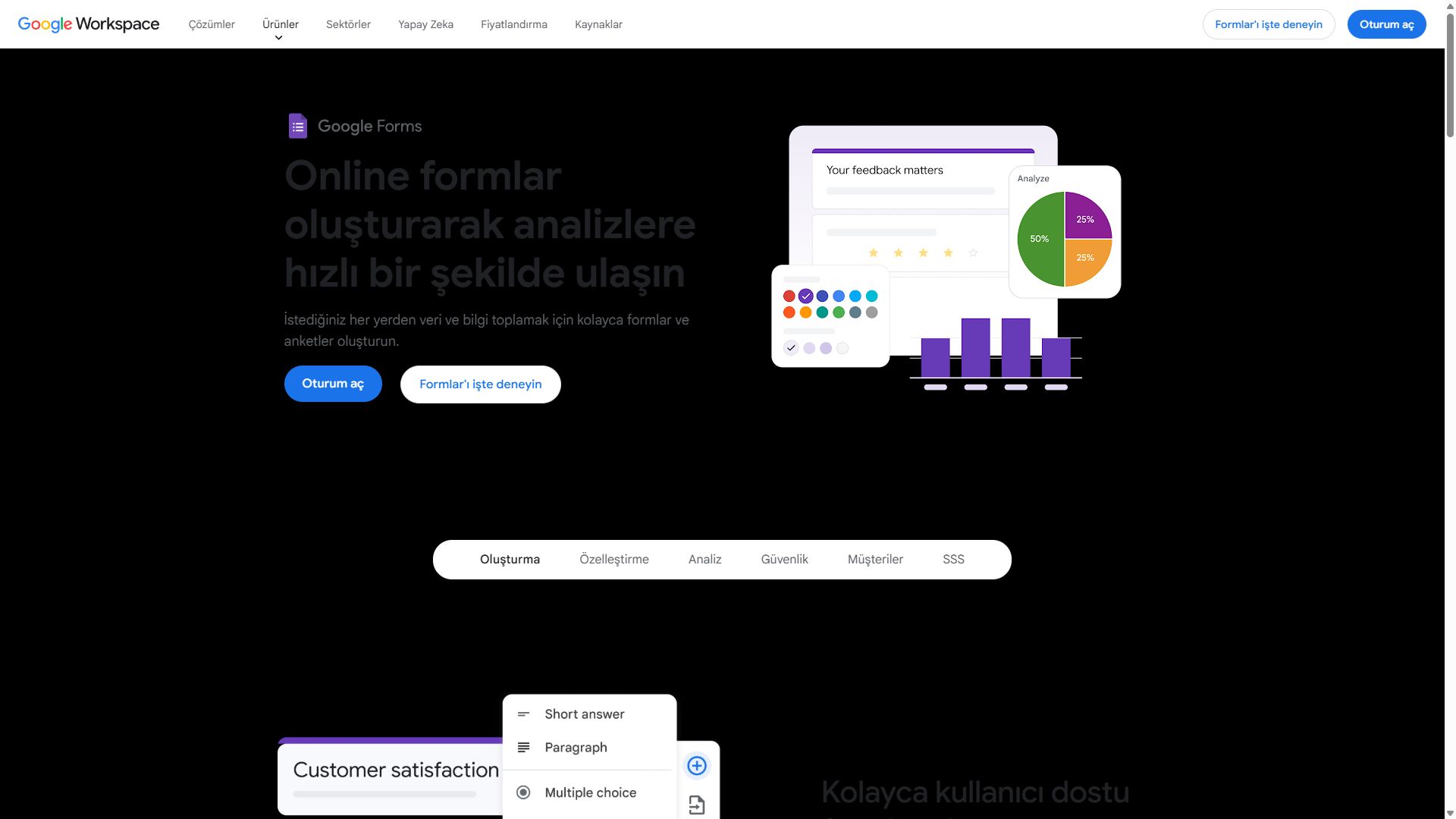
Google Forms

Best for schools — free and familiar
  • Free with any Google account
  • Auto-graded quizzes built in
  • Results flow into Google Sheets

Most schools already run on Google Workspace, and that single fact decides this ranking. Google Forms sits next to the Docs and Slides your students use daily, shares to a Classroom roster in two clicks, and never asks anyone for a credit card. There is no response cap to worry about when 180 students submit an exit ticket in the same hour.

Quiz mode is the killer feature for teachers. Set an answer key, assign points, and multiple-choice and checkbox questions grade themselves the moment a student hits submit — with optional feedback shown for wrong answers. Every response lands in a connected Google Sheet, so grade analysis is a pivot table away rather than a CSV export.

The honest limits: forms look plain and can barely be branded, there is no e-signature field for permission slips, and logic is limited to simple section jumps. For everyday classroom data collection, though, nothing beats free, familiar, and already approved by your IT department.

Pros

  • Completely free, no response limits
  • Automatic quiz grading with answer keys
  • Native Google Sheets & Classroom fit
  • Already deployed at most schools

Cons

  • Plain design, minimal branding
  • No e-signature field
  • Only basic branching logic

Pricing: Free with any Google account; included in Google Workspace for schools.

Open Google Forms →
Google Forms interface showing a quiz being built
Google Forms — captured during our June 2026 testing
#2

forms.app

The step up from Google Forms
  • ★ 4.5 G2
  • ★ 4.3 Trustpilot
  • Free plan: Unlimited responses
  • Paid from $29/mo ($19 annual)

When Google Forms starts feeling like a worksheet from 2012, forms.app is the natural upgrade. Quizzes come out looking like something students want to tap through — a step-by-step view that shows one question at a time, or a list view for longer assessments — and calculation fields handle scoring, so a placement quiz can total points and branch students by result.

The AI generator earns its keep on a Sunday night: describe the form in a sentence ("permission slip for a museum trip with parent signature and emergency contact") and a working draft appears, which you tidy up instead of building from scratch. AI generation, conditional logic, and e-signature fields are all included on the free plan — the e-signature part is what Google Forms can't do at any price.

Unlimited free responses cover a full class or grade level without worrying about caps. Paid plans from $29/month add custom branding and advanced analytics — worthwhile for district-wide deployments, but most individual teachers never need to upgrade.

Pros

  • AI form generation on the free plan
  • Scoring & calculation fields for quizzes
  • E-signatures included free
  • 5,000+ templates to start from

Cons

  • forms.app branding on free forms
  • No question shuffling for test security

Pricing: Free (unlimited responses & team) · Basic $29/mo ($19 annual) · Pro $39/mo ($29 annual) · Premium $79/mo ($59 annual).

Visit forms.app →
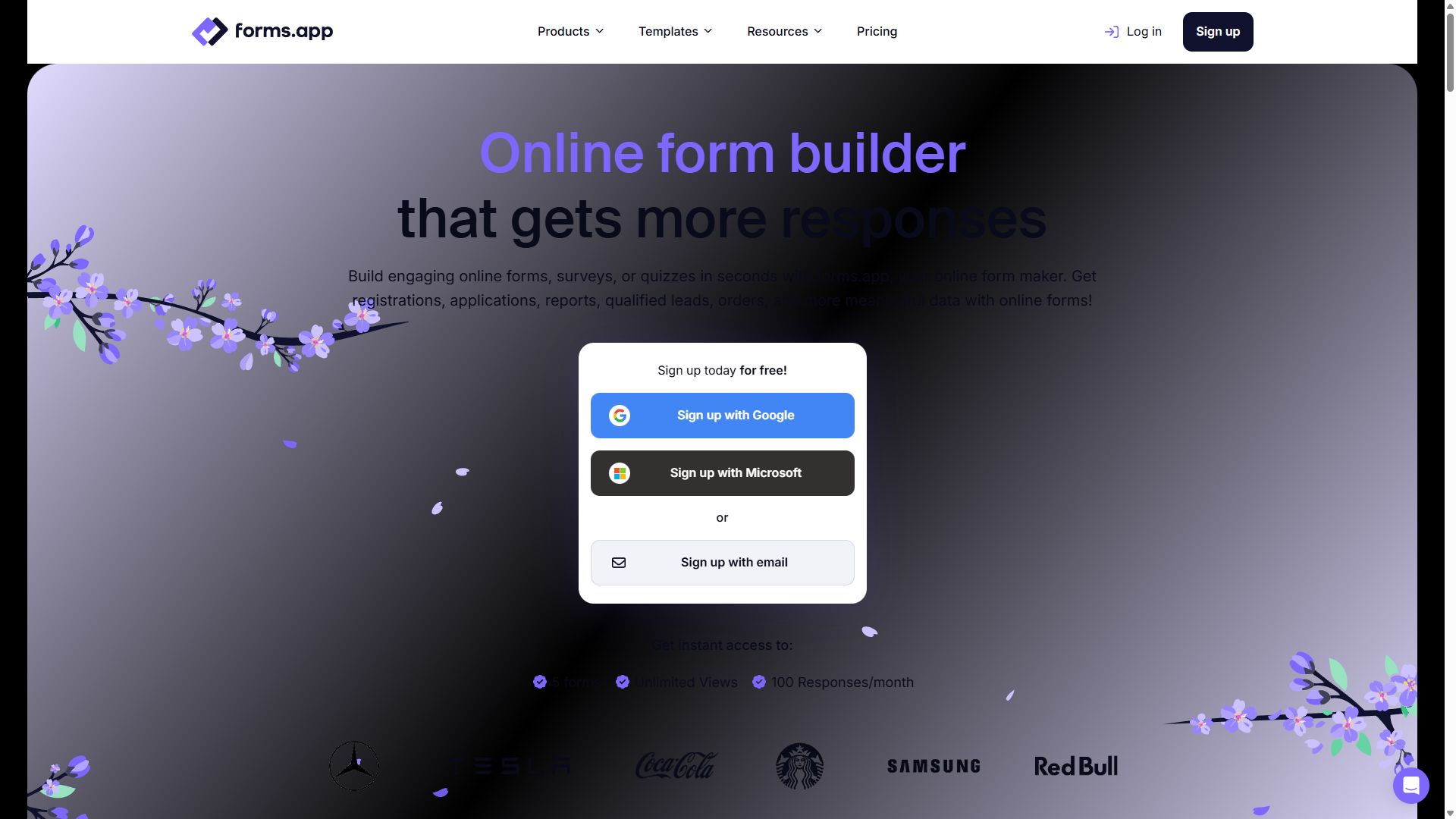
forms.app homepage showing its online form builder
forms.app — captured during our June 2026 testing
#3

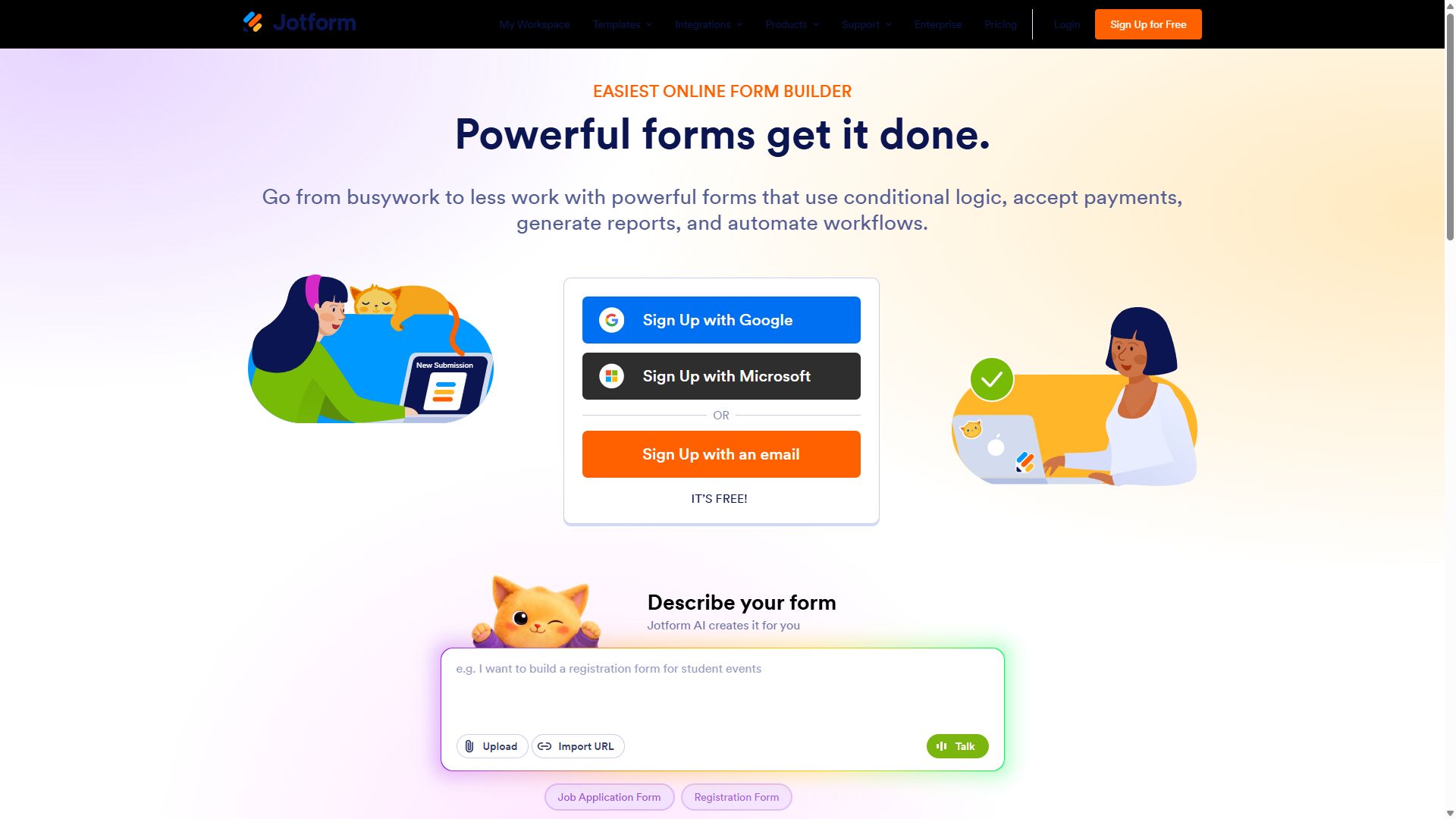
Jotform

Biggest education template library
  • ★ 4.7 G2
  • ★ 4.4 Trustpilot
  • Free plan: 100 submissions/mo
  • Paid from $39/mo

School offices live on paperwork, and Jotform's 20,000+ template library reads like a school secretary's filing cabinet: enrollment applications, field-trip permission slips, sports physicals, library card requests, after-school program registrations. Start from a template, swap the logo, and you've replaced a paper process before lunch.

Two features matter most here. E-signature fields make permission slips legally signable from a parent's phone, and each submission can generate a PDF — so the signed slip files itself. For admissions offices, approval workflows route applications to the right person without forwarding emails around.

At $39/month Jotform is the priciest pick for an individual teacher, but there's a meaningful asterisk: Jotform offers a 50% discount for eligible educational institutions, which changes the calculus for a school-wide account. The editor's learning curve is the other tax — it does more than most schools will ever use.

Pros

  • Huge library of education templates
  • E-signatures plus PDF generation
  • 50% discount for eligible schools
  • Approval flows for admissions paperwork

Cons

  • $39/mo before the discount
  • Busy interface takes time to learn
  • Free plan capped at 5 forms

Pricing: Free · Bronze $39/mo · Silver $49/mo · Gold $129/mo — 50% off for eligible educational institutions.

Visit Jotform →
Jotform homepage with its drag-and-drop form builder
Jotform — captured during our June 2026 testing
#4

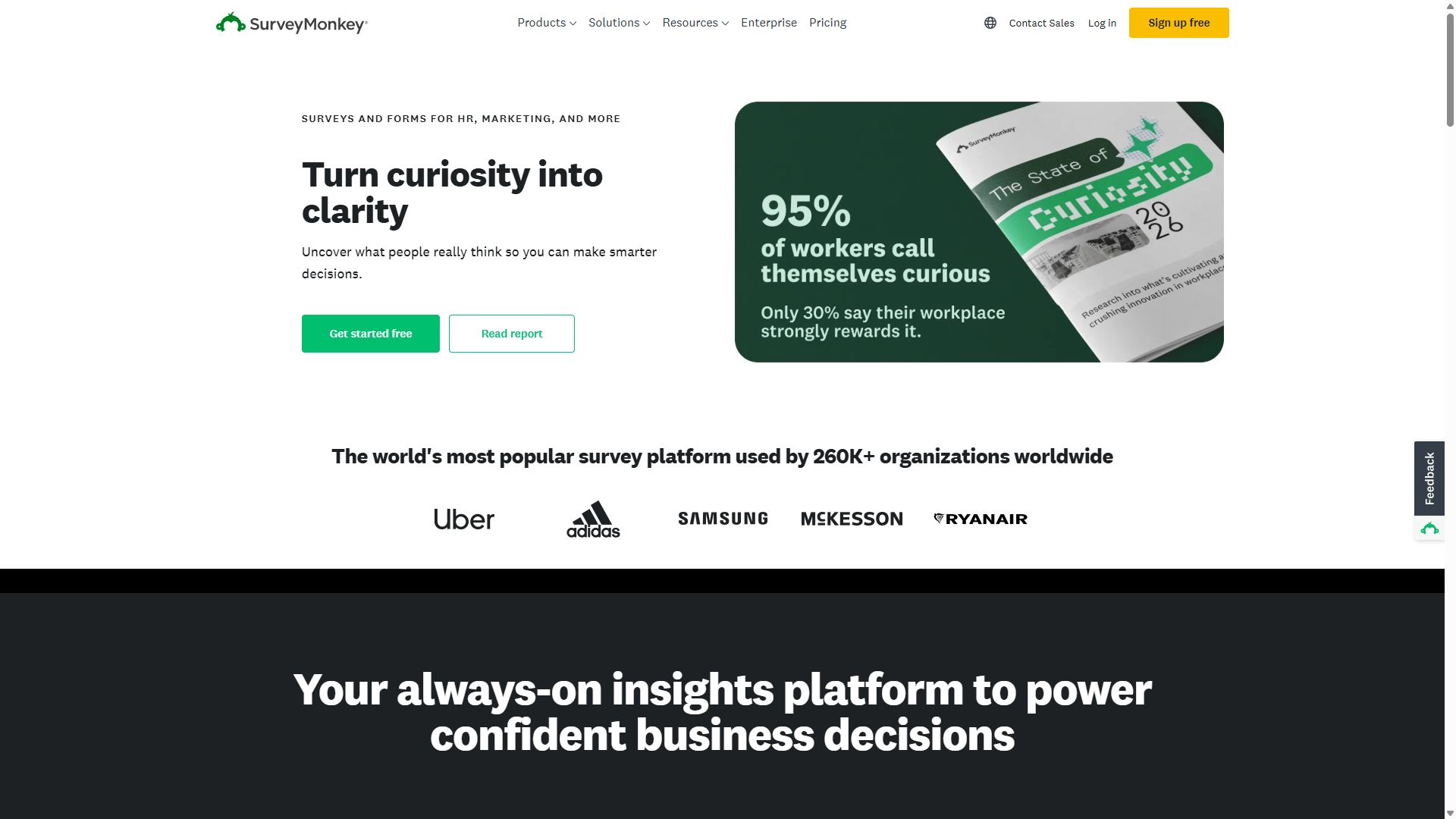
SurveyMonkey

Best for course evaluations & research
  • ★ 4.4 G2
  • ★ 3.0 Trustpilot
  • Free plan: 10 questions max
  • Local pricing by country

When the question is "did this course actually work?", SurveyMonkey is the serious instrument. Its validated question banks were written by survey methodologists, so your end-of-semester evaluation measures what you think it measures, and the Genius feature flags biased or leading questions before students ever see them.

The analytics are where it pulls away from everything else on this page: cross-tabulation lets a department head compare feedback across sections, and statistical significance testing separates a real trend from noise. For graduate students running parent or student research, that rigor is the whole point.

It is emphatically not the tool for permission slips or sign-ups — no payments, no signatures, limited customization — and the free plan's 10-question cap rules out real evaluations. Treat it as a specialist you bring in for assessment season.

Pros

  • Methodology-grade question banks
  • Cross-tabulation & significance testing
  • AI question review catches bias

Cons

  • Free plan capped at 10 questions
  • Wrong tool for slips & sign-ups
  • Dated editor, limited styling

Pricing: Free (10 questions max) · paid plans use local pricing in most countries.

Visit SurveyMonkey →
SurveyMonkey homepage highlighting its survey platform
SurveyMonkey — captured during our June 2026 testing
#5

Tally

Free unlimited for clubs & sign-ups
  • ★ 4.9 G2
  • ★ 3.8 Trustpilot
  • Free plan: unlimited
  • Paid from $24/mo (annual)

Every school has a long tail of small forms nobody budgets for: chess club sign-ups, bake sale volunteer slots, yearbook photo submissions, PTA meeting RSVPs. Tally's free plan — unlimited forms, unlimited responses — exists precisely for this tail. The student council can run it without ever hitting a paywall.

The editor works like a Notion page: type a question, hit slash for a field type, done. Students who grew up in Google Docs pick it up in minutes. The trade-offs are a small "Made with Tally" badge on free forms, basic reporting that pushes you to export for any real analysis, and no auto-graded quiz mode — which is why it sits below Google Forms for classroom use despite the best G2 score in this guide.

Pros

  • Unlimited forms & responses, free
  • Fastest editor here — slash commands
  • Highest G2 rating in this ranking

Cons

  • No auto-graded quiz mode
  • Tally badge on free forms
  • Reporting is export-and-analyze

Pricing: Free (unlimited) · Pro $24/mo · Business $74/mo, billed annually.

Visit Tally →
Tally homepage promoting its free form builder
Tally — captured during our June 2026 testing
#6

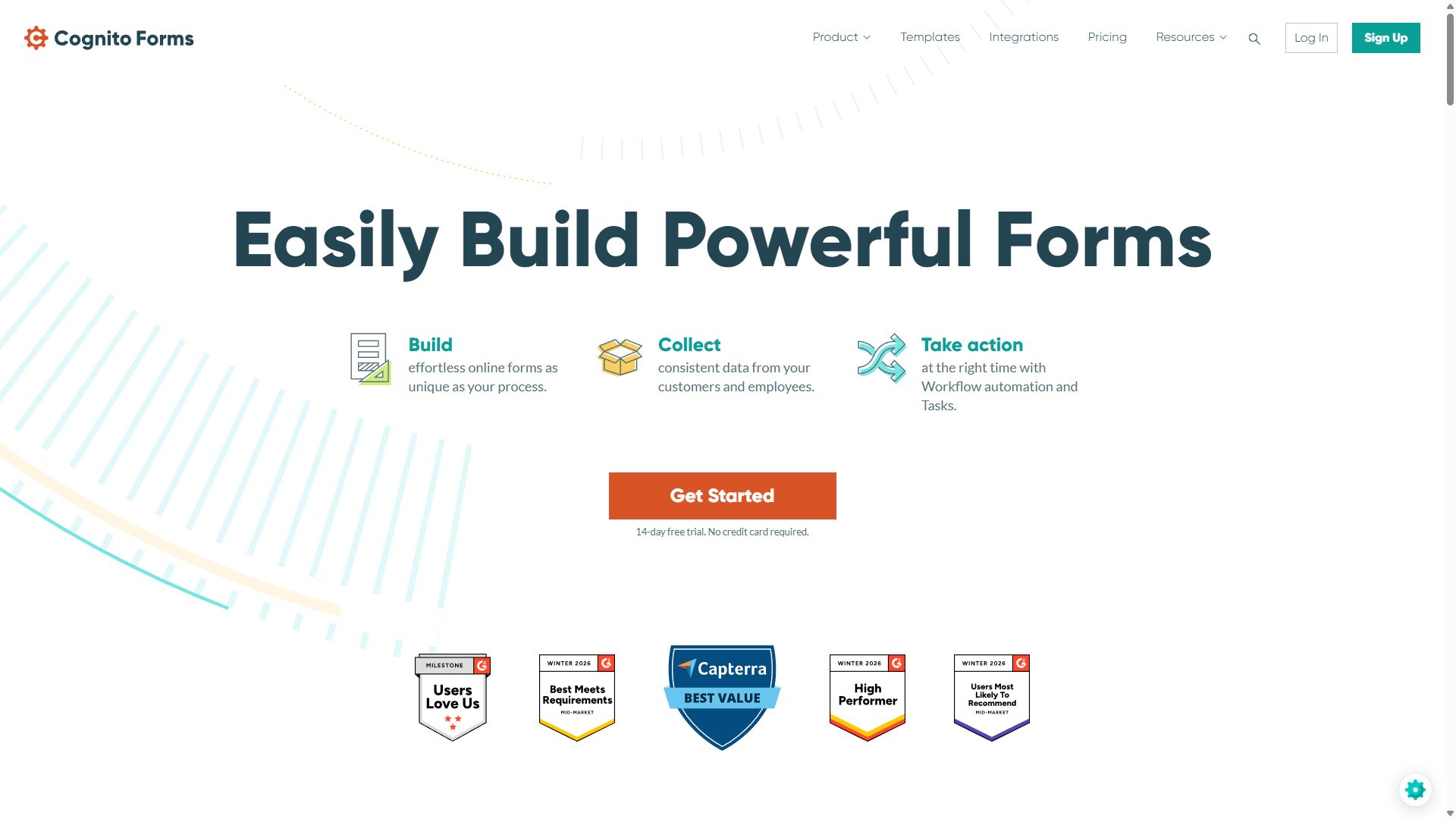
Cognito Forms

Best for trip fees & family registrations
  • ★ 4.6 G2
  • ★ 4.0 Trustpilot
  • Free plan: 100 entries/mo
  • Paid from $19/mo

Field trips and school events come with math: $28 per student, $12 for the optional museum add-on, a sibling discount, and a family registering three children on one form. Cognito Forms' calculation engine — the strongest at this price — totals all of it live, so parents see exactly what they owe before they pay.

Repeating sections are the sleeper feature for schools. One "Add another child" button collects each student's name, grade, and allergies in its own block, instead of forcing the office to build Child 1 / Child 2 / Child 3 fields and hope no family has four. E-signatures and approval routing are built in for the permission side of the same form.

It ranks sixth because the forms look plain and most teachers simply don't need conditional math. But for the person running event logistics or activity fees, it solves problems the prettier tools can't.

Pros

  • Live fee calculations & totals
  • Repeating sections for multiple children
  • E-signatures & approvals included

Cons

  • Plain, dated form design
  • Many integrations go through Zapier
  • Overkill for simple classroom forms

Pricing: Free · Individual $19/mo · Professional $39/mo · Enterprise $129/mo.

Visit Cognito Forms →
Cognito Forms homepage featuring its form builder
Cognito Forms — captured during our June 2026 testing

How to choose a form builder for your school

The right answer depends less on features and more on three classroom realities:

1. Start with what your school already pays for

If your district runs Google Workspace, Google Forms is already approved, already integrated with your rosters, and already familiar to students. A second tool needs to clear a real bar — e-signatures, fee calculations, or polish — before it earns a place. Don't pay for a feature your existing stack gives you free.

2. Match the tool to the form, not the other way around

A reading quiz, a signed permission slip, and a multi-child trip registration are three different problems. Quizzes want auto-grading (Google Forms, or forms.app for scored assessments). Permission slips want e-signatures (forms.app or Jotform). Fee collection with discounts wants calculations (Cognito Forms). Most schools end up happily using two tools, and that's fine.

3. Check who can see student data

Before collecting anything about minors, run the tool past whoever owns data privacy at your school. Ask where responses are stored, who on the vendor side can access them, and whether you can delete a student's data on request. A free tool that fails that conversation is more expensive than a paid one that passes it.

Bottom line

Use Google Forms for quizzes and everyday classroom collection. Add forms.app when you need e-signatures, scoring, or forms parents will see — its free plan covers a surprising amount of the school year.

Education form builder FAQ

What is the best free form builder for teachers?

Google Forms is the best free option for most teachers: quizzes with automatic grading, no response limits, and results that flow straight into Google Sheets. forms.app and Tally also offer unlimited free responses — forms.app adds AI generation and scoring; Tally suits simple sign-up sheets with a Notion-style editor.

Can Google Forms grade quizzes automatically?

Yes. Switch a form into quiz mode and you can set an answer key, assign point values, and add feedback for right and wrong answers. Multiple-choice, checkbox, and dropdown questions are graded the moment a student submits, and scores can be reviewed per student or exported to Google Sheets.

Which form builder works best for parent permission slips?

Pick a tool with e-signatures. forms.app includes e-signature fields even on its free plan, which is unusual at $0. Jotform also handles signed permission slips well and can turn each submission into a PDF for your records. Google Forms has no real signature field, so it is a poor fit for anything that needs a parent's sign-off.

Do form builders offer education discounts?

Some do. Jotform offers a 50% discount for eligible educational institutions, which brings its Bronze plan down considerably. Google Forms is free with any Google account, and Tally is free with unlimited responses regardless of who you are — so many schools never pay anything at all.