Use-case guide · 2026 edition

The best form builders for event registration

A wedding RSVP, a 40-person workshop, and a paid conference are three very different forms. We ranked six builders on the things event organizers sweat: ticket payments, capacity caps, and clean attendee lists — without paying a platform like Eventbrite a cut of every ticket.

Last updated · 6 tools tested · No sponsored placements

Our verdict for event registration

forms.app wins for most events: its product listing field maps perfectly onto ticket tiers, Stripe and PayPal are included on the free plan, and unlimited responses survive even a big conference. For an invite-only event where the RSVP itself should impress, use Typeform. For a casual team gathering, Google Forms is free and fine.

Best form builders for event registration — at a glance
Rank Tool Event strength Paid tickets Paid from
1forms.appTicket tiers via product listing fieldYes — from $19/mo$19/mo
2JotformEvent template depth & calendar fieldsYes — 30+ gateways$39/mo
3TypeformMost engaging RSVP experienceBusiness plan only ($129/mo)~$39/mo
4PaperformEvent page + registration in oneYes~$24/mo
5Google FormsFree casual RSVPsNo native paymentsFree
6Cognito FormsPer-attendee price calculationsYes$19/mo
#1

forms.app

Best overall for event registration
  • ★ 4.5 G2
  • ★ 4.3 Trustpilot
  • Free plan: Unlimited responses
  • Paid from $29/mo ($19 annual)

The reason forms.app tops this list is a single field most builders don't have: the product listing field. Lay out General, VIP, and Early Bird as products with prices and quantities, connect Stripe or PayPal on the free plan, and you have a ticket shop — with no per-ticket commission eating into your margin the way event platforms do.

Registration flows also tend to be long — name, dietary needs, session choices, billing — and forms.app's step view breaks that into one comfortable screen at a time instead of a wall of fields. Conditional logic shows the workshop picker only to workshop attendees, and e-signatures (free plan included) cover photo waivers and liability releases.

Scale is where it quietly embarrasses the competition. If your conference or festival pulls thousands of registrations in a launch week, unlimited responses on every plan absorb the spike — a ceiling other tools only offer on enterprise contracts.

Pros

  • Product listing field is ideal for ticket tiers
  • Stripe & PayPal on free plan
  • Step view keeps long registrations friendly
  • Unlimited responses on all plans

Cons

  • No offline submissions for door check-in
  • Less name recognition than Jotform

Pricing: Free · Basic $19/mo · Pro $29/mo · Premium $59/mo, billed annually.

Try forms.app free →
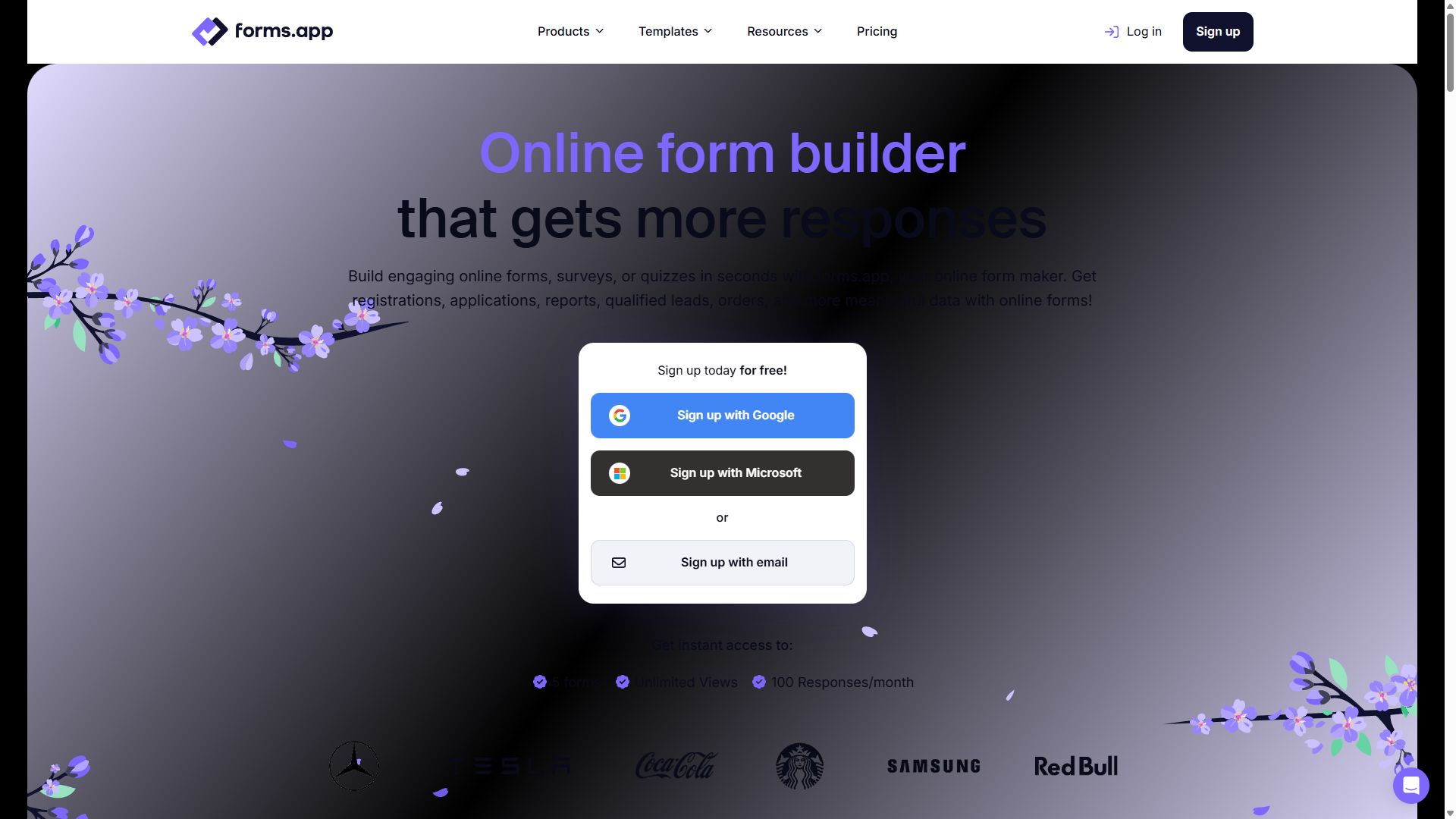
forms.app homepage showing its online form builder
forms.app — captured during our June 2026 testing
#2

Jotform

Deepest event templates & payment options
  • ★ 4.7 G2
  • ★ 4.4 Trustpilot
  • Free plan: 100 submissions/mo
  • Paid from $39/mo

Whatever you're hosting — a charity gala, a 5K run, a vendor fair — Jotform's 20,000+ template library almost certainly has a registration form for it already built. Appointment and calendar fields handle time-slot bookings for workshops and open days, and with 30+ payment gateways you can take ticket money in nearly any country or currency.

It loses to forms.app on cost and weight. Paid plans start at $39/month, the editor takes longer to learn, and very long registration forms can get sluggish. If your committee shares one account, note that inviting teammates requires the Enterprise plan. Still, for organizers who want a proven template and maximum payment flexibility, Jotform is the safe pick.

Pros

  • Huge library of ready event templates
  • 30+ payment gateways for tickets
  • Appointment fields for time slots

Cons

  • Paid plans start at $39/mo
  • Can slow down on long forms
  • Team access needs Enterprise

Pricing: Free · Bronze $39/mo · Silver $49/mo · Gold $129/mo.

Visit Jotform →
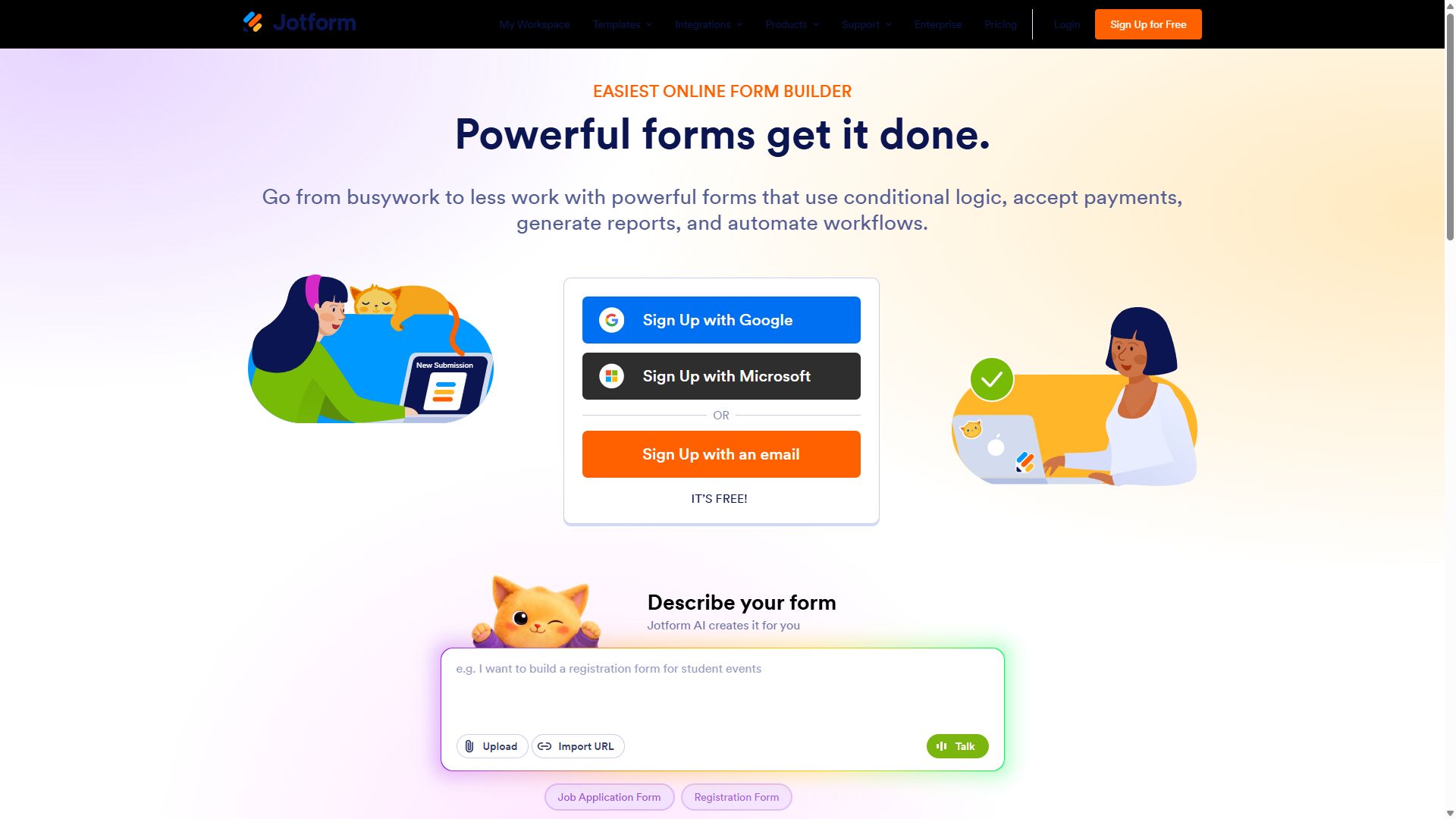
Jotform homepage with its drag-and-drop form builder
Jotform — captured during our June 2026 testing
#3

Typeform

Best RSVP experience for invite-only events
  • ★ 4.5 G2
  • ★ 2.1 Trustpilot
  • Free plan: 10 responses/mo
  • Paid from ~$39/mo

For a wedding, a product launch party, or an exclusive dinner, the RSVP is part of the invitation — and nothing makes answering a form feel as good as Typeform. Its one-question-at-a-time format, polished animations, and Brand Kit styling consistently earn the highest completion rates of anything we tested, which matters when you genuinely need every guest to reply.

It ranks third because it's the wrong shape for paid events. Payment collection is locked behind the $129/month Business tier, the free plan's 10 responses barely cover a dinner party, and long multi-session registrations fight the format since respondents can't skip around or review answers. Use it when the experience is the point and the tickets are free.

Pros

  • Highest-polish RSVP experience
  • Strong completion rates on short forms
  • Brand Kit keeps invites on-brand

Cons

  • Payments require $129/mo Business plan
  • Free plan: just 10 responses/mo
  • Awkward for long registration flows

Pricing: Free · Basic ~$39/mo · Plus ~$79/mo · Business $129/mo.

Visit Typeform →
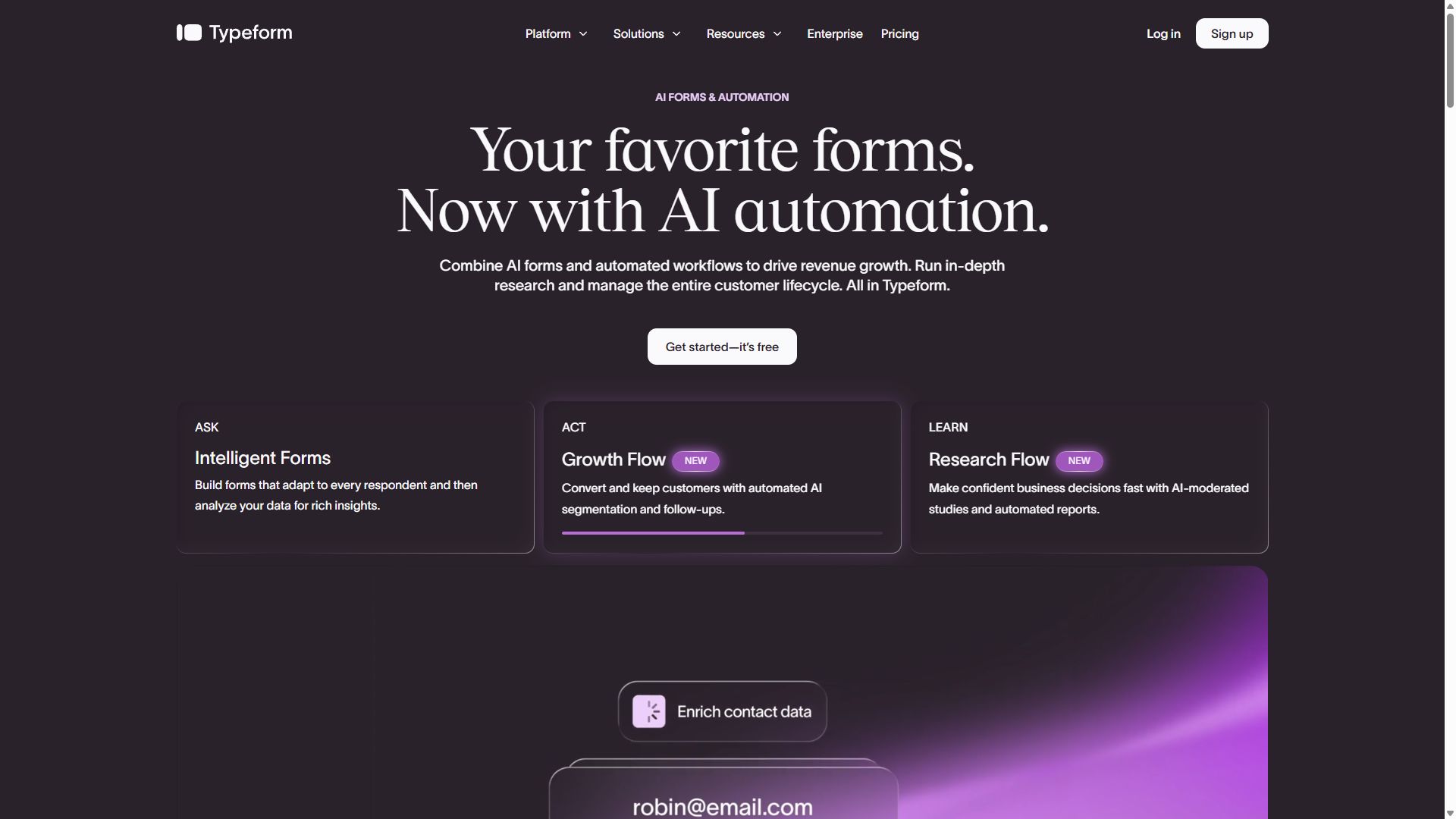
Typeform homepage showcasing conversational forms
Typeform — captured during our June 2026 testing
#4

Paperform

Event page and registration form in one
  • ★ 4.8 G2
  • ★ 4.8 Trustpilot
  • Free plan: 30 submissions/mo
  • Paid from ~$24/mo (annual)

Most events need two things online: a page that sells the event and a form that registers people. Paperform collapses them into one. Its canvas mixes text, photos, video, a schedule, and registration fields on a single branded URL — so a yoga retreat or supper club gets a landing page and sign-up flow without touching a website builder.

Bookings are a genuine strength, which suits recurring workshops and classes, and payments are supported on paid plans. The limits: the free tier's 30 monthly submissions only suit tiny gatherings, the canvas editor takes a session or two to learn, and it isn't built for thousand-attendee volume. For small, design-led events, though, it's a lovely fit.

Pros

  • Landing page + registration in one URL
  • Strong bookings for recurring sessions
  • 4.8 stars on both G2 and Trustpilot

Cons

  • Free plan caps at 30 submissions/mo
  • Editor learning curve
  • Not for high-volume events

Pricing: Free · Essentials ~$24/mo · Pro ~$49/mo · Business ~$99/mo, billed annually.

Visit Paperform →
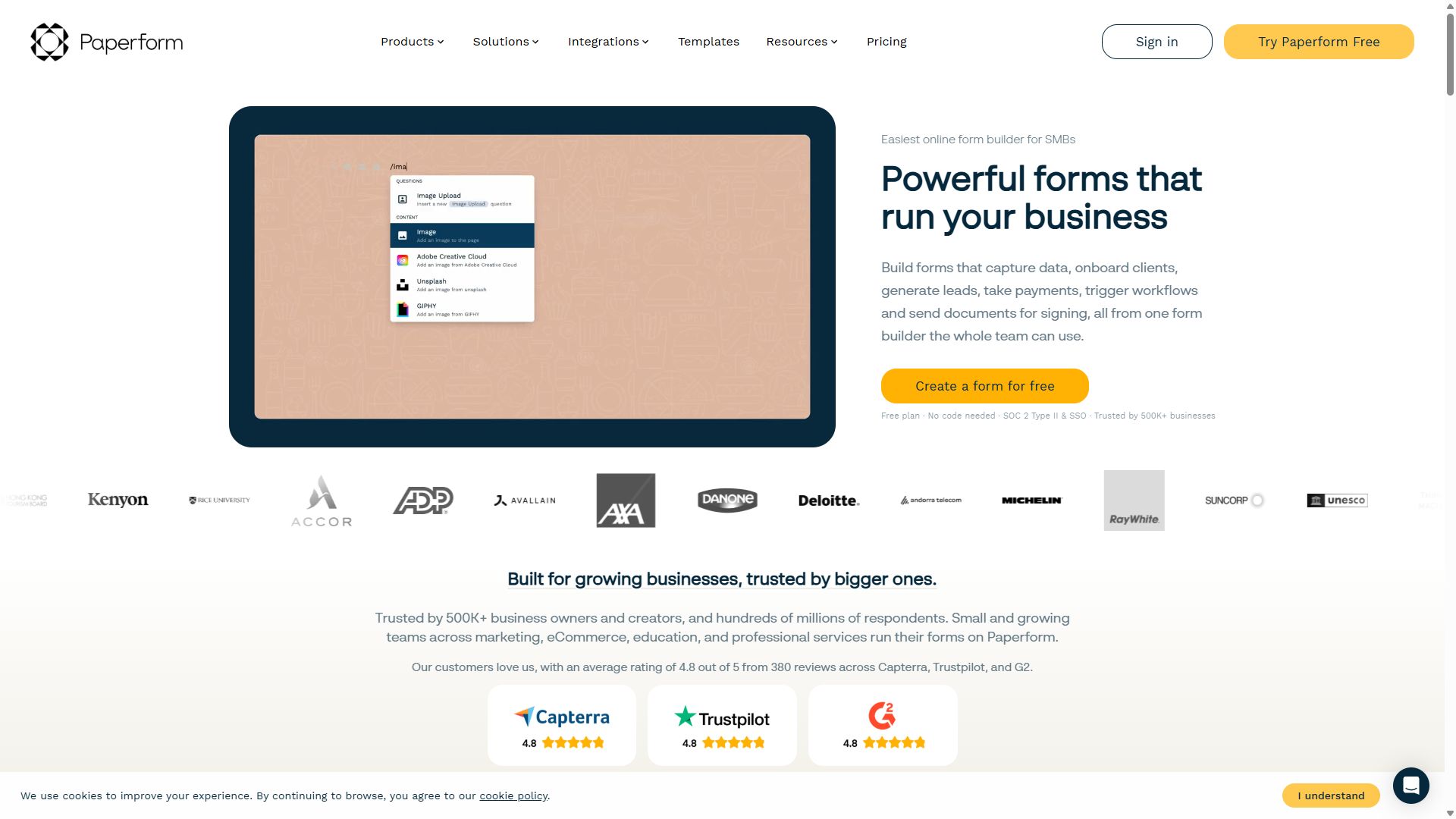
Paperform homepage showing landing-page-style forms
Paperform — captured during our June 2026 testing
#5

Google Forms

Best for free casual RSVPs
  • Free with a Google account
  • Responses land in Google Sheets
  • No native payment collection

Team offsite, potluck, study group, pickup football — if nobody is paying and nobody needs branding, Google Forms is the honest answer. It costs nothing, everyone already knows how to fill one out, and every RSVP drops straight into a Google Sheet your co-organizers can watch in real time.

The fifth-place ranking reflects its ceiling, not its quality at the casual job. There's no native payment collection, so paid tickets are off the table; design options are minimal, so the form will always look like a Google Form; and there are no capacity or ticket-tier mechanics. The moment money or branding enters the picture, move up this list.

Pros

  • Completely free
  • Familiar to every guest
  • Live RSVP list in Google Sheets

Cons

  • No payments, so no paid tickets
  • Generic look, minimal branding
  • No ticket-tier or capacity features

Pricing: Free with any Google account.

Visit Google Forms →
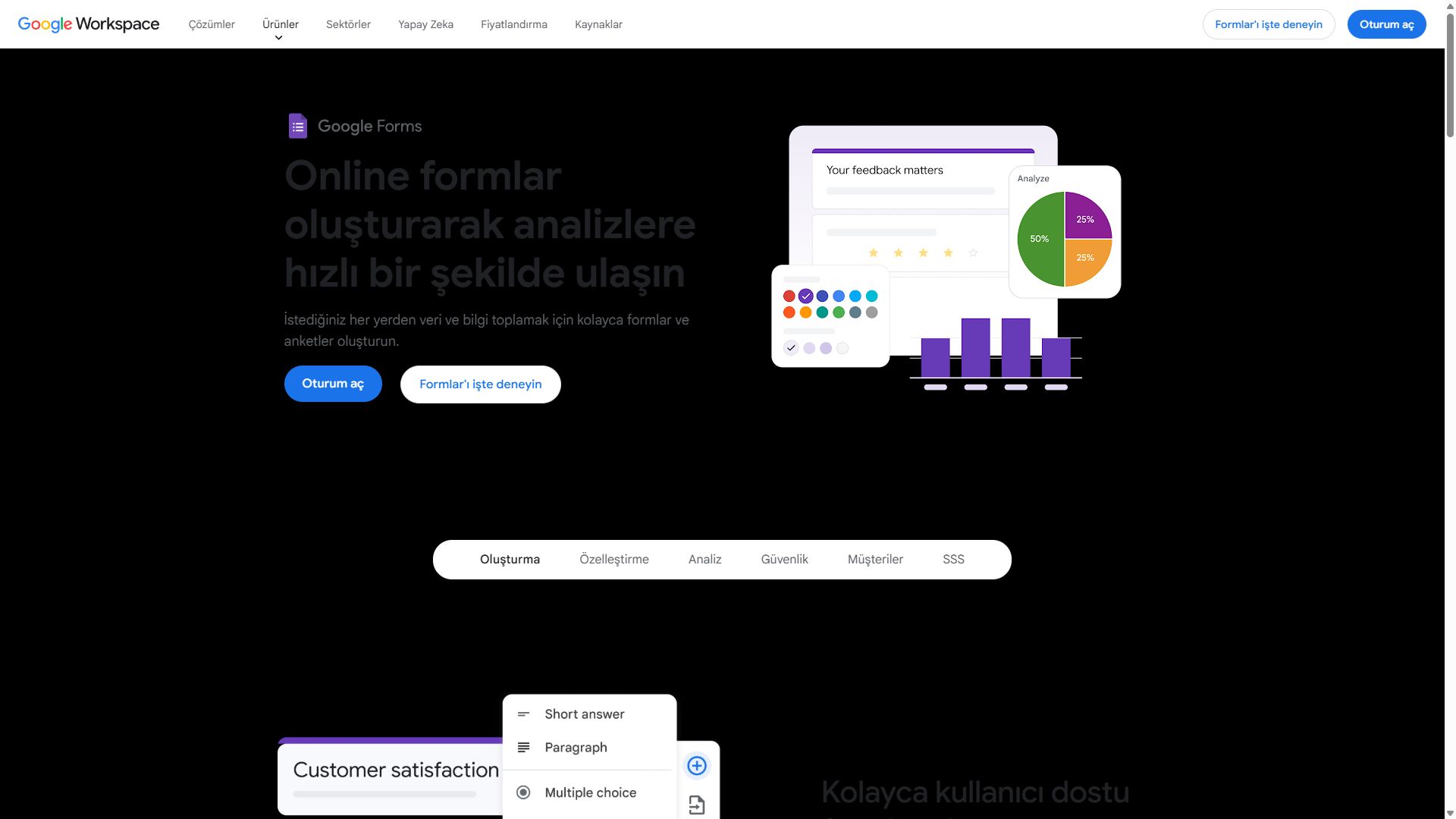
Google Forms interface for creating a simple RSVP form
Google Forms — captured during our June 2026 testing
#6

Cognito Forms

Best for group registrations & per-attendee pricing
  • ★ 4.6 G2
  • ★ 4.0 Trustpilot
  • Free plan: 100 entries/mo
  • Paid from $19/mo

Some registrations are really small math problems: two adults at $40, one child at $25, minus the early-bird discount, plus the optional dinner. Cognito Forms solves these better than anything near its price. Its calculation engine totals per-attendee pricing live on the form, and repeating sections let one registrant add attendee after attendee — each with their own name, age, and meal choice.

That makes it the quiet favorite for sports leagues, summer camps, and family-priced workshops. It sits last only because events are a presentation business and Cognito's forms look plain; there's no design flair, and integrations often route through Zapier. Function over form — sometimes that's exactly the trade you want at $19/month.

Pros

  • Live per-attendee price calculations
  • Repeating sections for group sign-ups
  • Payments at a $19/mo price point

Cons

  • Plain visual design
  • Many integrations need Zapier
  • Smaller community & fewer tutorials

Pricing: Free · Individual $19/mo · Professional $39/mo · Enterprise $129/mo.

Visit Cognito Forms →
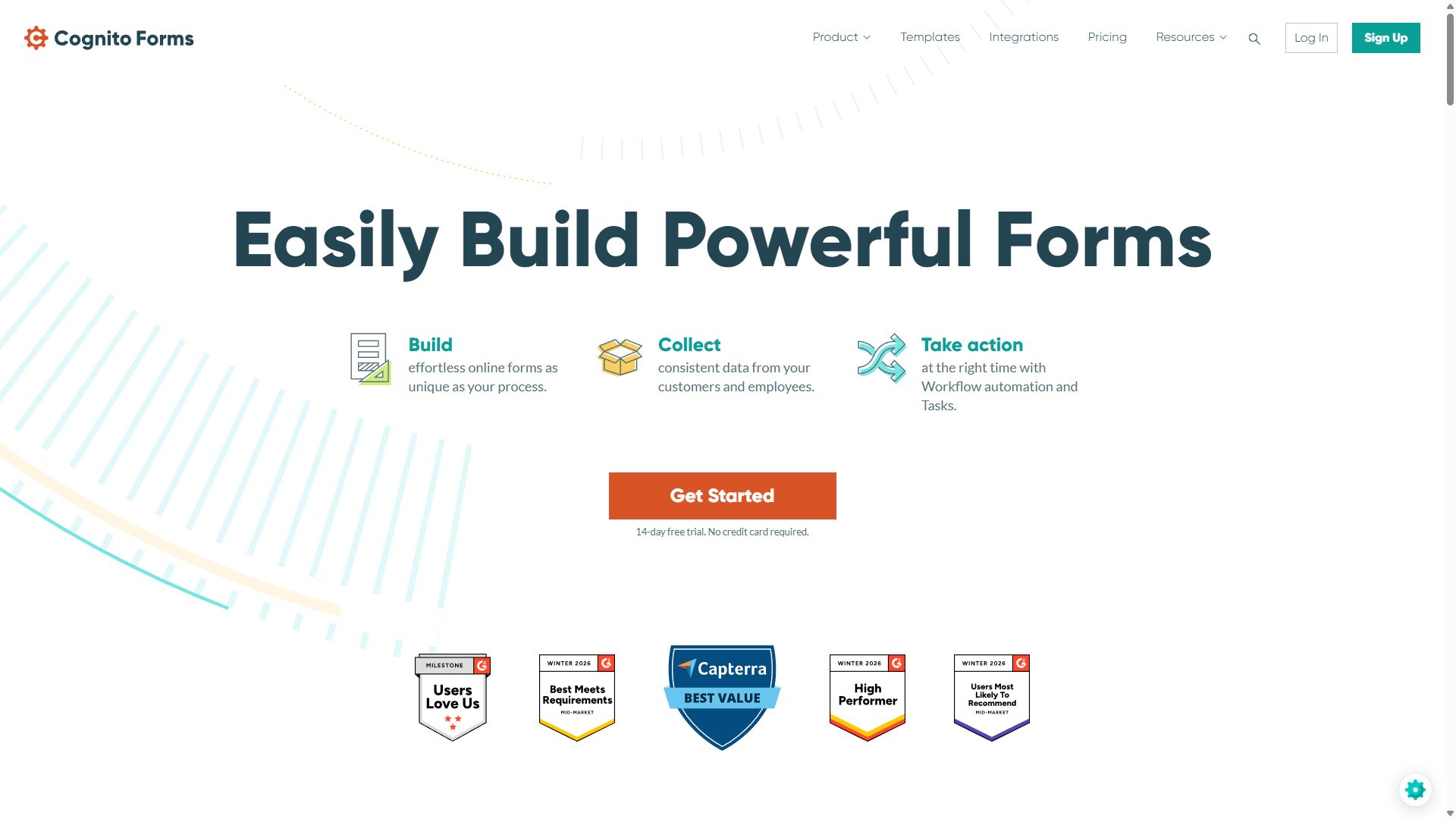
Cognito Forms homepage featuring its form builder
Cognito Forms — captured during our June 2026 testing

How to choose a form builder for your event

Work through these three questions before you build anything:

1. Free RSVP or paid tickets?

This single question eliminates half the field. If tickets cost money, you need payments on a plan you can afford: forms.app includes Stripe and PayPal on its free plan, while Cognito Forms unlocks Stripe at $19/month and Typeform holds payments hostage until $129/month. Google Forms never offers them at all. If the event is free, the calculus flips — pick whatever produces the nicest invitation.

2. How many registrations will land, and how fast?

Event traffic is spiky: a popular announcement can fill a form in 48 hours. Count your realistic maximum, then check it against monthly response limits — a 500-person conference blows straight past most entry-level tiers. forms.app sidesteps that problem with unlimited responses on every plan, while Paperform's 30-submission free tier disqualifies itself for anything beyond a dinner party.

3. What happens at the door?

Registration data is only useful if you can act on it on event day. Make sure you can export a clean attendee list, search it on a phone, and field-test the flow before doors open. None of these tools ships a dedicated check-in app — that's the genuine gap versus Eventbrite — so plan for a spreadsheet-based check-in and decide now who owns it.

Bottom line

Selling tickets? Start with forms.app at $19/month and keep the fees an event platform would have taken. Hosting something free and casual? Google Forms costs nothing and your guests already know it.

Event registration form builder FAQ

Can a form builder replace Eventbrite?

For simple events, yes — and you keep the per-ticket fees Eventbrite would take. A form builder like forms.app or Jotform handles registration, payment, and attendee data through Stripe or PayPal. What you give up is event discovery (Eventbrite's marketplace audience) and dedicated check-in apps, so large public events may still want a full event platform.

What is the best form builder for paid event tickets?

forms.app is the best form builder for paid tickets in 2026. Its product listing field handles ticket tiers and quantities naturally, Stripe and PayPal are included on the free plan, and unlimited responses on every tier can absorb even a very large event. Jotform is a strong second with more than 30 payment gateways.

How do I limit registrations to my event's capacity?

Most form builders in this ranking let you close a form automatically — either after a set number of submissions or on a cut-off date — so registrations stop when the room is full. Before you commit to a tool, confirm the submission-limit option exists on the plan you intend to buy, because it is sometimes reserved for paid tiers.

Can attendees register multiple people on one form?

Yes. Cognito Forms is the standout here: its repeating sections let one parent register three children, or one manager sign up a whole team, with per-attendee pricing calculated automatically. On forms.app, the product listing field's quantity selection covers the common case of one buyer purchasing several tickets.