Use-case guide · 2026 edition

The best form builders for healthcare

Patient intake, consent forms, appointment requests — in healthcare, the form builder question starts with compliance, not features. For US providers handling protected health information, HIPAA support and a signed BAA are non-negotiable. We ranked five tools by how well they deliver both, and what they cost once they do.

Last updated · 5 tools tested · No sponsored placements

Our verdict for healthcare

Formstack is the strongest choice for practices that live in patient paperwork: HIPAA, GDPR, and SOC 2 are built in, and intake forms flow into PDFs and e-signatures natively. If you want compliance with an easier builder and a vast template library, Jotform's Gold plan is the pragmatic pick. For non-PHI workflows like general appointment requests, forms.app does the job at a fraction of the cost.

Best form builders for healthcare — at a glance
Rank Tool HIPAA / BAA Best healthcare use Paid from
1FormstackBuilt in, all plansPatient intake → PDF → e-signature workflows$99/mo
2JotformGold plan & above, with BAAIntake & consent forms from templates$39/mo ($129/mo for HIPAA)
3Cognito FormsEnterprise tierBilling estimates & cost calculators$19/mo ($129/mo for HIPAA)
4forms.appNo — non-PHI use onlyAppointment requests & general inquiries$19/mo (annual)
5SurveyMonkeyHIPAA-eligible plansPatient satisfaction surveys & researchVaries by region
#1

Formstack

Best overall for healthcare compliance
  • ★ 4.3 G2
  • ★ 1.6 Trustpilot
  • No free plan
  • Paid from $99/mo

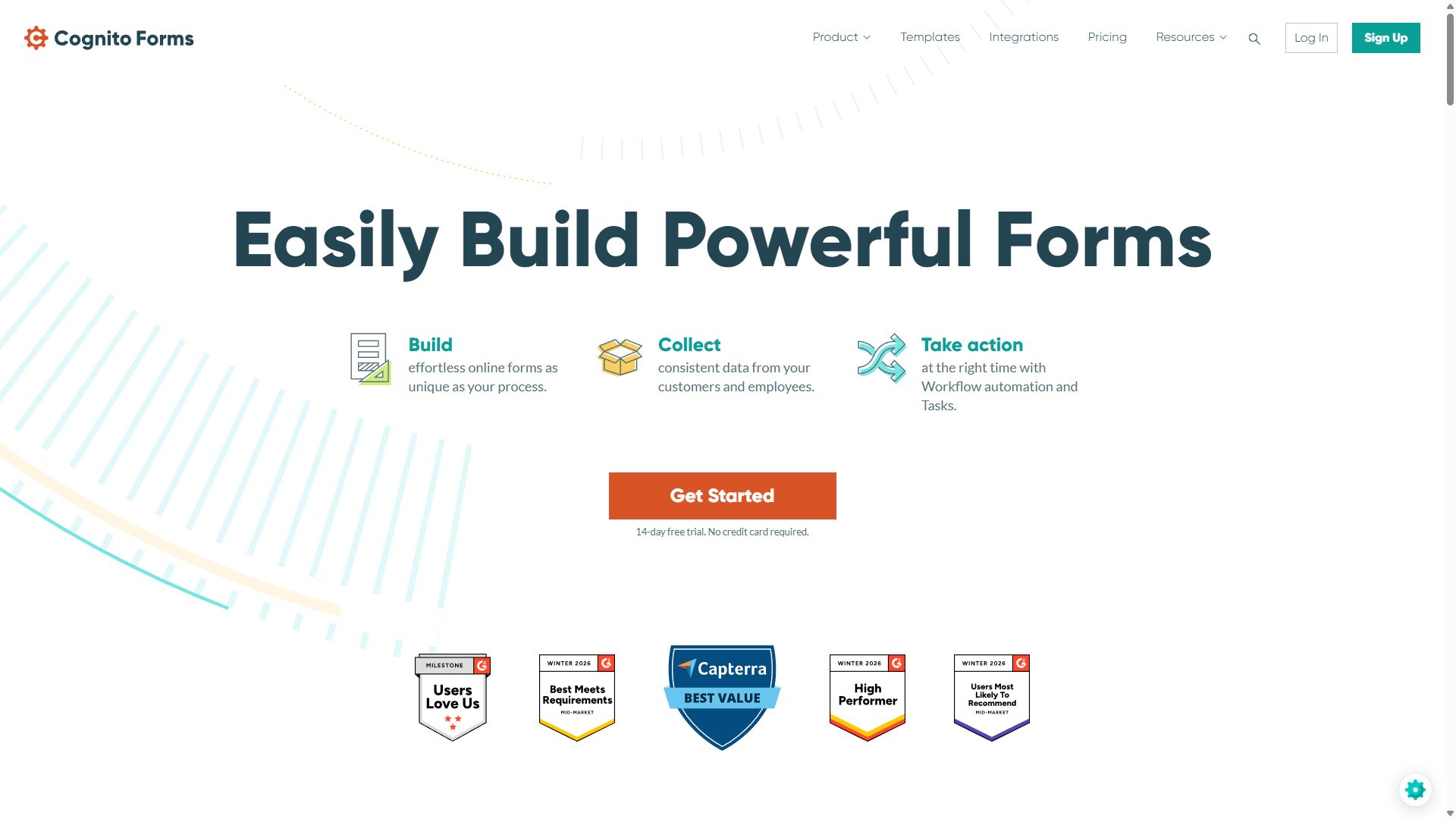
Formstack was built for exactly this market. HIPAA, GDPR, and SOC 2 compliance come standard rather than as an upsell, and the platform is structured around how clinical paperwork actually moves: a patient completes an intake form, the data auto-generates a PDF, the PDF gets e-signed, and approval routing carries it to the right staff member — all in one native workflow, no third-party glue.

For practices on Salesforce Health Cloud, Formstack's integration is the deepest of any form vendor — field-level mapping with bidirectional sync — so intake data lands in the patient record without anyone retyping it. Multi-step approval routing handles the operational side: referral reviews, prior-authorization checklists, internal incident reports.

The costs are real. At $99/month for Forms alone (and $299/month for the suite with documents and e-sign), it's the most expensive tool here, the interface feels a generation older than modern builders, and its 1.6-star Trustpilot score reflects genuine frustration with billing and support. You're paying for compliance infrastructure, not delight — and for a covered entity, that's usually the right trade.

Pros

  • HIPAA, GDPR & SOC 2 built in
  • Forms → PDF → e-signature in one flow
  • Deepest Salesforce integration available
  • Approval routing for clinical operations

Cons

  • No free plan; starts at $99/mo
  • Dated UI with a steep logic setup
  • Poor Trustpilot score (1.6/5)

Pricing: Forms from $99/mo · Suite (Forms + Docs + Sign) from $299/mo · Enterprise custom.

Visit Formstack →
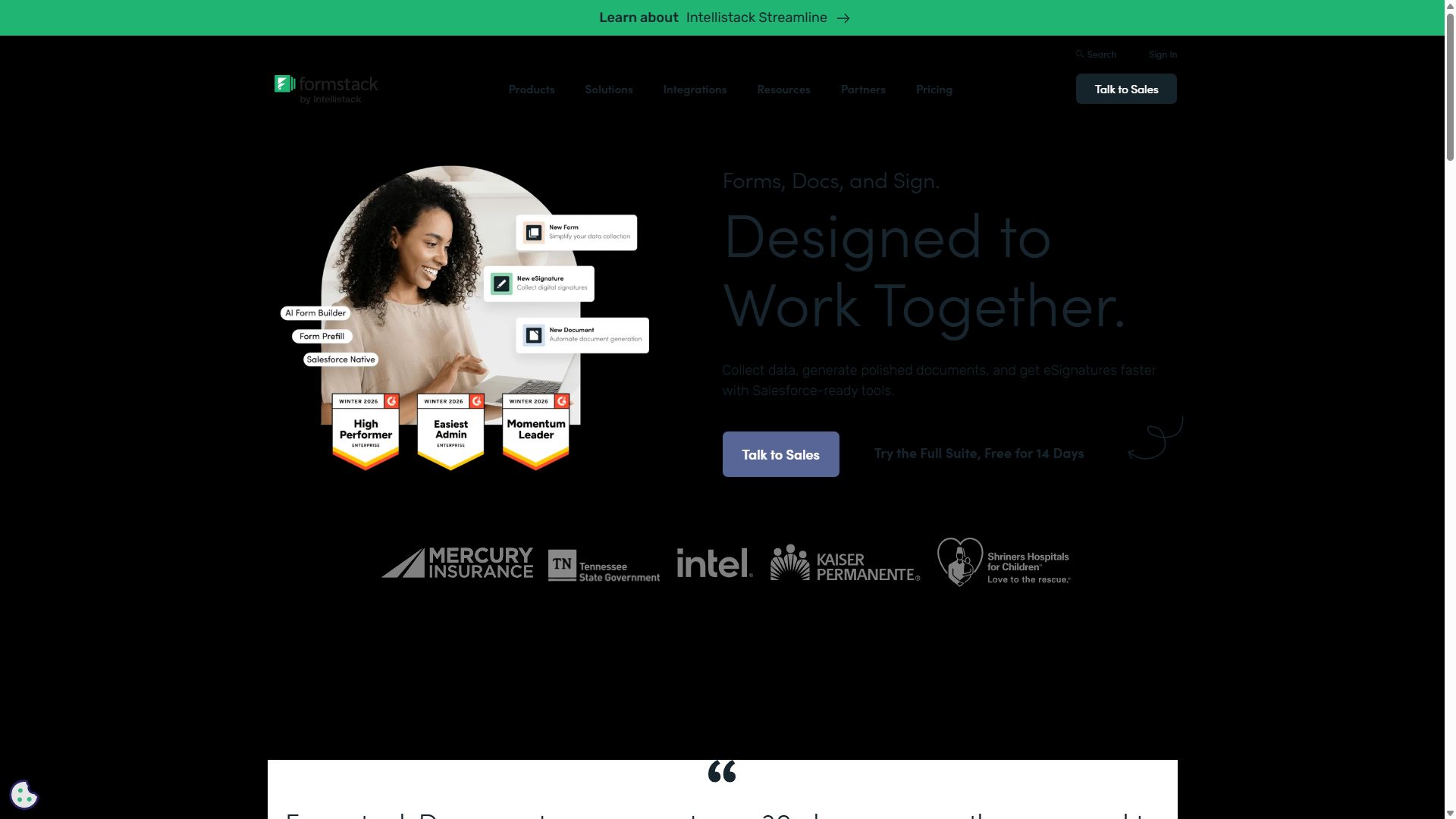
Formstack homepage showing its workflow platform for regulated industries
Formstack — captured during our June 2026 testing
#2

Jotform

Easiest path to HIPAA compliance
  • ★ 4.7 G2
  • ★ 4.4 Trustpilot
  • Free plan: 100 submissions/mo (not for PHI)
  • HIPAA from $129/mo (Gold)

Jotform's pitch to healthcare is simplicity at scale: HIPAA features and a signed BAA are available on the Gold plan at $129/month, and from there you inherit the largest template library in the market — patient intake packets, telehealth consent forms, medical history questionnaires, vaccination records — ready to brand and publish the same afternoon.

Compared with Formstack, the builder is far friendlier to non-technical office staff, and e-signatures plus PDF generation cover the consent-form workflow most small practices need. With 200+ integrations, pushing non-clinical data into scheduling or CRM systems is straightforward too.

Why it isn't #1: HIPAA arrives only at the $129/month tier, the interface gets busy on long intake packets — exactly the forms healthcare runs on — and approval workflows, while present, aren't as deep as Formstack's. For a solo practice or small clinic, though, this is the compliance option you'll actually enjoy using.

Pros

  • HIPAA with BAA on Gold plan
  • Huge library of medical templates
  • Much easier to use than Formstack
  • E-signatures & PDF records built in

Cons

  • HIPAA locked to $129/mo and above
  • Editor gets busy on long intake forms
  • Teammates require an Enterprise plan

Pricing: Free · Bronze $39/mo · Silver $49/mo · Gold $129/mo (HIPAA) · Enterprise custom.

Visit Jotform →
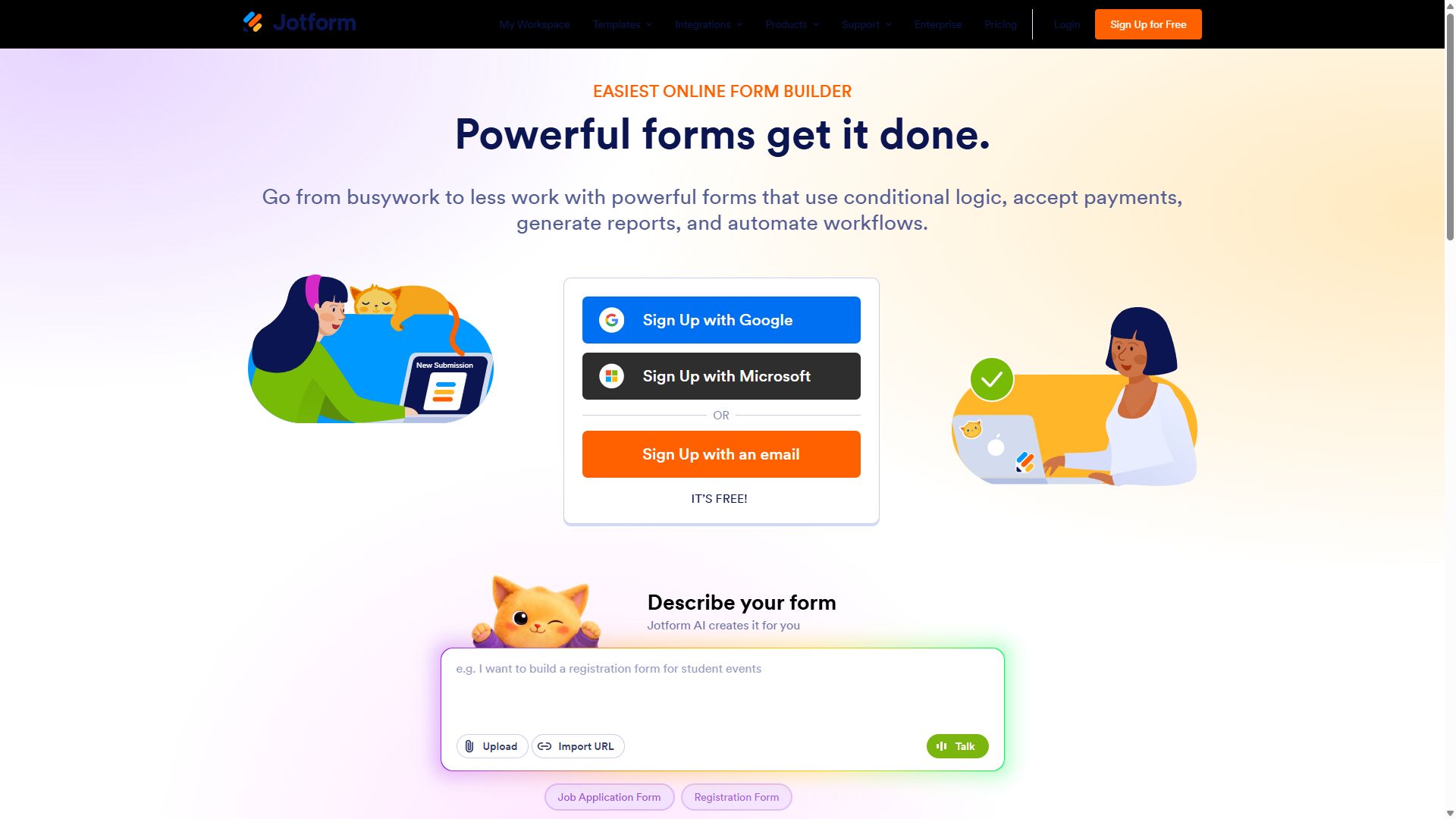
Jotform homepage with its drag-and-drop form builder
Jotform — captured during our June 2026 testing
#3

Cognito Forms

Best for billing estimates & intake math
  • ★ 4.6 G2
  • ★ 4.0 Trustpilot
  • Free plan: 100 entries/mo (not for PHI)
  • HIPAA on Enterprise, $129/mo

Cognito Forms earns its place with the strongest calculation engine in its price range — useful in healthcare more often than you'd think. A cost-estimate form that totals procedure fees, applies a self-pay discount, and shows the patient a number before they book; an intake form where repeating sections collect each medication or each dependent cleanly; conditional totals for sliding-scale clinics. Other compliant tools make you fake this with hidden fields.

HIPAA compliance is available on the Enterprise tier at $129/month, and approval routing plus e-signature workflows come built in, covering consent forms and internal sign-offs without extra software.

The compromises are cosmetic and ecosystem-level: forms look plain, there's no mobile app for building, and many integrations route through Zapier — which itself needs compliance review before touching PHI. As a value-for-math pick under a compliant tier, though, it's quietly excellent.

Pros

  • Best-in-class calculations for estimates
  • Repeating sections for meds & dependents
  • Approvals & e-signatures included

Cons

  • HIPAA only on the $129/mo Enterprise tier
  • Plain visual design
  • Zapier-dependent integrations need vetting

Pricing: Free · Individual $19/mo · Professional $39/mo · Enterprise $129/mo (HIPAA).

Visit Cognito Forms →
Cognito Forms homepage featuring its form builder
Cognito Forms — captured during our June 2026 testing
#4

forms.app

Best for non-PHI patient touchpoints
  • ★ 4.5 G2
  • ★ 4.3 Trustpilot
  • Free plan: Unlimited responses
  • Paid from $29/mo ($19 annual)

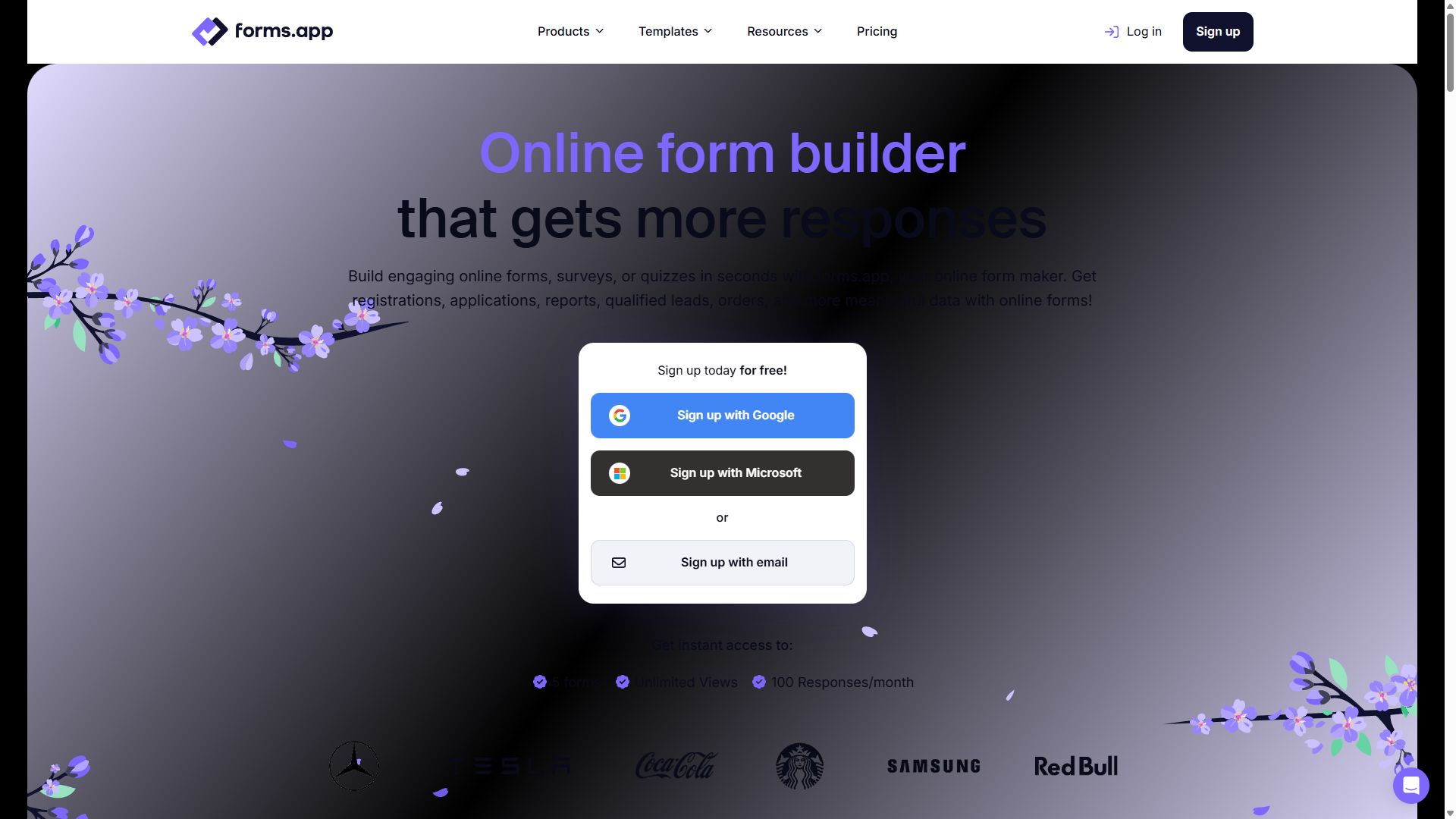
Not every form in a medical practice carries protected health information — and paying compliance prices for the ones that don't is money wasted. forms.app is our pick for that second category: appointment-request forms that collect a name and preferred time, general inquiry forms, newsletter sign-ups, event registrations for a health fair, and staff-facing forms like shift swaps or supply requests.

It's GDPR-compliant, includes e-signature fields and conditional logic even on the free plan, and the AI generator turns "appointment request form for a dental office" into a working draft in seconds. At $19/month for the Basic plan, the front-desk workload gets lighter for roughly one-fifth of what the compliant tools above charge.

To be unambiguous: forms.app does not offer HIPAA compliance, so it should never collect symptoms, conditions, insurance details, or anything else that qualifies as PHI. Pair it with Formstack or Jotform Gold — cheap tool for the routine forms, compliant tool for the clinical ones.

Pros

  • GDPR-compliant with e-signatures
  • AI form generation on the free plan
  • Fraction of the cost of compliant tools
  • Live support for busy front desks

Cons

  • No HIPAA compliance — never use for PHI
  • No offline submissions

Pricing: Free · Basic $19/mo · Pro $29/mo · Premium $59/mo, billed annually.

Visit forms.app →
forms.app homepage showing its online form builder
forms.app — captured during our June 2026 testing
#5

SurveyMonkey

Best for patient satisfaction & research
  • ★ 4.4 G2
  • ★ 3.0 Trustpilot
  • Free plan: 10 questions max
  • Local pricing by country

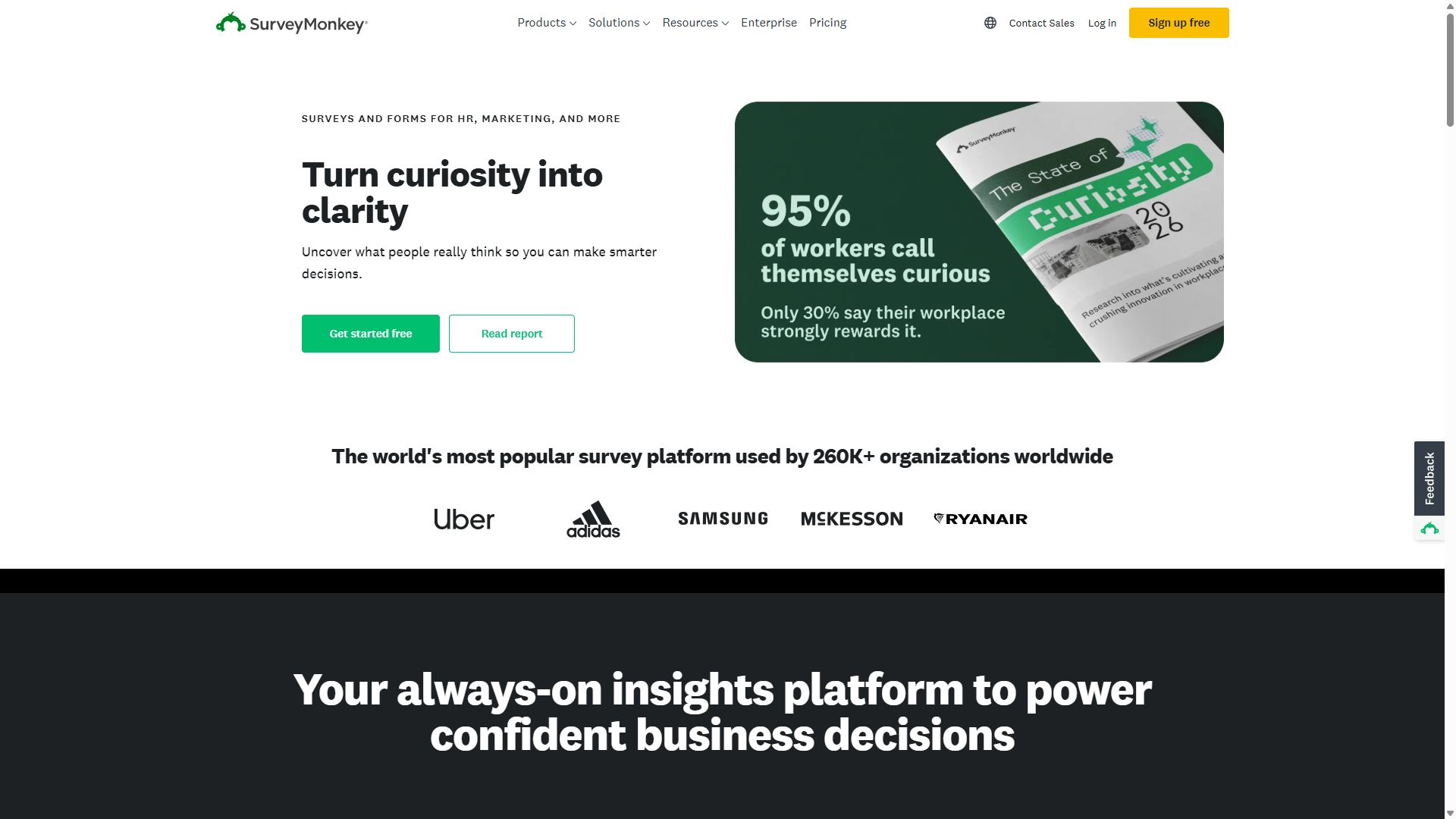
SurveyMonkey enters this list for a different job: measurement. Patient satisfaction tracking, post-discharge follow-up surveys, staff engagement, and clinical research questionnaires all benefit from its methodology-grade question banks and analytics — cross-tabulation, statistical significance testing, NPS benchmarking — that no general form builder matches. HIPAA-eligible plans are available for organizations that need to survey about health topics under a BAA.

It is not an intake tool. There are no e-signature consent workflows, no PDF generation, and visual customization is limited, so it can't replace Formstack or Jotform at the front desk. Per-seat pricing (set locally by country) also climbs quickly if several departments want access. Bring it in when leadership starts asking "are patients actually happier this quarter?" — and keep it away from the clipboard work.

Pros

  • HIPAA-eligible plans for health surveys
  • Best analytics of any tool here
  • Validated question banks reduce bias

Cons

  • Not built for intake or consent forms
  • Per-seat pricing adds up across teams
  • 10-question cap on the free plan

Pricing: Free (10 questions max) · paid plans use local pricing in most countries.

Visit SurveyMonkey →
SurveyMonkey homepage highlighting its survey platform
SurveyMonkey — captured during our June 2026 testing

How to choose a HIPAA-compliant form builder

This guide is general information, not legal advice — confirm any compliance decision with your own counsel or compliance officer. With that said, three checks separate a safe choice from an expensive mistake:

1. Get the BAA in writing before anything else

A Business Associate Agreement is a contract in which the vendor accepts legal responsibility for safeguarding the protected health information it handles on your behalf. Under HIPAA, a covered entity must have a signed BAA with any vendor that touches PHI — encryption and security badges on a pricing page are not a substitute. If a sales rep can't tell you which plan includes a BAA, that's your answer.

2. Sort your forms into PHI and non-PHI piles first

Most practices discover that half their forms — appointment requests, newsletter sign-ups, job applications, supply requests — collect no PHI at all. Run those through an affordable tool like forms.app, and reserve the $99–129/month compliant platform for intake packets, medical histories, and consent forms. The two-tool setup routinely halves the software bill.

3. Map the workflow after submission

Compliance doesn't end when the patient clicks submit. Where does the data go next — a PDF, an EHR, Salesforce, a staff inbox? Every hop must stay inside the compliant boundary, which is why Formstack's native form→PDF→e-signature chain ranks first, and why Zapier-dependent integrations deserve extra scrutiny before they ever see patient data.

Bottom line

Pick Formstack if patient paperwork is your core workflow and the budget supports it. Pick Jotform Gold for compliance with far less friction. Either way, add forms.app for the non-PHI forms and stop overpaying for the easy stuff.

Healthcare form builder FAQ

What makes a form builder HIPAA compliant?

Two things have to be true. Technically, the platform needs safeguards like encryption in transit and at rest, access controls, and audit logging. Legally, the vendor must sign a Business Associate Agreement (BAA) with your organization. A tool that encrypts data but will not sign a BAA is not HIPAA compliant for your use, no matter what its marketing says.

What is the cheapest HIPAA-compliant form builder?

Of the tools in this guide, Formstack starts lowest for a compliance-included plan at $99/month for its Forms product. Jotform unlocks HIPAA features with a BAA on its Gold plan at $129/month, and Cognito Forms offers HIPAA compliance on its $129/month Enterprise tier. There is no genuinely cheap path: a signed BAA is what you are paying for.

Is Google Forms HIPAA compliant?

The standard consumer version of Google Forms is not appropriate for collecting protected health information. Google Workspace can support HIPAA workflows only if your organization signs Google's BAA and configures the services carefully — and even then, compliance depends on how forms are set up and who can access responses. For patient data, a purpose-built tool with an explicit BAA is the safer route.

Do I need HIPAA compliance for appointment booking forms?

It depends on what the form collects. A form asking for a name, contact details, and a preferred time slot generally is not collecting protected health information. The moment you ask for a reason for the visit, symptoms, insurance details, or anything tying a health condition to an identifiable person, you are likely handling PHI and need a compliant tool with a BAA. When in doubt, ask your compliance officer before the form goes live.