Use-case guide · 2026 edition

The best form builders for small business

You don't have an IT department, and your time is your most expensive resource. We ranked six form builders for the jobs small businesses actually do — capturing leads, taking bookings, and getting paid — at prices that make sense.

Last updated · 6 tools tested · No sponsored placements

Our verdict for small businesses

forms.app is the best choice for most small businesses: payments, bookings, lead forms, and e-signatures from $19/month, with a free plan good enough to start today. On a strict $0 budget, use Tally. Running on WordPress? WPForms keeps everything in your dashboard.

Best form builders for small business — at a glance
Rank Tool Why for small business Payments on cheapest paid plan Paid from
1forms.appEverything a small business needs, best valueYes — Stripe & PayPal (free)Free
2JotformDeepest features & 30+ payment gatewaysYes$39/mo
3Cognito FormsQuotes & price calculations on a budgetYes$19/mo
4TallyFree unlimited lead & feedback formsVia Stripe (paid)$24/mo
5WPFormsNative choice for WordPress sitesStripe (Lite has 3% fee)$49.50/yr
6PaperformBeautiful booking & service-sales pagesYes~$24/mo
#1

forms.app

Best overall for small business
  • ★ 4.5 G2
  • ★ 4.3 Trustpilot
  • Free plan: Unlimited responses
  • Paid from $29/mo ($19 annual)

For a small business, forms.app covers the full customer journey in one tool: a contact form for your website, a booking form with date and time fields, an order form with its excellent product listing field, and an invoice-ready payment form connected to Stripe or PayPal.

What makes it our small-business pick over Jotform is friction — or the lack of it. The AI generator builds a first draft from a plain-English sentence, templates cover 5,000+ scenarios, and conditional logic and e-signatures are included even on the free plan. When you grow, you won't be re-platforming: unlimited responses on every plan deliver the kind of headroom other tools reserve for enterprise contracts.

Pros

  • Payments from the cheapest paid plan
  • AI form generation free
  • E-signatures & logic on the free plan
  • Live support — no tickets into the void

Cons

  • No offline submissions for field work
  • Smaller brand recognition than Jotform

Pricing: Free · Basic $19/mo · Pro $29/mo · Premium $59/mo, billed annually.

Try forms.app free →
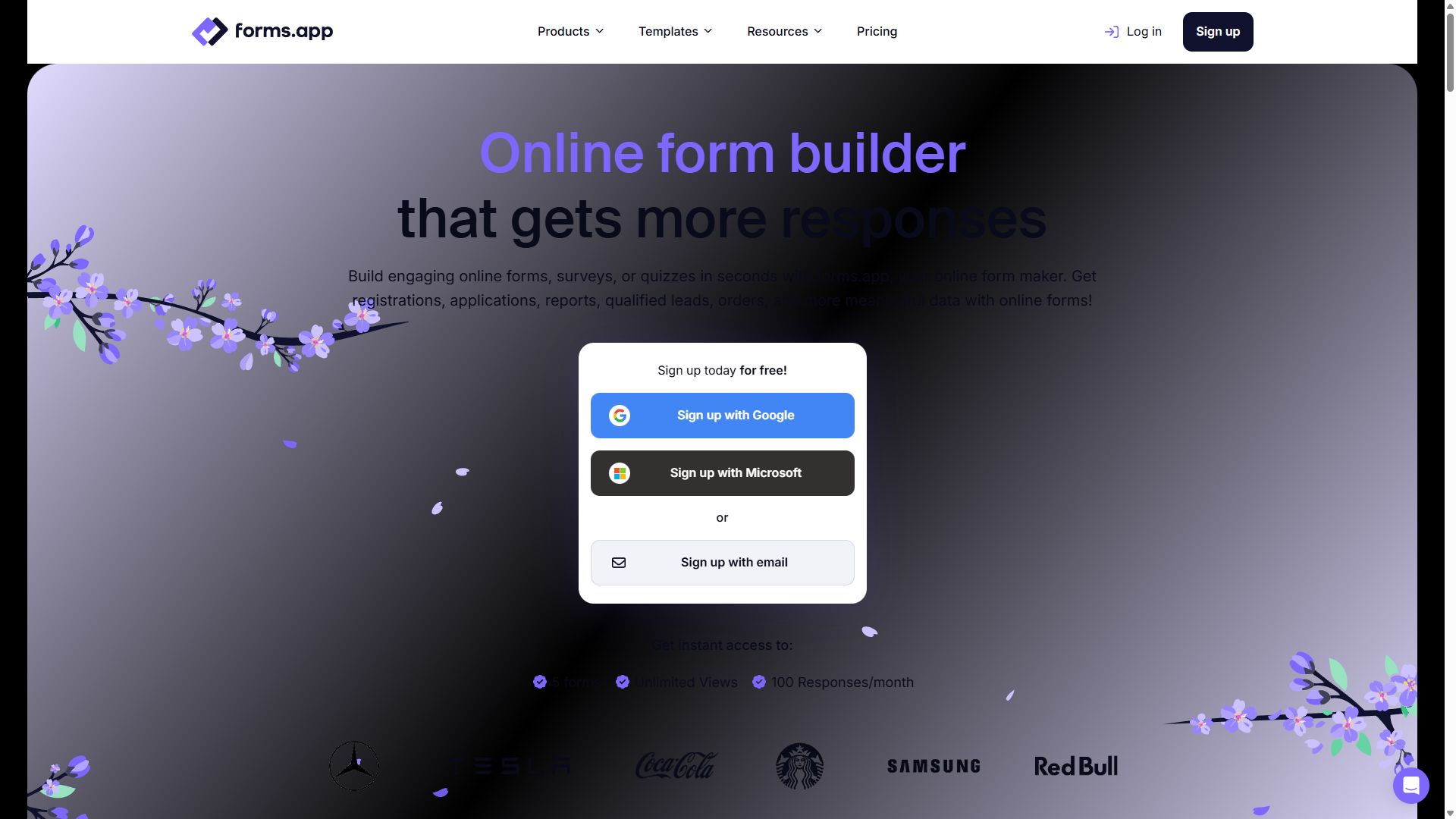
forms.app homepage showing its online form builder
forms.app — captured during our June 2026 testing
#2

Jotform

Most features, most templates
  • ★ 4.7 G2
  • ★ 4.4 Trustpilot
  • Free plan: 100 submissions/mo
  • Paid from $39/mo

If your business has an unusual workflow, Jotform probably has a template for it — 20,000+ of them, plus 200+ integrations and more than 30 payment gateways. Appointment fields, PDF receipts, approval flows for staff requests: it's all here.

The reasons it sits at #2 for small businesses are price and overhead. Paid plans start at $39/month — double forms.app — the editor takes longer to learn, and adding a teammate to your account requires an Enterprise plan, which is a frustrating wall for a growing shop.

Pros

  • A template for almost everything
  • 30+ payment gateways
  • Approval workflows built in

Cons

  • Starts at $39/mo
  • Busier, slower editor
  • Teammates require Enterprise

Pricing: Free · Bronze $39/mo · Silver $49/mo · Gold $129/mo.

Visit Jotform →
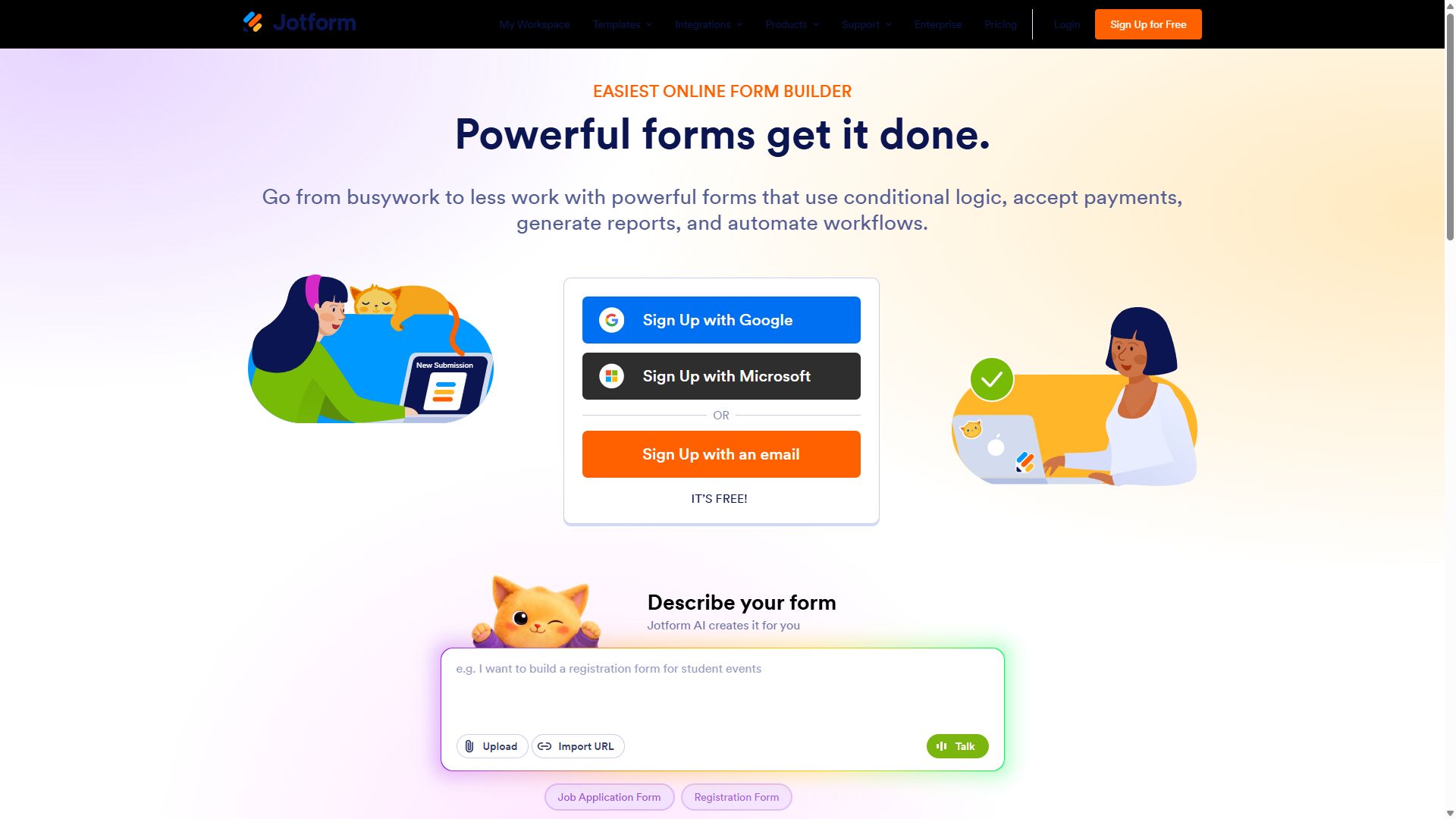
Jotform homepage with its drag-and-drop form builder
Jotform — captured during our June 2026 testing
#3

Cognito Forms

Best for quotes & price calculations
  • ★ 4.6 G2
  • ★ 4.0 Trustpilot
  • Free plan: 100 entries/mo
  • Paid from $19/mo

If your business quotes work — landscaping, catering, printing, repairs — Cognito Forms is the sleeper pick. Its calculation engine handles quantity pricing, taxes, discounts, and conditional totals that other tools at this price simply can't, so customers see an accurate price before they ever email you.

Repeating sections handle line items ("add another room"), and approvals and e-signatures are built in. The trade-off is looks: forms are functional rather than beautiful, and you'll lean on Zapier for many integrations.

Pros

  • Best calculations in this price range
  • Repeating sections for line items
  • $19/mo Individual plan is a bargain

Cons

  • Plain visual design
  • Many integrations need Zapier
  • Smaller community & fewer tutorials

Pricing: Free · Individual $19/mo · Professional $39/mo · Enterprise $129/mo.

Visit Cognito Forms →
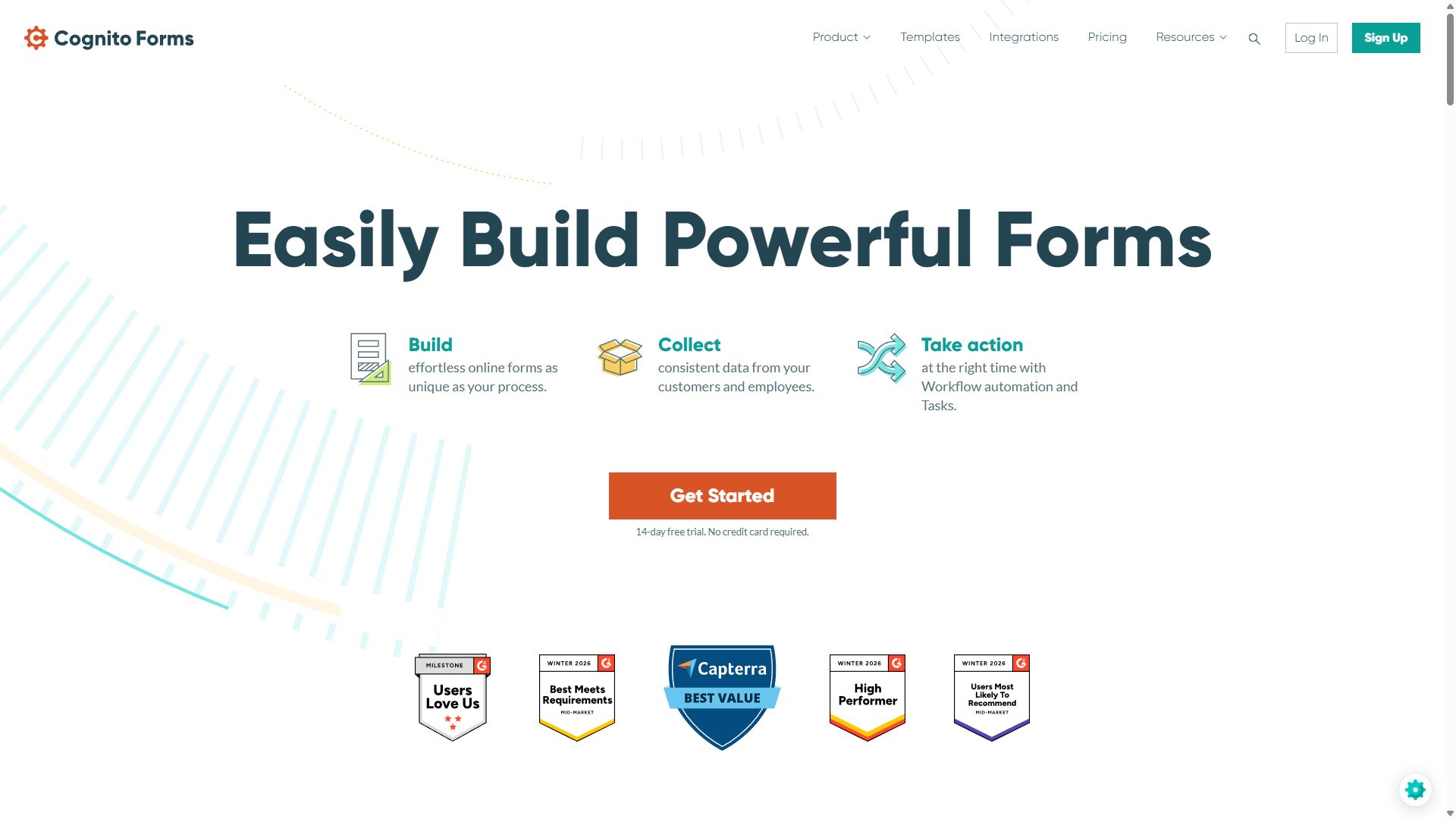
Cognito Forms homepage featuring its form builder
Cognito Forms — captured during our June 2026 testing
#4

Tally

Best on a $0 budget
  • ★ 4.9 G2
  • ★ 3.8 Trustpilot
  • Free plan: unlimited
  • Paid from $24/mo (annual)

Bootstrapping? Tally gives you unlimited forms and unlimited responses for free — contact forms, feedback surveys, waitlists, simple intake forms — with the only visible cost being a small "Made with Tally" badge.

For a small business it's a brilliant starting point, but know the ceiling: reporting is basic, visual customization is limited, and once you need branded forms, custom domains, or team features, the $24/month Pro plan puts it in the same price bracket as forms.app, which does more.

Pros

  • Genuinely free, unlimited responses
  • Fast, clean Notion-style editor
  • Highest G2 rating in this guide

Cons

  • Tally badge on free forms
  • Basic reporting & customization
  • Pro plan no cheaper than stronger tools

Pricing: Free (unlimited) · Pro $24/mo · Business $74/mo, billed annually.

Visit Tally →
Tally homepage promoting its free form builder
Tally — captured during our June 2026 testing
#5

WPForms

Best if your site runs on WordPress
  • ★ 4.7 Trustpilot
  • Lite version free
  • Paid from $49.50/yr

Roughly 40% of small-business websites run on WordPress, and for them WPForms is the path of least resistance. Forms live inside your existing dashboard, submissions stay in your own database, and the Basic license costs $49.50 a year — less than one month of some SaaS plans.

The builder is genuinely beginner-friendly and Stripe/PayPal are supported. Just remember the constraint: it only works on WordPress, and advanced features push you toward the $299.50/year Elite tier.

Pros

  • Lives inside your WordPress admin
  • You own your form data
  • $49.50/yr entry price

Cons

  • WordPress-only
  • Annual billing only
  • Advanced features need Elite

Pricing: Basic $49.50/yr · Plus $99.50/yr · Pro $199.50/yr · Elite $299.50/yr.

Visit WPForms →
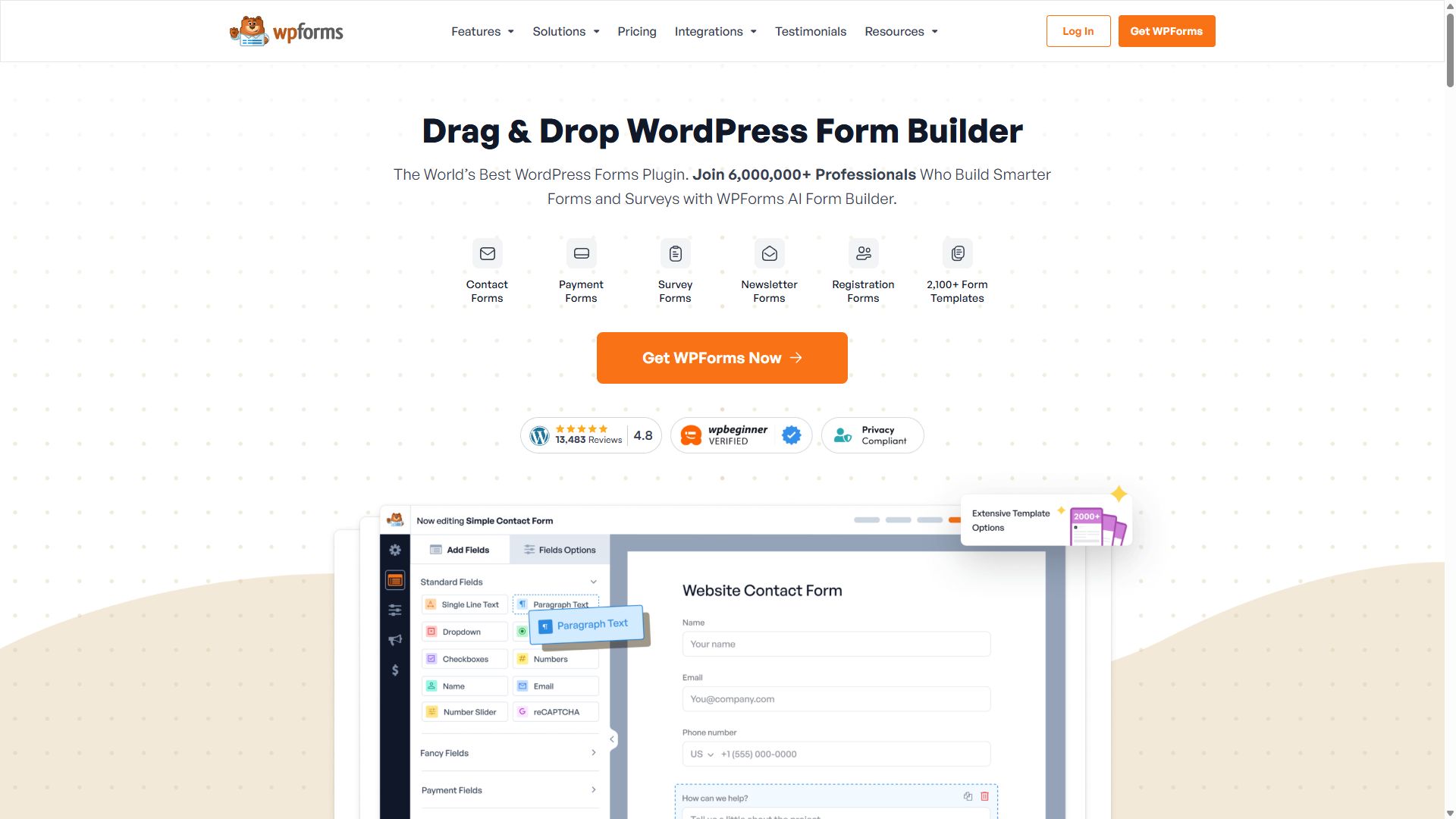
WPForms homepage for the WordPress form plugin
WPForms — captured during our June 2026 testing
#6

Paperform

Best-looking booking & service pages
  • ★ 4.8 G2
  • ★ 4.8 Trustpilot
  • Free plan: 30 submissions/mo
  • Paid from ~$24/mo (annual)

For service businesses where presentation sells — photographers, consultants, studios, caterers — Paperform turns a booking form into a small branded landing page with photos, pricing, and payment in one flow. Customers love both it and the experience: 4.8 stars on G2 and Trustpilot.

It ranks sixth only because most small businesses need volume and simplicity more than beauty: the free plan allows just 30 submissions a month and the canvas editor takes a little learning.

Pros

  • Forms double as landing pages
  • Strong bookings & product sales features
  • Outstanding review scores

Cons

  • 30 submissions/mo on the free plan
  • Editor learning curve
  • Not built for high volume

Pricing: Free · Essentials ~$24/mo · Pro ~$49/mo · Business ~$99/mo, billed annually.

Visit Paperform →
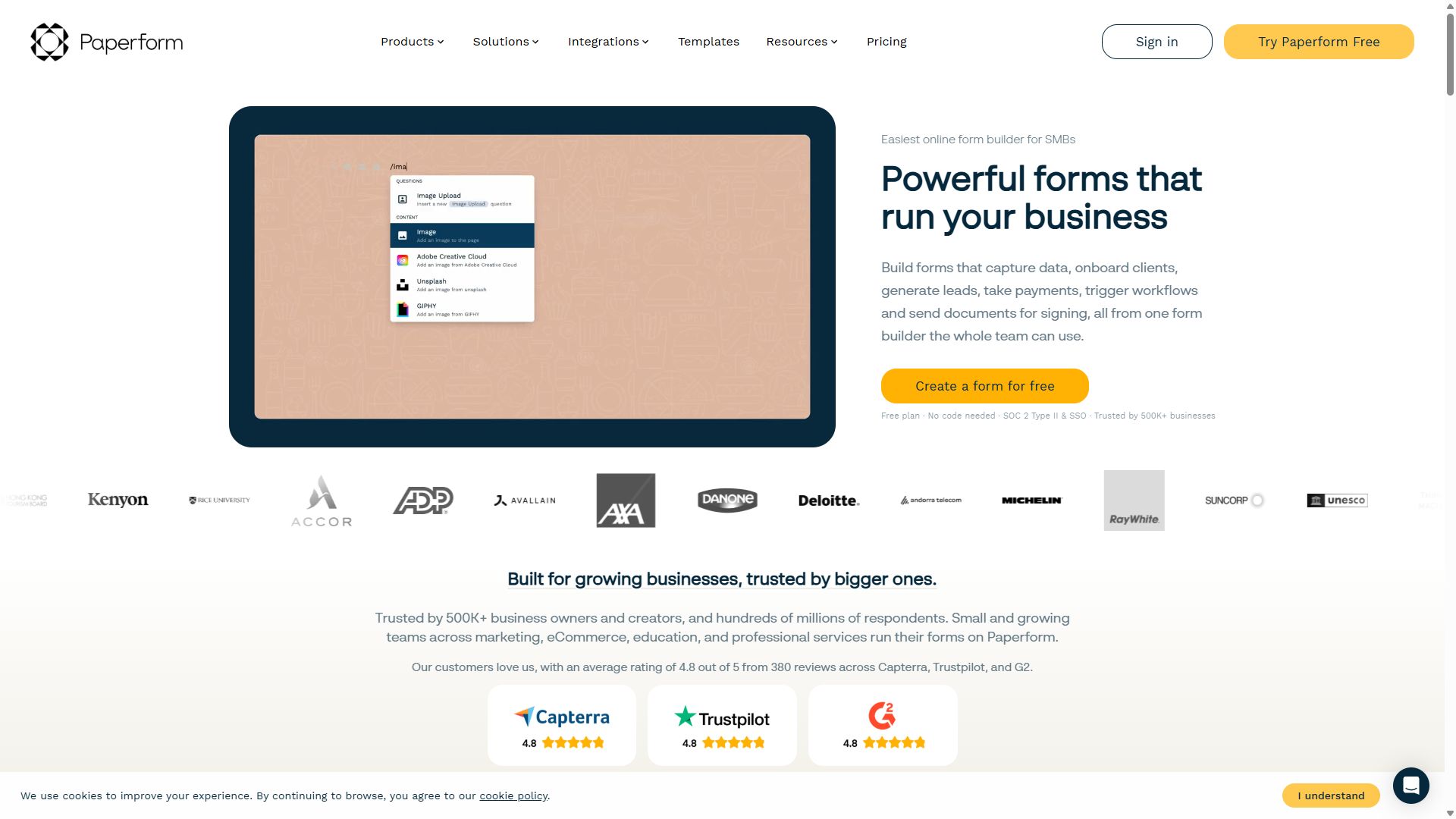
Paperform homepage showing landing-page-style forms
Paperform — captured during our June 2026 testing

How a small business should choose a form builder

Three questions settle the decision for most small teams:

1. Will the form take money?

If yes, check which plan unlocks payments — not just whether the tool "supports" them. forms.app and Cognito Forms include payments at $19/month. Typeform makes you pay $129/month for the same capability, which is why it doesn't appear in this ranking.

2. How many responses do you realistically expect?

A neighborhood bakery's contact form might see 30 messages a month — the free tiers of forms.app or Tally handle that forever. A seasonal order form during the holidays can spike into thousands; that's when response limits and overage policies suddenly matter. Count first, then pick a plan.

3. Who maintains it?

The honest answer is "whoever set it up, in their spare time." Favor tools with live support and good templates over tools with the longest feature list. Every hour you don't spend fiddling with a form builder is an hour spent on your actual business.

Bottom line

Start with forms.app's free plan today; upgrade to Basic ($19/month) when a form starts making you money. You'll outgrow neither soon.

Small business form builder FAQ

What is the best form builder for a small business?

forms.app is the best form builder for most small businesses in 2026. The free plan covers contact forms, conditional logic, and e-signatures; paid plans start at $19/month; and payments, bookings, and order forms are all built in without add-ons.

What is the cheapest form builder that accepts payments?

forms.app includes Stripe and PayPal on its free plan — the cheapest reliable route we tested. Cognito Forms collects payments on its $19/month Individual plan. Both are far cheaper than Typeform, which requires a $129/month Business plan for payments.

Can I use a free form builder for my business?

Yes. Tally and forms.app both offer unlimited free responses. Tally shows a small badge on your forms; forms.app includes unlimited team members, conditional logic, and e-signatures on free. Once a form drives real revenue, a paid plan for branding removal usually pays for itself quickly — see our free form builders guide for the full breakdown.

Do I need a website to use a form builder?

No. Every tool in this ranking gives each form its own shareable link and QR code, so you can collect leads, bookings, and orders through social media, email, or a printed code — no website required.