Use-case guide · 2026 edition

The best form builders for real estate

In real estate, the agent who responds first usually wins the listing — and forms are where that race starts. We ranked six builders on the work agents, property managers, and brokerages actually do: capturing property inquiries, signing in open-house visitors, processing rental applications, and collecting signatures.

Last updated · 6 tools tested · No sponsored placements

Our verdict for real estate

forms.app is the best pick for agents and small property managers: e-signatures on every plan including free, QR codes for open-house sign-ins, and conditional logic that qualifies leads before you ever call them. Brokerages running on Salesforce with compliance requirements should look at Formstack; landlords drowning in paperwork will love Jotform's PDF generation.

Best form builders for real estate — at a glance
Rank Tool Real estate strength E-signatures Paid from
1forms.appLead capture, QR sign-ins, applicationsYes — even on free$19/mo
2JotformTemplates, PDFs & CRM integrationsYes$39/mo
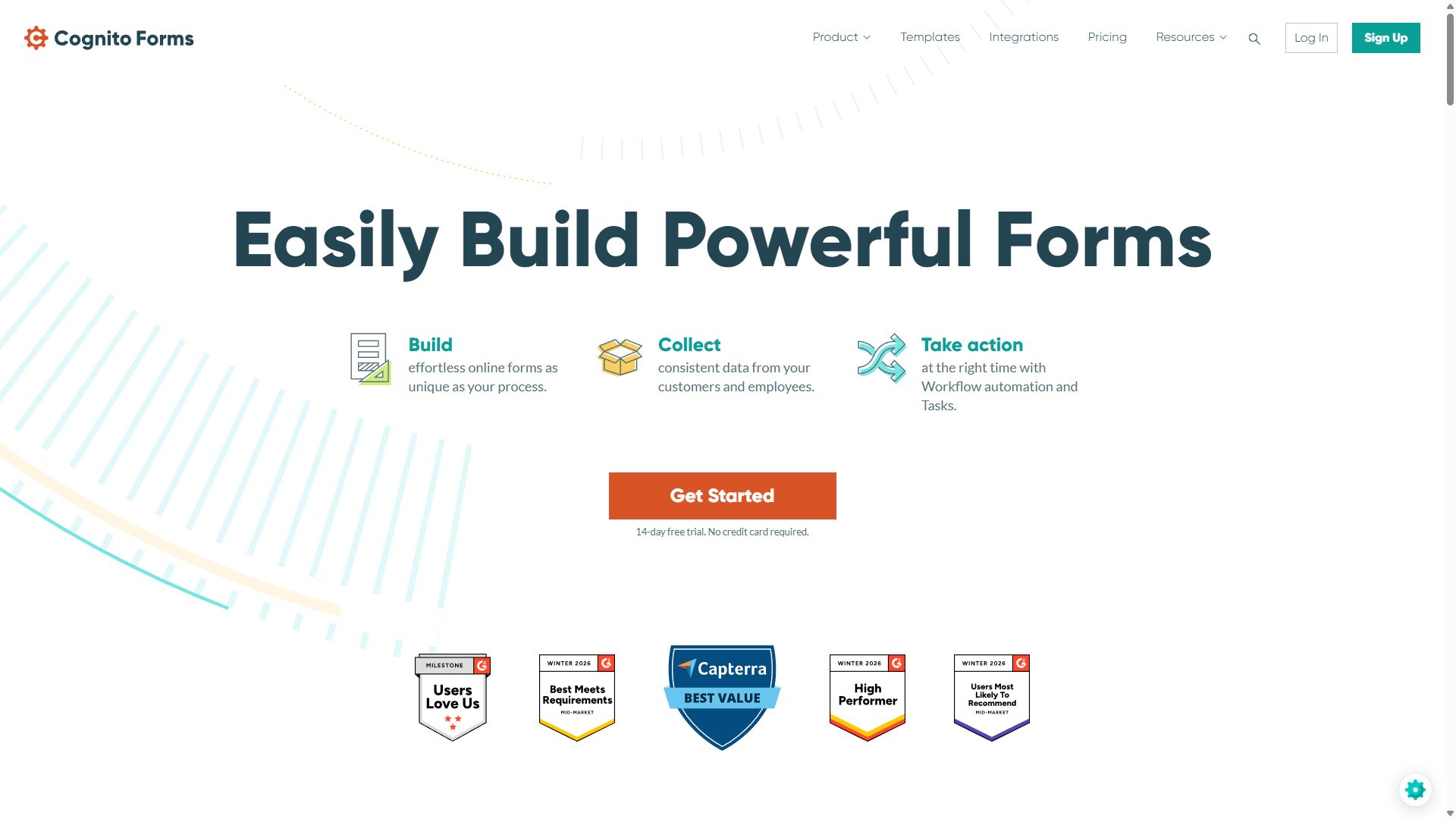
3Cognito FormsAffordability calculators & co-applicantsYes$19/mo
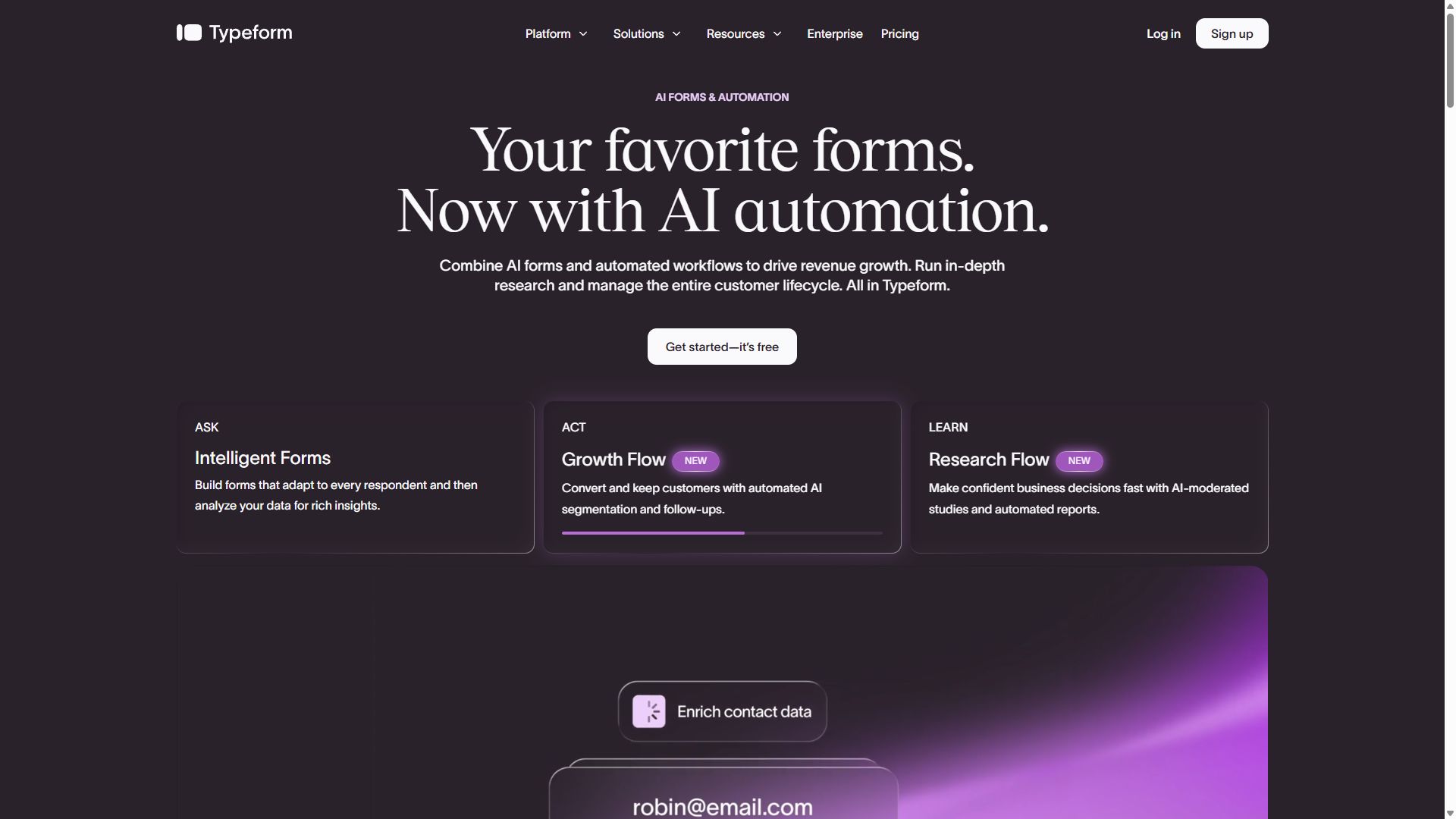
4TypeformPremium buyer questionnairesNo~$39/mo
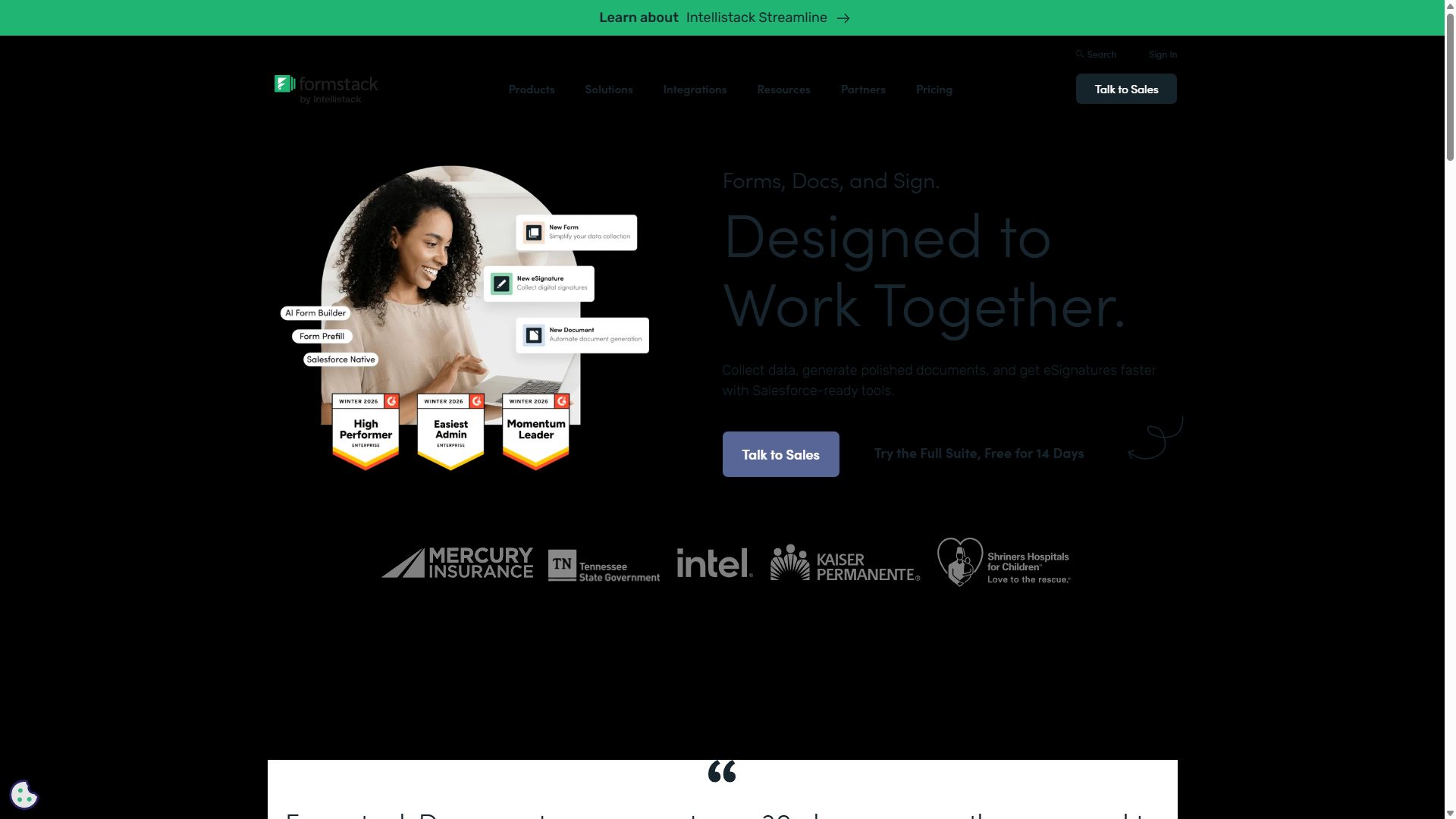
5FormstackBrokerage compliance & Salesforce syncYes — native suite$99/mo
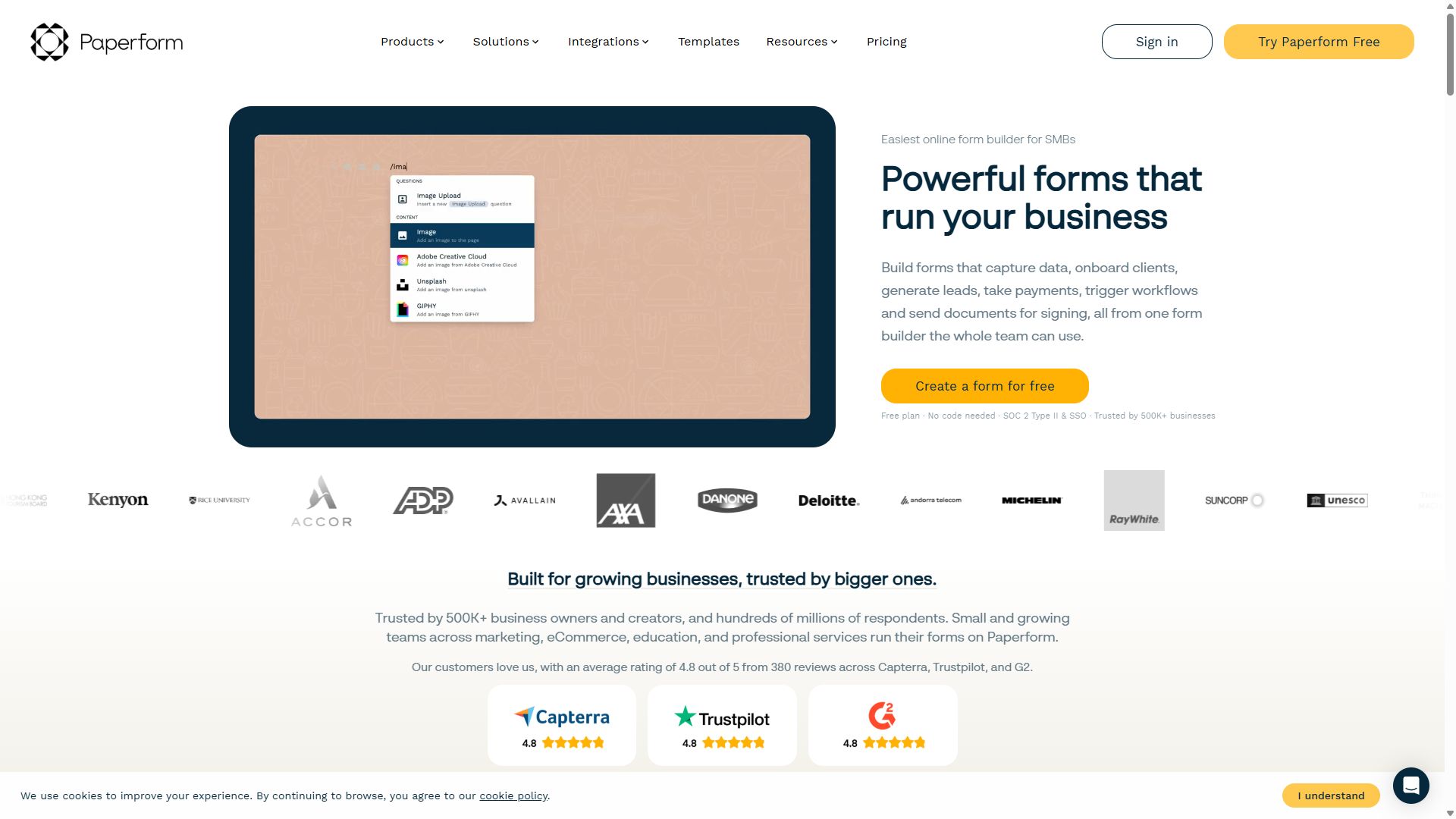
6PaperformProperty pages with inquiry formsYes~$24/mo
#1

forms.app

Best overall for real estate
  • ★ 4.5 G2
  • ★ 4.3 Trustpilot
  • Free plan: Unlimited responses
  • Paid from $29/mo ($19 annual)

An agent's form needs are scattered — inquiry forms on listings, sign-in sheets at Sunday's open house, rental applications for the property-management side — and forms.app is the one tool here that covers all of them without forcing an upgrade at every turn. E-signatures are included even on the free plan, so applicants can sign rental applications and acknowledgment forms the moment they finish typing.

The open-house trick alone is worth the setup: build a sign-in form, print its QR code, and tape it by the door. Visitors scan and sign in on their own phones, and you leave with a time-stamped lead list instead of an illegible clipboard. Conditional logic then does the qualifying for you — a form that branches on buying vs. renting, budget, and timeline tells you which leads to call first.

At $19/month for the Basic plan, the pricing fits a solo agent's economics, and the response allowances scale if you manage a portfolio of listings. The missing piece is offline submission support — a consideration at properties with poor signal — and the brand is less known than Jotform, which matters not at all once it's deployed.

Pros

  • E-signatures included even on free
  • QR codes for open-house sign-ins
  • Conditional logic qualifies leads for you
  • Best value at agent-friendly prices

Cons

  • No offline submissions at low-signal sites
  • Smaller brand recognition than Jotform

Pricing: Free · Basic $19/mo · Pro $29/mo · Premium $59/mo, billed annually.

Try forms.app free →
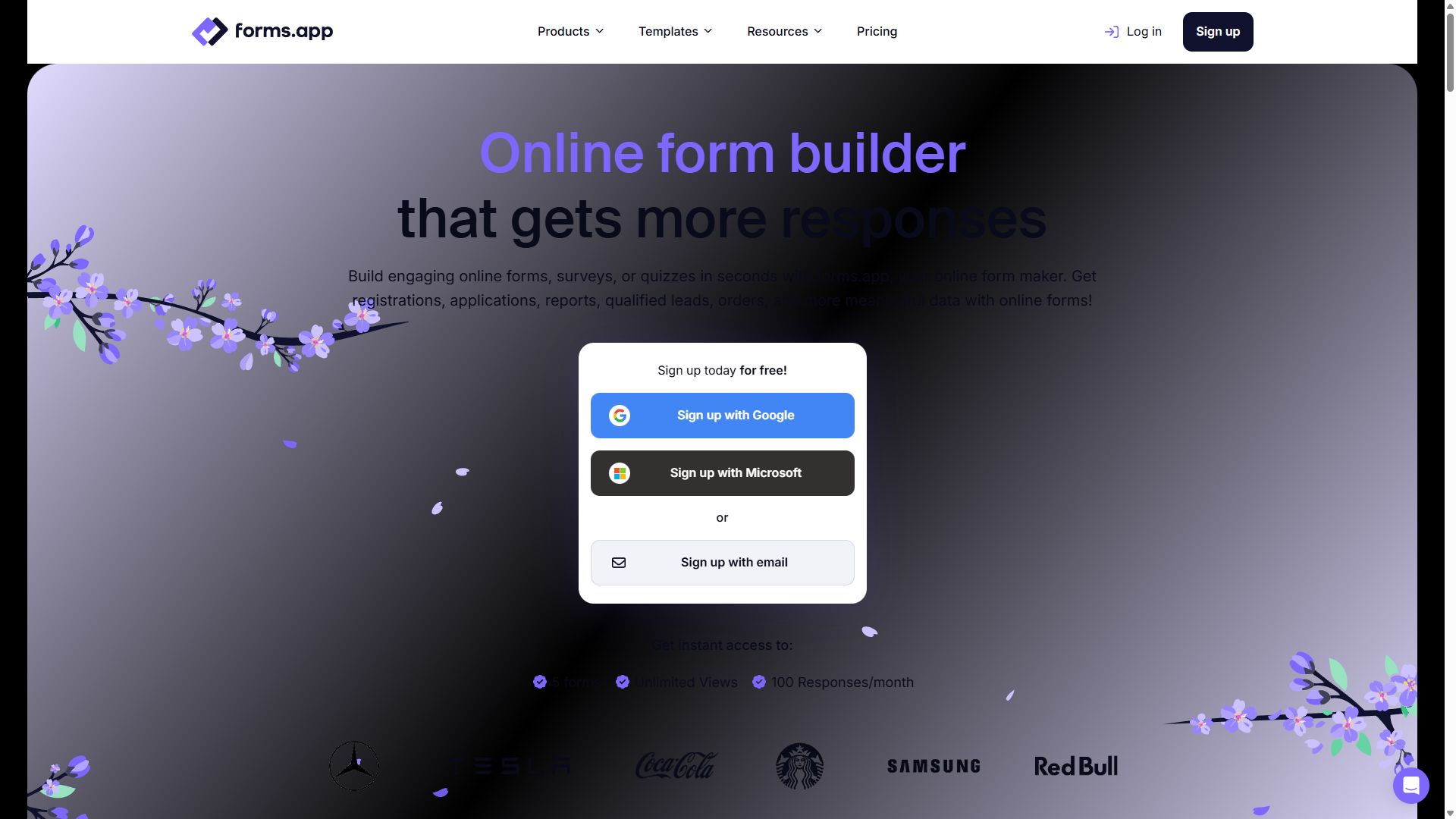
forms.app homepage showing its online form builder
forms.app — captured during our June 2026 testing
#2

Jotform

Best templates & CRM integrations
  • ★ 4.7 G2
  • ★ 4.4 Trustpilot
  • Free plan: 100 submissions/mo
  • Paid from $39/mo

Jotform's template library runs deep into real estate: rental applications, property inquiry forms, maintenance requests, lease renewals, tenant screening — most of the forms a property manager needs already exist and just need your branding. Its PDF generation is the killer feature for this industry, converting each submitted application into a clean document you can file, forward to a landlord, or attach to a lease folder.

With 200+ native integrations including Salesforce and HubSpot, submissions flow straight into whatever CRM your brokerage runs. The costs of all that capability are familiar: $39/month entry pricing, an editor that takes time to learn, and an Enterprise requirement to share the account with teammates — awkward for an office of agents who want one set of branded forms.

Pros

  • Deep real-estate template coverage
  • PDF generation for application paperwork
  • 200+ integrations incl. Salesforce & HubSpot

Cons

  • Paid plans start at $39/mo
  • Editor has a learning curve
  • Team sharing requires Enterprise

Pricing: Free · Bronze $39/mo · Silver $49/mo · Gold $129/mo.

Visit Jotform →
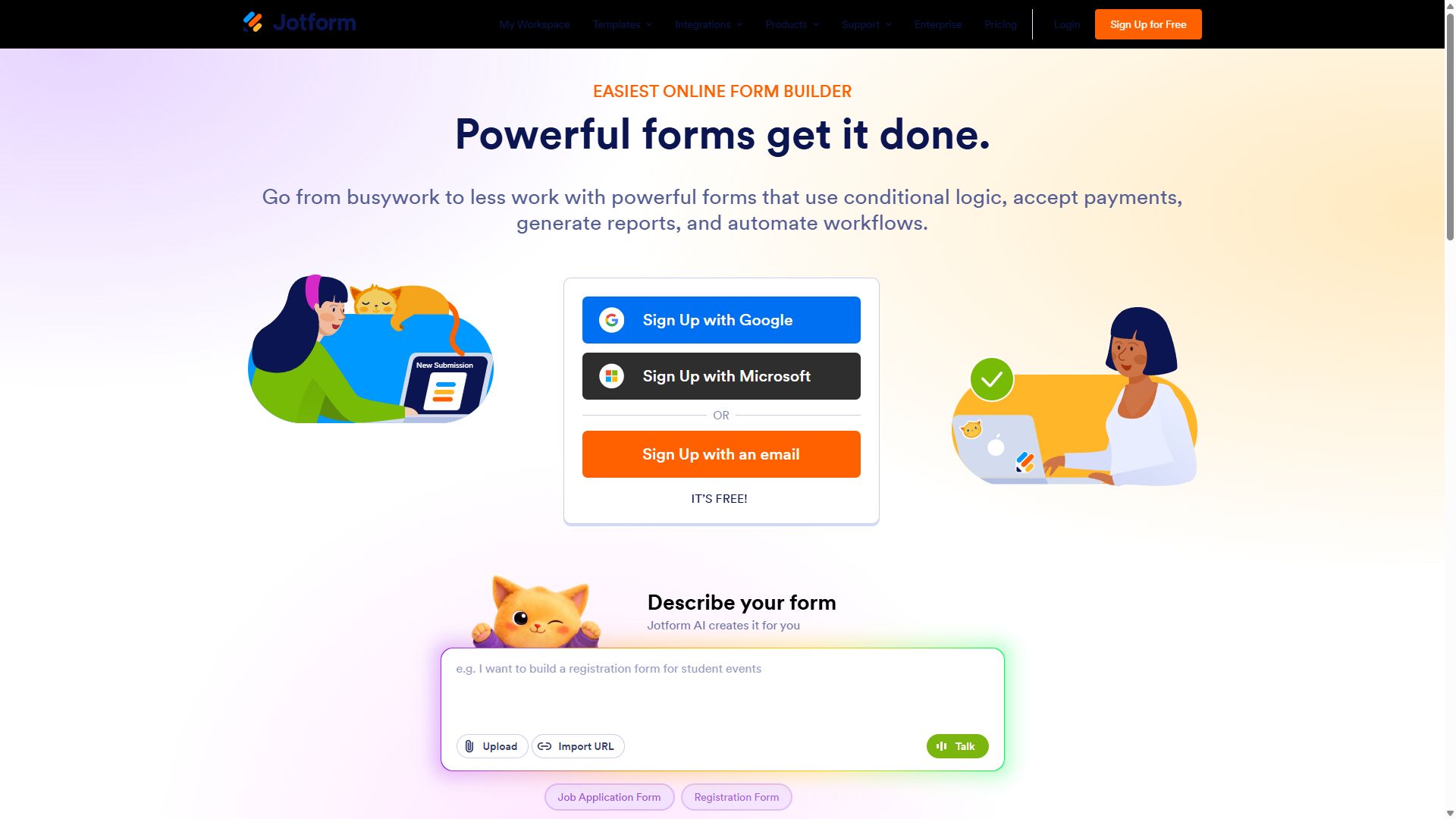
Jotform homepage with its drag-and-drop form builder
Jotform — captured during our June 2026 testing
#3

Cognito Forms

Best for calculators & multi-applicant forms
  • ★ 4.6 G2
  • ★ 4.0 Trustpilot
  • Free plan: 100 entries/mo
  • Paid from $19/mo

Two real-estate problems are secretly math problems, and Cognito Forms solves both. The first is the affordability conversation: its calculation engine can power a monthly-payment estimator or rent-to-income checker right on your website, turning a static page into a lead magnet that pre-qualifies visitors as they type. The second is the multi-applicant application: repeating sections let a couple, roommates, or co-signers each enter their own employment and income details on one form, with no "Applicant 2 (optional)" field clutter.

E-signatures and approval routing are built in, so an application can flow to a property manager for review automatically. The trade-off is presentation — Cognito's forms are plainly styled, which suits an application better than a luxury listing page — and integrations often need Zapier as the bridge to your CRM.

Pros

  • Affordability & payment calculators, no code
  • Repeating sections for co-applicants
  • E-signatures & approvals from $19/mo

Cons

  • Plain form design
  • CRM connections mostly via Zapier
  • Smaller community & fewer tutorials

Pricing: Free · Individual $19/mo · Professional $39/mo · Enterprise $129/mo.

Visit Cognito Forms →
Cognito Forms homepage featuring its form builder
Cognito Forms — captured during our June 2026 testing
#4

Typeform

Best for luxury & relocation questionnaires
  • ★ 4.5 G2
  • ★ 2.1 Trustpilot
  • Free plan: 10 responses/mo
  • Paid from ~$39/mo

For a luxury listing or a white-glove relocation service, the intake form is part of the brand — and a generic web form undercuts a million-dollar impression. Typeform's one-question-at-a-time format makes a buyer questionnaire feel like a concierge conversation: must-haves, neighborhoods, budget, timeline, each on its own elegant screen, styled to your brand with the Brand Kit. Completion rates on these short, engaging forms are the best in the category.

It stays at #4 because it's a specialist here. There are no e-signatures for applications or disclosures, ten free responses a month is a rounding error for an active agent, and seat-based pricing makes it an indulgence for a whole office. Use it as the front door for high-value clients; run the paperwork through the tools above.

Pros

  • Premium feel matches luxury branding
  • Top completion rates on intake forms
  • Brand Kit for consistent styling

Cons

  • No e-signature support
  • Free plan: just 10 responses/mo
  • Expensive for multi-agent teams

Pricing: Free · Basic ~$39/mo · Plus ~$79/mo · Business $129/mo.

Visit Typeform →
Typeform homepage showcasing conversational forms
Typeform — captured during our June 2026 testing
#5

Formstack

Best for brokerages with compliance needs
  • ★ 4.3 G2
  • ★ 1.6 Trustpilot
  • No free plan
  • Paid from $99/mo

A brokerage processing hundreds of transactions a year has problems a solo agent never sees: audit trails, document retention, data security reviews, and a Salesforce org that every lead must land in correctly. That's Formstack's home turf. Its Salesforce integration is the deepest in this guide — field-level mapping with bidirectional sync — and the Suite tier chains forms into auto-generated documents and e-signatures in one native workflow, which maps neatly onto application-to-lease pipelines.

GDPR and SOC 2 compliance are built in for offices handling sensitive financial data at scale. The price of all this is the price: $99/month to start with no free plan, a dated interface, and far more machinery than an individual agent needs. It's listed here for the broker-owner, not the buyer's agent — and note the 1.6 Trustpilot score, driven largely by billing complaints, before you commit annually.

Pros

  • Deepest Salesforce sync in this guide
  • Forms → documents → e-signatures natively
  • GDPR & SOC 2 compliance built in

Cons

  • $99/mo entry, no free plan
  • Dated UI/UX
  • Overkill for individual agents

Pricing: Forms from $99/mo · Suite (Forms + Docs + Sign) from $299/mo · Enterprise custom.

Visit Formstack →
Formstack homepage presenting its workflow platform
Formstack — captured during our June 2026 testing
#6

Paperform

Best for property pages with built-in forms
  • ★ 4.8 G2
  • ★ 4.8 Trustpilot
  • Free plan: 30 submissions/mo
  • Paid from ~$24/mo (annual)

Sometimes a listing needs its own page, not just a form — photos, a description, a viewing-request form, all on one shareable link. Paperform's page-builder hybrid does exactly that: drop property photos and copy onto the canvas, add inquiry fields beneath, and you've published a mini listing page without touching your main website. For agents marketing a standout property, or property managers advertising a vacancy, it's a genuinely elegant shortcut.

Its review scores — 4.8 on both G2 and Trustpilot — are the best in this guide. It ranks sixth anyway because real estate's bread and butter is volume lead capture and application paperwork, and Paperform's 30-submission free tier and learning-curve editor aren't built for that grind. A lovely complement to the tools above; rarely a replacement.

Pros

  • Listing page & inquiry form in one link
  • Best review scores in this guide
  • Booking features suit viewing slots

Cons

  • Free plan caps at 30 submissions/mo
  • Editor takes time to learn
  • Not built for high-volume lead capture

Pricing: Free · Essentials ~$24/mo · Pro ~$49/mo · Business ~$99/mo, billed annually.

Visit Paperform →
Paperform homepage showing landing-page-style forms
Paperform — captured during our June 2026 testing

How to choose a form builder for real estate work

Three questions sort the field faster than any feature chart:

1. Solo agent or brokerage?

The right answer changes with headcount. A solo agent needs speed and price — forms.app at $19/month covers inquiries, sign-ins, and applications without an IT conversation. A brokerage needs governance: shared branding, CRM sync, audit trails. That's when Formstack's $99/month stops looking expensive and Jotform's Enterprise requirement for teammates becomes a real line item to plan around.

2. Will documents need signatures?

Rental applications, pet addendums, and acknowledgment forms benefit enormously from e-signatures — forms.app includes them free, and Cognito Forms bundles them with approval routing at $19/month. For legally binding disclosures and purchase agreements, requirements vary by jurisdiction, so confirm what your market accepts before moving contracts off your transaction-management platform. When in doubt, ask your broker or attorney.

3. Where do leads need to land?

A lead that sits in a form dashboard for two days is a lead lost to a faster agent. Decide where leads must arrive — your phone, your CRM, a shared inbox — and verify the tool delivers there instantly. Jotform's 200+ native integrations cover the major CRMs; Formstack owns the Salesforce-at-scale case; for everything else, a Zapier bridge works but adds one more thing to maintain.

Bottom line

Most agents should start with forms.app — free to test on your next open house, $19/month once it's earning. Brokerages on Salesforce with compliance checklists should price out Formstack instead.

Real estate form builder FAQ

What is the best form builder for rental applications?

forms.app is the best form builder for rental applications in 2026. E-signatures are included even on the free plan, conditional logic adapts the application to each applicant's situation, and file upload fields collect pay stubs and references in one submission. Jotform is a strong alternative if you want each application converted into a polished PDF automatically.

Can I collect e-signatures on real estate forms?

Yes. forms.app includes e-signature fields even on its free plan, and Jotform, Cognito Forms, and Formstack also support signatures. They work well for rental applications, intake forms, and sign-in sheets. For legally binding disclosures and purchase contracts, e-signature requirements vary by jurisdiction, so confirm the rules in your market first — this is not legal advice.

How do open-house QR sign-ins work?

You build a short sign-in form, generate its QR code in the form builder, print it, and place it at the entrance. Visitors scan with their phone camera and fill out the form on their own device — no shared tablet or paper sheet. Every visitor lands in your response list with a timestamp, ready for same-day follow-up. forms.app makes this especially easy with built-in QR code generation.

Which form builders integrate with real estate CRMs?

Jotform leads with more than 200 native integrations, including Salesforce and HubSpot, which many brokerages use as their CRM backbone. Formstack offers the deepest Salesforce integration with field-level mapping and bidirectional sync for larger brokerages. For CRMs without a native connection, most tools on this list — including forms.app and Cognito Forms — can connect through Zapier.