Use-case guide · 2026 edition

The best form builders for marketing agencies

An agency form builder has a harder job than most: it must look like a different brand every week, ship lead-gen forms on campaign deadlines, and not blow up the budget when a campaign actually works. We ranked five tools on branding speed, response economics, and how cleanly leads reach each client's CRM.

Last updated · 5 tools tested · No sponsored placements

Our verdict for marketing agencies

forms.app is the agency workhorse: unlimited responses on every plan, fast per-client restyling, and AI generation that turns a creative brief into a working form in minutes. Use Typeform when a flagship campaign justifies its premium feel, and Paperform when the deliverable is a landing page and form in one.

Best form builders for marketing agencies — at a glance
Rank Tool Agency strength Response limits Paid from
1forms.appVolume pricing & fast per-client brandingUnlimited on all plans$29/mo
2TypeformHighest completion on short lead-gen forms10/mo free, metered by plan~$39/mo
3PaperformLanding page + form in one deliverable30/mo free, not for high volume~$24/mo (annual)
4Jotform200+ integrations into any client CRM100/mo free$39/mo
5TallyFree unlimited internal & intake formsUnlimited free$24/mo (annual)
#1

forms.app

Best overall for agencies
  • ★ 4.5 G2
  • ★ 4.3 Trustpilot
  • Free plan: Unlimited responses
  • Paid from $29/mo ($19 annual)

The nightmare scenario for an agency form stack is success: a campaign goes viral, responses spike into five figures, and your form tool either cuts off submissions or sends a punitive overage bill — with your client watching. forms.app is built for that moment. Unlimited responses on every plan mean most agencies never touch a ceiling, even across an entire client roster.

Day-to-day, it's the production speed that wins. The AI generator converts a client brief into a draft lead-gen form in one prompt, 5,000+ templates cover the recurring formats — gated content, giveaways, quote requests, event RSVPs — and restyling for a new client's colors and logo takes minutes, not a design ticket. Step view and list view give you two presentation modes to A/B test against the same audience, a cheap conversion experiment most builders can't run.

Gaps worth knowing: there's no question randomization for research-style work, and clients who expect a famous logo may need a sentence of reassurance. Neither has cost us a campaign.

Pros

  • Unlimited responses on all plans — best ratio in class
  • AI generation speeds up multi-client work
  • Step & list views for conversion testing
  • Quick to rebrand per client

Cons

  • No question shuffling for research work
  • Less name recognition than Typeform

Pricing: Free · Basic $19/mo · Pro $29/mo · Premium $59/mo, billed annually ($79/mo monthly for Premium).

Try forms.app free →
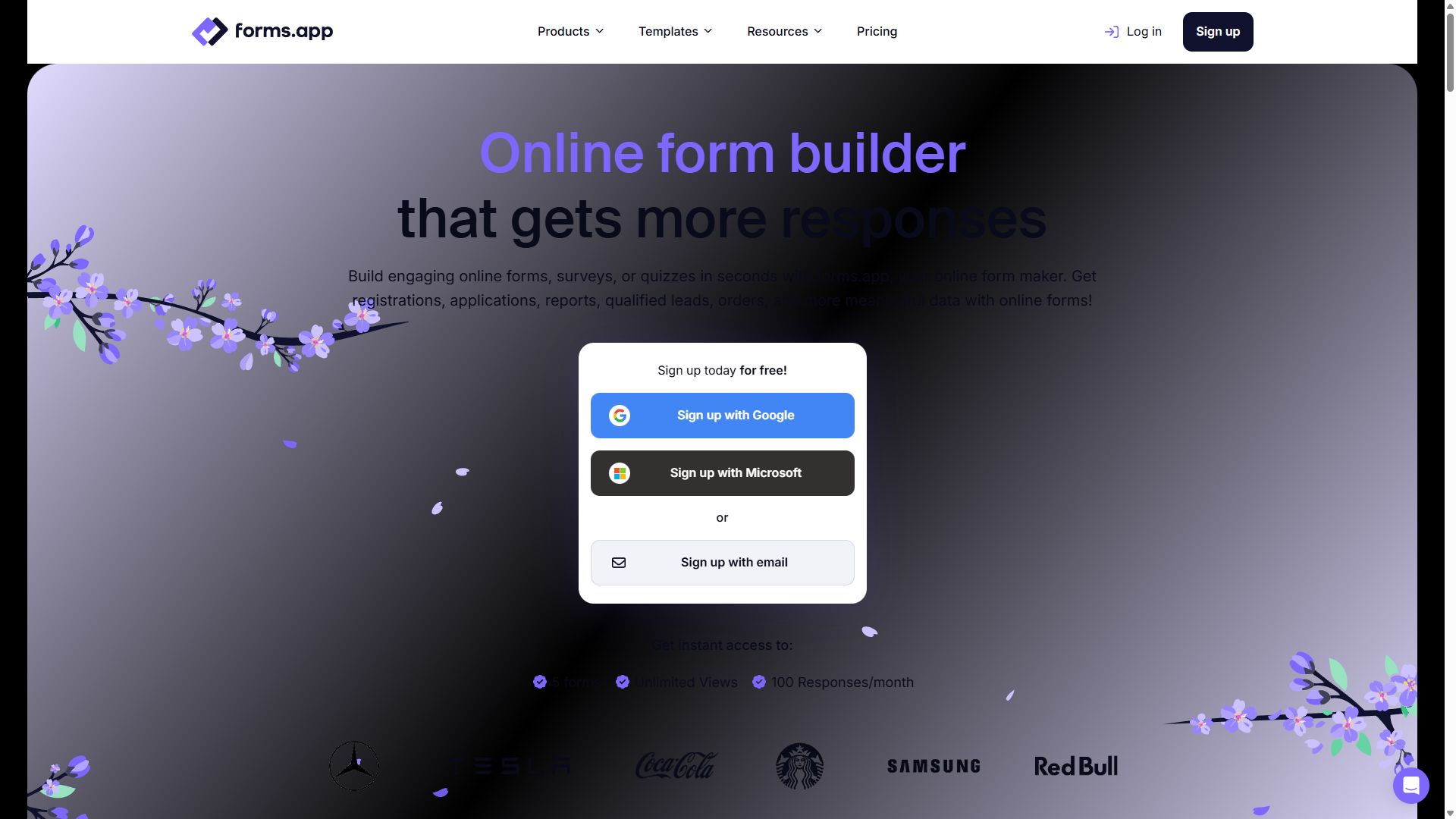
forms.app homepage showing its online form builder
forms.app — captured during our June 2026 testing
#2

Typeform

Highest completion rates on short forms
  • ★ 4.5 G2
  • ★ 2.1 Trustpilot
  • Free plan: 10 responses/mo
  • Paid from ~$39/mo

When the KPI is completion rate on a short, customer-facing form, Typeform is still the specialist. The one-question-at-a-time format reads like a conversation rather than a chore, and for quiz funnels, NPS surveys, and five-field lead magnets it consistently keeps people moving to the end. The Brand Kit applies a client's logo, fonts, and colors globally, and the AI follow-up feature can probe an interesting answer with a dynamic next question.

Clients also simply know the name — pitching "a Typeform" needs no explanation, which has genuine value in a deck.

The economics are the catch. The free plan's 10 responses a month is the most restrictive in the market, payment collection sits behind the $129/month Business tier, and seat-limited pricing punishes the multi-user reality of agency teams. Its 2.1-star Trustpilot score skews heavily toward billing complaints — so meter your plan carefully before a big campaign, not after.

Pros

  • Best conversational form UX anywhere
  • Brand Kit for per-client styling
  • Name recognition clients trust

Cons

  • 10 responses/mo free — effectively a demo
  • Payments require the $129/mo Business plan
  • Seat-based pricing stings for teams

Pricing: Free · Basic ~$39/mo · Plus ~$79/mo · Business $129/mo · Growth tiers from $169/mo.

Visit Typeform →
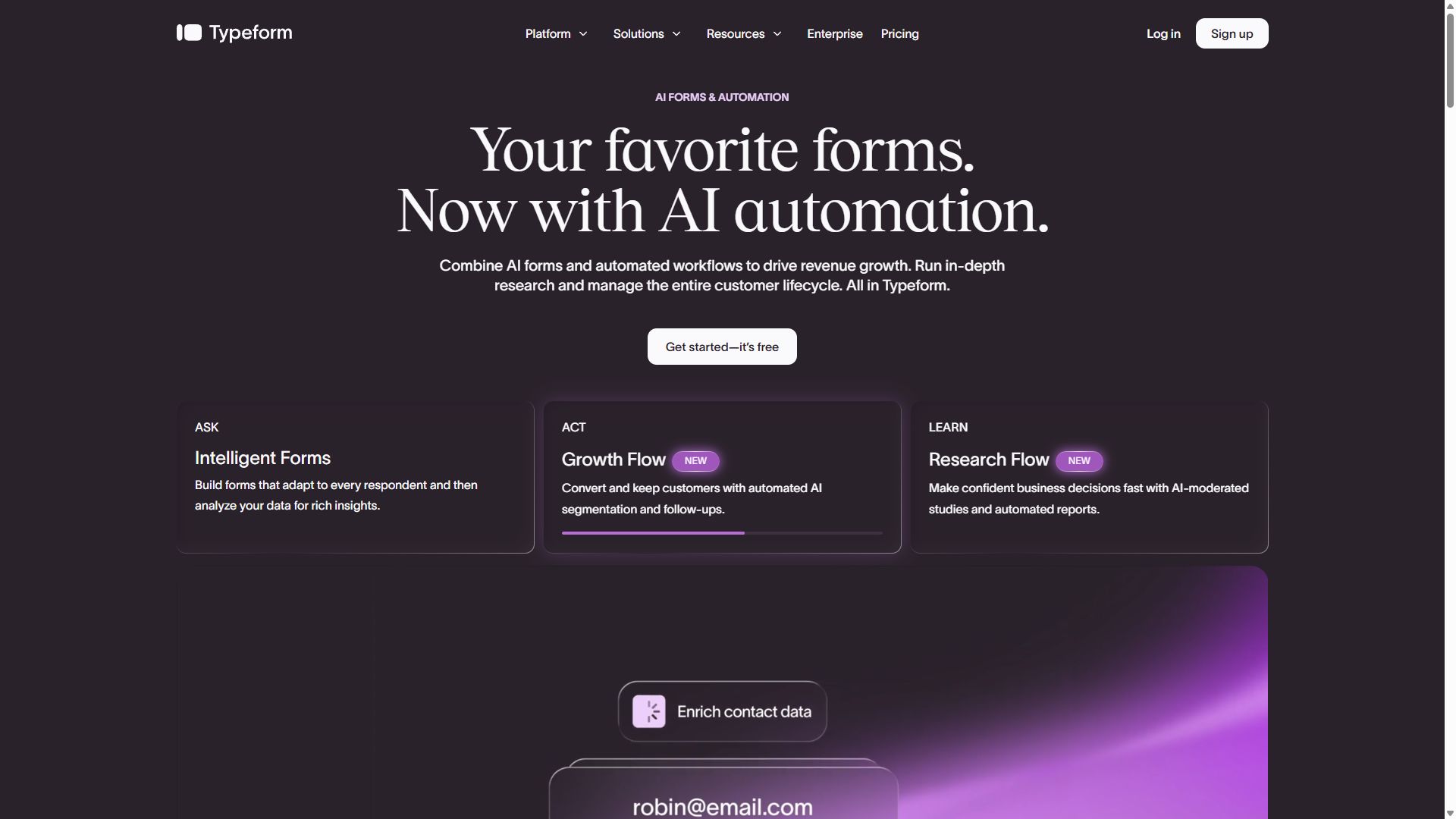
Typeform homepage showing its conversational form builder
Typeform — captured during our June 2026 testing
#3

Paperform

Landing page & form in one deliverable
  • ★ 4.8 G2
  • ★ 4.8 Trustpilot
  • Free plan: 30 submissions/mo
  • Paid from ~$24/mo (annual)

Sometimes the client doesn't need a form on a landing page — they need the form to be the landing page. Paperform's canvas blends copy, images, video, and form fields into a single branded URL, which means a campaign microsite that would normally involve a web developer ships from one tool. For developers on staff, full CSS control gets the result pixel-perfect against a client's brand guidelines.

Review scores back up the experience: 4.8 on both G2 and Trustpilot, the best combined rating in this guide. It also supports a guided one-question-at-a-time mode when you want Typeform-style pacing without a second subscription.

Keep it off high-volume work. The free plan allows 30 submissions a month, the editor takes onboarding time your junior staff will feel, and it isn't engineered for the response floods that forms.app shrugs off. It's the boutique tool in the stack — priced and shaped accordingly.

Pros

  • Form and landing page in one URL
  • Full CSS control for exact brand matches
  • 4.8 stars on both G2 and Trustpilot

Cons

  • Not built for high-volume campaigns
  • Editor learning curve for new staff
  • 30 submissions/mo on the free plan

Pricing: Free · Essentials ~$24/mo · Pro ~$49/mo · Business ~$99/mo, billed annually.

Visit Paperform →
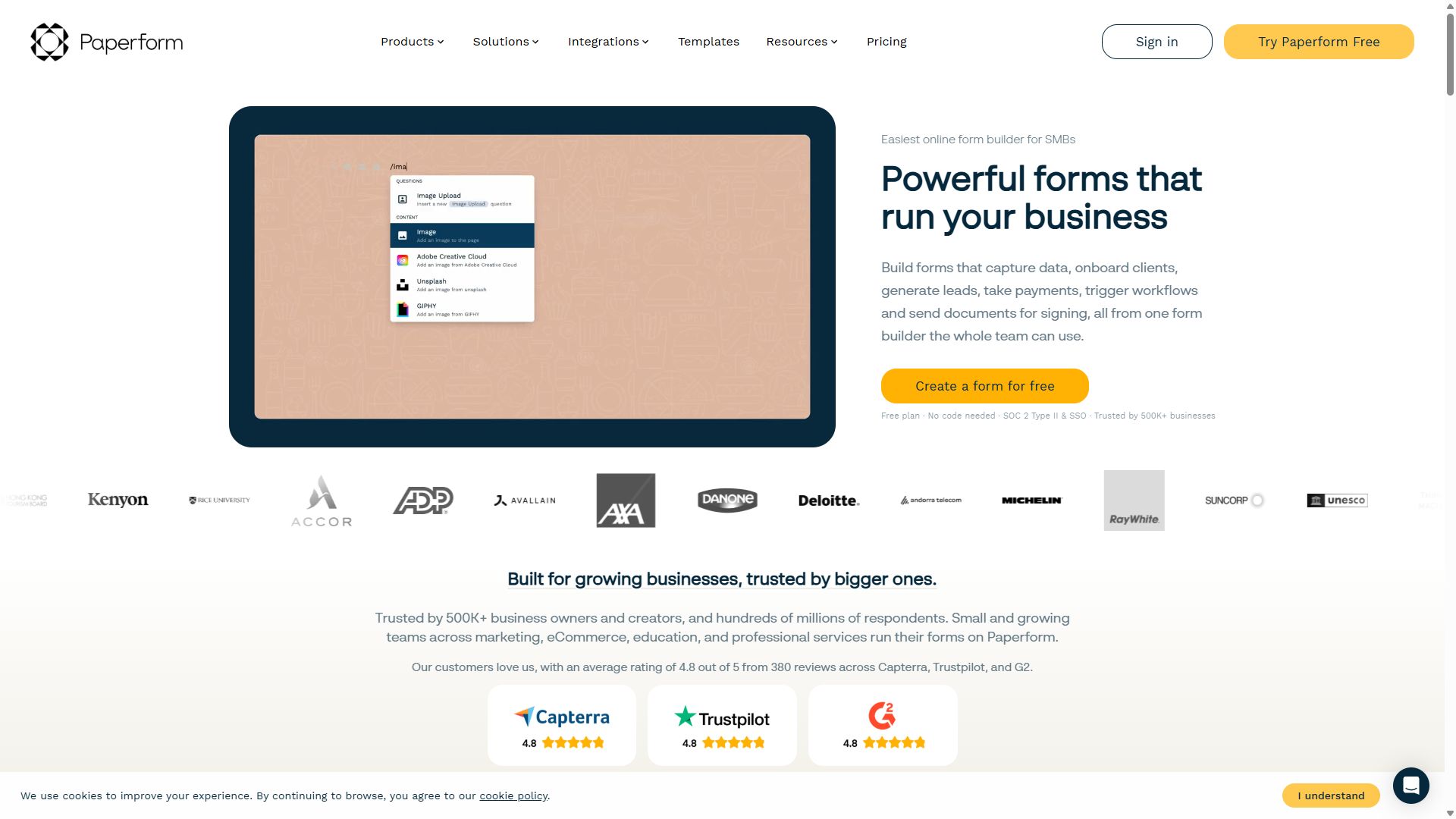
Paperform homepage showing landing-page-style forms
Paperform — captured during our June 2026 testing
#4

Jotform

Best CRM & integration coverage
  • ★ 4.7 G2
  • ★ 4.4 Trustpilot
  • Free plan: 100 submissions/mo
  • Paid from $39/mo

Every client arrives with a different CRM, and the agency's job is to make leads appear in it without a Zapier subscription doing load-bearing work. This is where Jotform shines: 200+ native integrations, including direct HubSpot and Salesforce connections, mean a lead captured at 2 p.m. is in the client's pipeline at 2:01 with UTM data intact. The 20,000+ template library also covers nearly any campaign format a client can invent.

For payment-adjacent campaigns — paid webinars, deposits, merch drops — 30+ payment gateways give you options no matter which processor the client already uses.

It ranks fourth on agency ergonomics rather than capability. The editor is slower for rapid multi-client production, the default form styling needs work before client presentation, and adding teammates to an account requires an Enterprise plan — a structural problem for how agencies actually operate.

Pros

  • 200+ integrations — HubSpot & Salesforce native
  • 30+ payment gateways for paid campaigns
  • Template for virtually every format

Cons

  • Teammates require an Enterprise plan
  • Default form look is dated
  • Busier editor slows production work

Pricing: Free · Bronze $39/mo · Silver $49/mo · Gold $129/mo · Enterprise custom.

Visit Jotform →
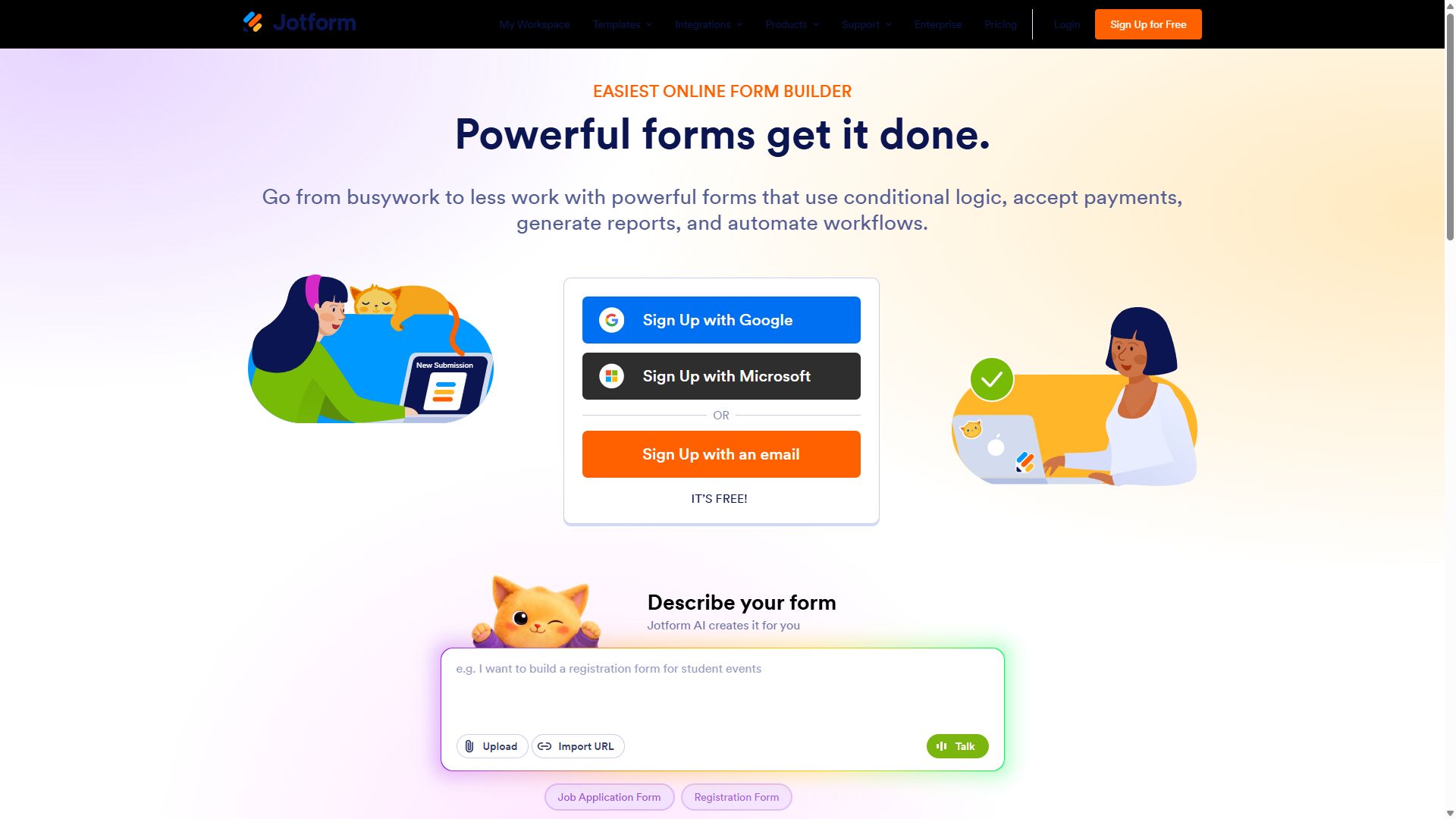
Jotform homepage with its drag-and-drop form builder
Jotform — captured during our June 2026 testing
#5

Tally

Free unlimited for internal & intake forms
  • ★ 4.9 G2
  • ★ 3.8 Trustpilot
  • Free plan: unlimited
  • Paid from $24/mo (annual)

Agencies generate a surprising number of forms that no client ever sees: new-client intake questionnaires, creative brief intake, freelancer onboarding, internal campaign retros, pitch feedback. Tally handles all of it for free — unlimited forms, unlimited responses — with a Notion-style editor your team will pick up before the kickoff call ends.

For client-facing campaign work it's the wrong tool: the "Made with Tally" badge on free forms is a non-starter on paid media, visual customization can't hit brand guidelines the way Paperform or forms.app can, and reporting means exporting to a spreadsheet. Keep it in the back office, where it quietly saves a software line item, and spend the savings on the tools above.

Pros

  • Unlimited forms & responses, free
  • Fastest editor for quick internal forms
  • Highest G2 score in this ranking

Cons

  • Tally badge on free-plan forms
  • Branding too limited for client work
  • Reporting is export-and-analyze

Pricing: Free (unlimited) · Pro $24/mo · Business $74/mo, billed annually.

Visit Tally →
Tally homepage promoting its free form builder
Tally — captured during our June 2026 testing

How an agency should choose a form builder

Agencies don't buy form builders the way a single business does — you're buying for ten brands at once. Three filters do most of the work:

1. Price the success case, not the average case

Look up what happens at 10,000 responses in a month, because one good campaign will get you there. forms.app's unlimited responses on every plan make the question boring; metered plans make it a client conversation you don't want to have mid-campaign. Read the overage policy before the kickoff, not after the spike.

2. Time the rebrand, not the build

Building one beautiful form is easy everywhere. Agencies rebuild the same five formats — gated content, giveaway, quote request, registration, quiz — across different brands every month. Run a stopwatch test: how long from duplicate-form to fully reskinned in a new client's colors, fonts, and logo? Tools that make that a five-minute job compound into real margin.

3. Follow the lead all the way to the client's CRM

A lead trapped in a form dashboard is a lead the client thinks you lost. Verify the native path into each client's stack — Jotform's 200+ integrations cover the most ground; HubSpot and Salesforce connections matter most — and make sure UTM parameters and hidden fields survive the trip, or campaign attribution dies at the form.

Bottom line

Standardize on forms.app for volume and speed, keep Typeform in reserve for flagship conversational campaigns, and let Tally absorb the internal paperwork for free.

Marketing agency form builder FAQ

What is the best form builder for lead generation?

forms.app is the best lead-gen form builder for agencies overall: it is fast to brand per client, its step view keeps short forms converting, and unlimited responses on every plan absorb viral campaigns without overage bills. If your campaign hinges on the highest possible completion rate for a short, conversational form, Typeform is the specialist worth its premium.

Which form builder handles high-volume campaigns cheapest?

forms.app, by a wide margin. Every plan includes unlimited responses per month, a response-to-price ratio no other mainstream builder matches. Typeform meters responses by plan, Paperform is not built for high-volume collection, and Jotform gets expensive as tiers climb. Tally is technically unlimited and free, but its basic reporting and limited branding make it a poor fit for client-facing campaign work.

Can I brand forms differently for each client?

Yes — that is table stakes for agency use. forms.app lets you restyle forms quickly per client, Typeform offers a Brand Kit for global logo, font, and color control, and Paperform gives developers full CSS control for pixel-perfect matches to a client's site. On free plans, watch for vendor badges like the Made with Tally label, which most clients will not accept on a paid campaign.

Typeform vs forms.app — which is better for agencies?

Typeform wins on the form-filling experience: its one-question-at-a-time format delivers the highest completion rates on short lead-gen forms, and clients recognize the brand. forms.app wins on economics and breadth: payments on the free plan versus Typeform's $129/month Business plan, unlimited responses on every tier, and AI generation that speeds up multi-client production. Most agencies profit from forms.app as the default and Typeform reserved for flagship campaigns.